
A 4K frame measures 3840 by 2160 pixels, which is four times the pixel count of 1080p. Where the video goes helps decide how many of those pixels reach a screen. A recording made in a capture app can keep every one, while a video call often arrives at 1080p or less. That gap shapes what 4K webcams are good for, and the extra resolution brings costs of its own.
The first cost is frame rate: wherever a camera here gives one for 4K, it is 30 fps. Some keep zoom or a narrower view for lower resolutions, and some need a well-lit room for crisp 4K detail. One asks for a USB 3.0 port, while the rest run on USB 2.0 or name no USB version. Every pick on this page comes with a full review.
Our Top Picks
Compare all 8 picks
| Spec | #1 Insta360 Link 2 4K PTZ Webcam | #2 EMEET NOVA 4K Webcam | #3 Acer A640 4K Webcam | #4 EMEET C60E Dual-Camera 4K Webcam | #5 Insta360 Link 2 Pro 4K PTZ Webcam | #6 EMEET SmartCam S600 4K Webcam | #7 AOC AC310 4K Webcam | #8 Logitech MX Brio 4K Webcam |
|---|---|---|---|---|---|---|---|---|
| Score | 8.6 | 8.4 | 8.3 | 8.2 | 8.2 | 8 | 7.8 | 7.6 |
| Platform / ecosystem | — | — | — | — | — | Mac, Windows / PC | — | — |
| Specific feature | App control, Pan / tilt, Auto-tracking | Omnidirectional, Privacy shutter | Privacy shutter | Omnidirectional, Privacy shutter | App control, Pan / tilt, Auto-tracking | Privacy shutter | Privacy shutter | Privacy shutter |
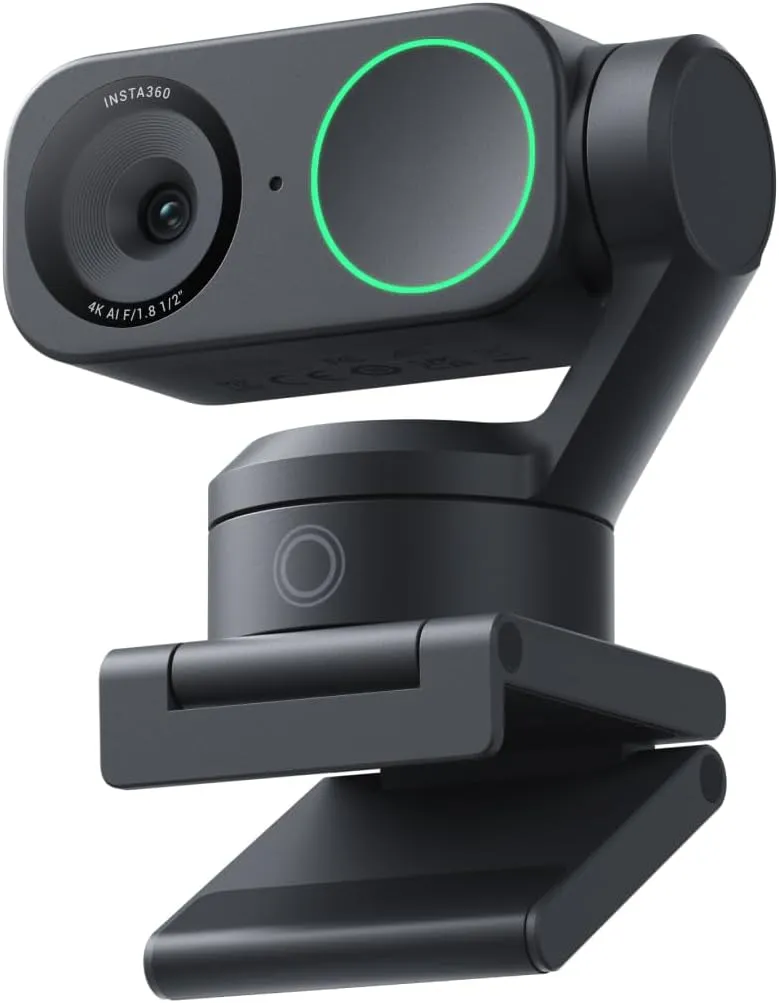
Insta360 Link 2 4K PTZ Webcam
A sharp, fast-focusing 4K webcam whose gimbal keeps a moving presenter centered, worth the premium for calls taken on your feet.
Read our full reviewCheck Price on Amazon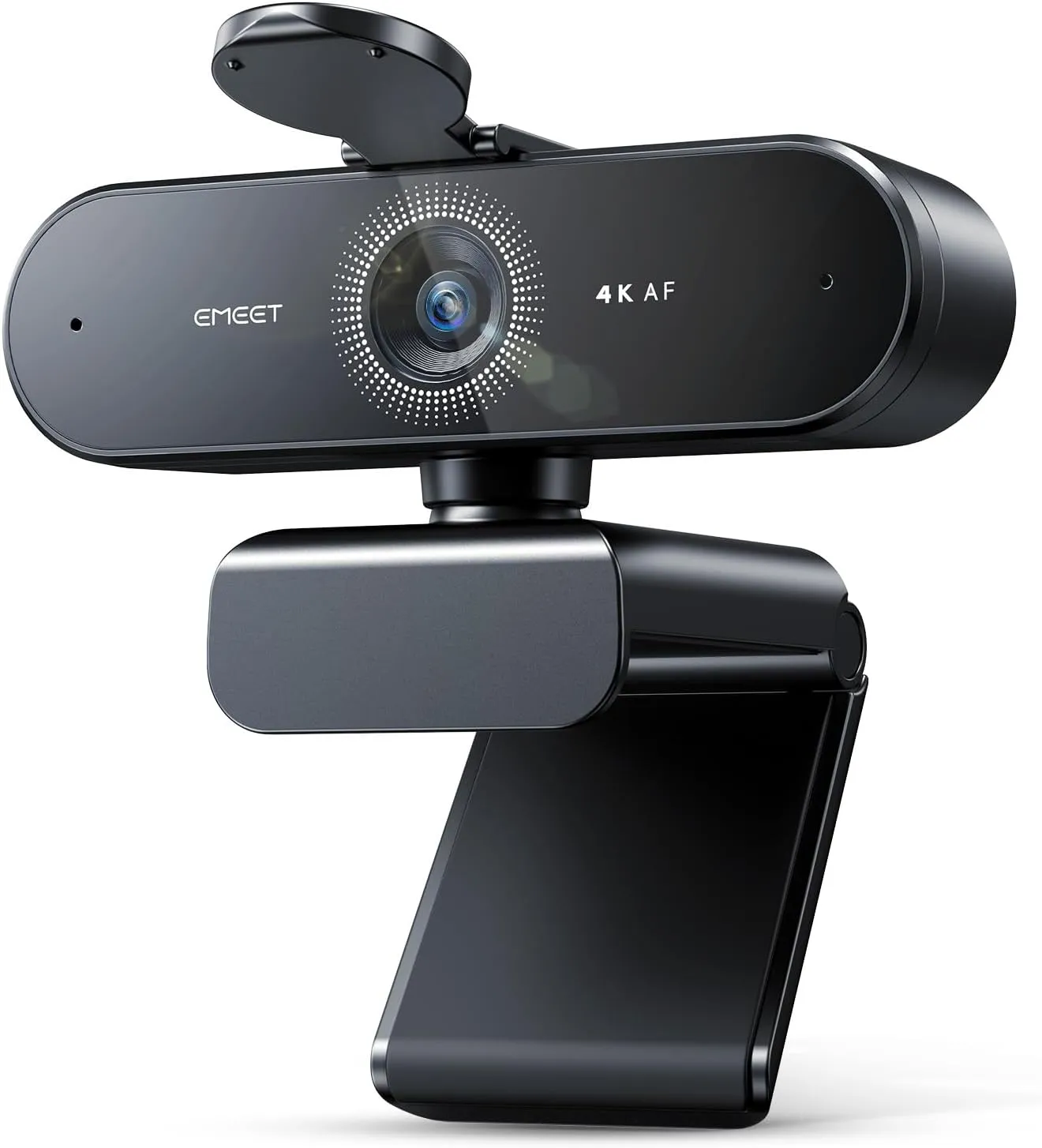
EMEET NOVA 4K Webcam
For one person at a desk on a budget, EMEET's NOVA 4K delivers crisp 4K detail, phase-detect focus that holds through a call and clear desk-distance audio.
Read our full reviewCheck Price on Amazon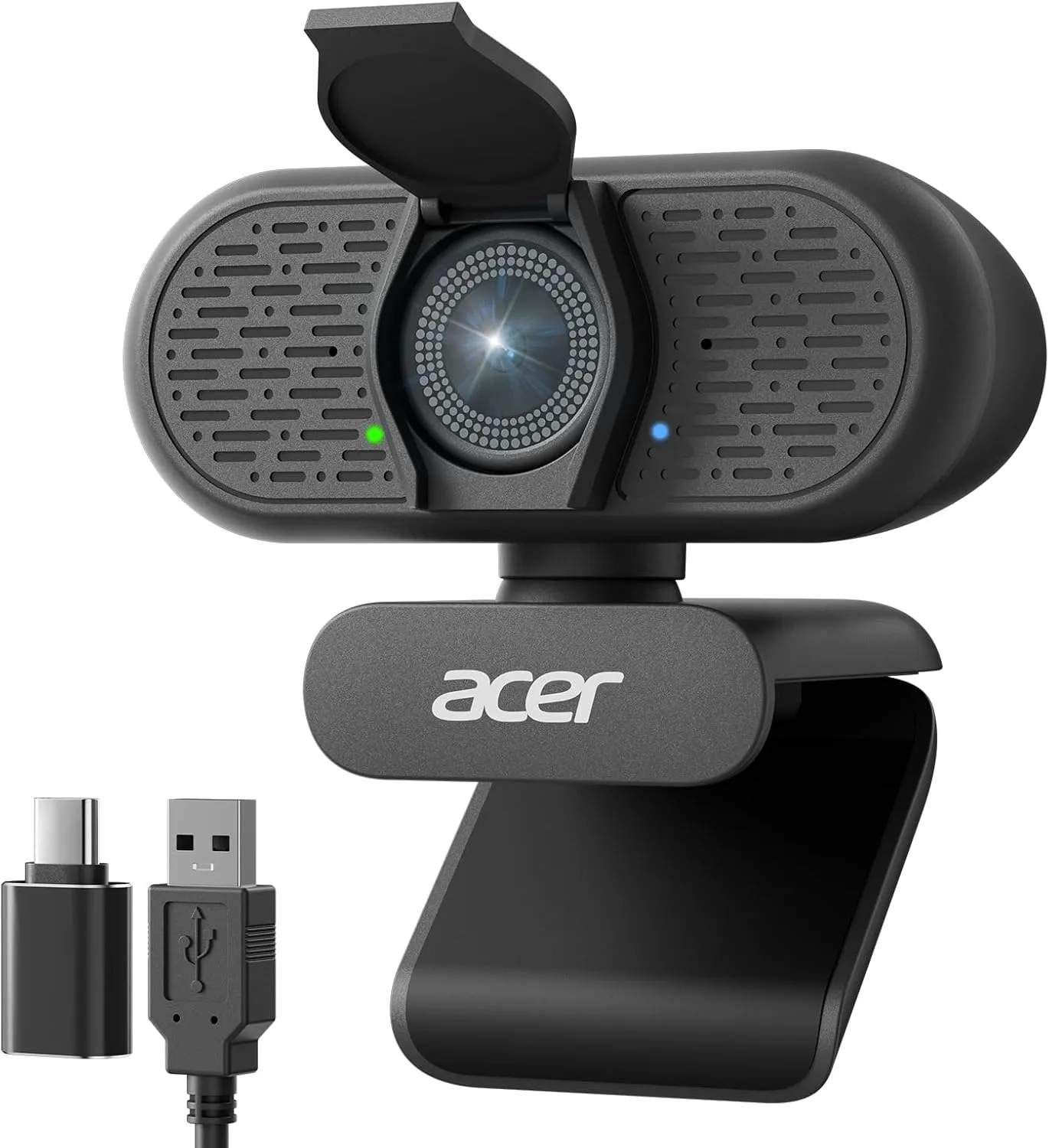
Acer A640 4K Webcam
The Acer A640 locks focus fast and renders a crisp 4K picture for budget money, and with decent light it suits calls and starter streams alike.
Read our full reviewCheck Price on Amazon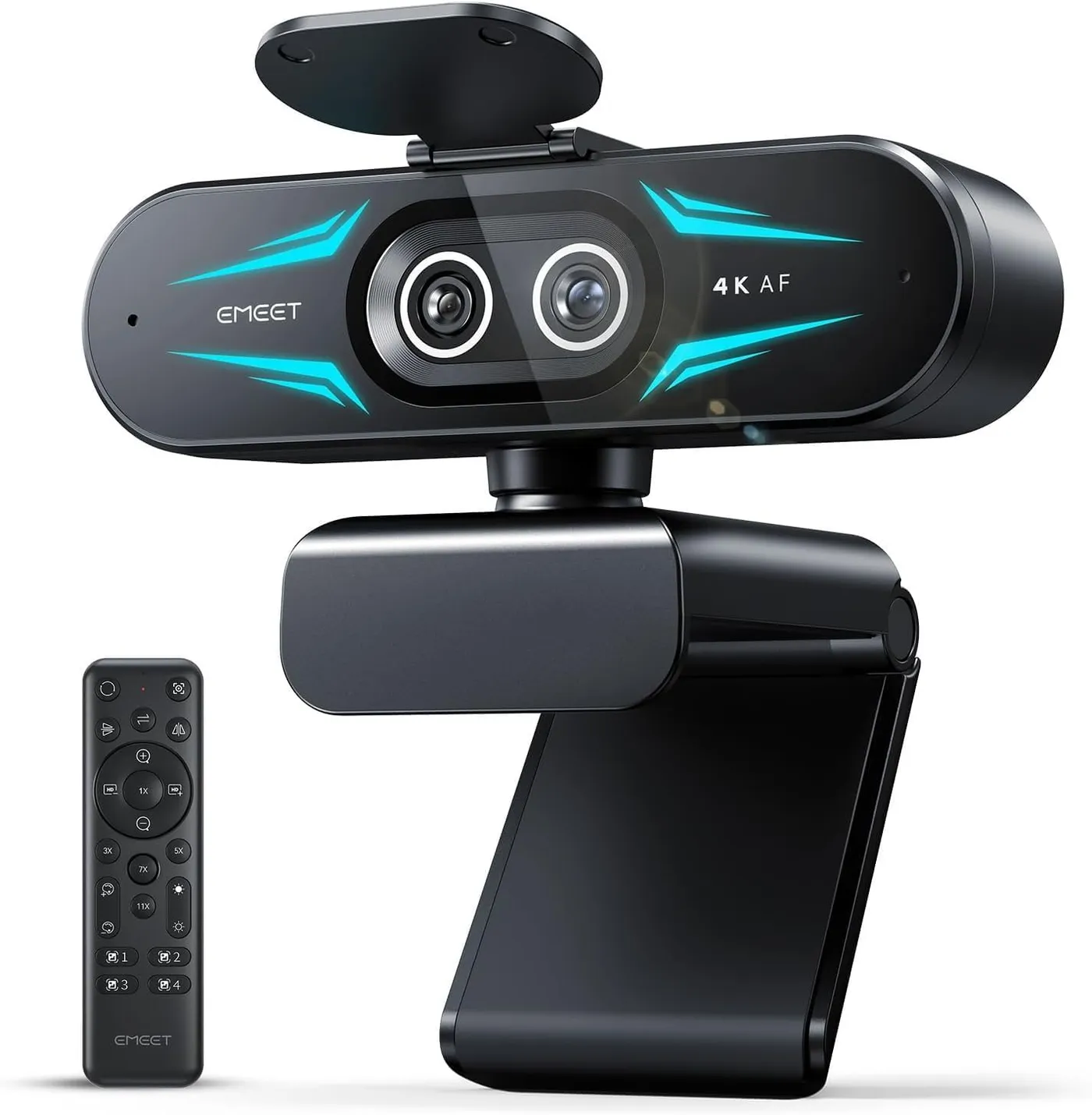
EMEET C60E Dual-Camera 4K Webcam
With a telephoto lens one remote press away from its wide view, the EMEET C60E gives streams, classes and product demos a sharp close-up whenever they need one.
Read our full reviewCheck Price on Amazon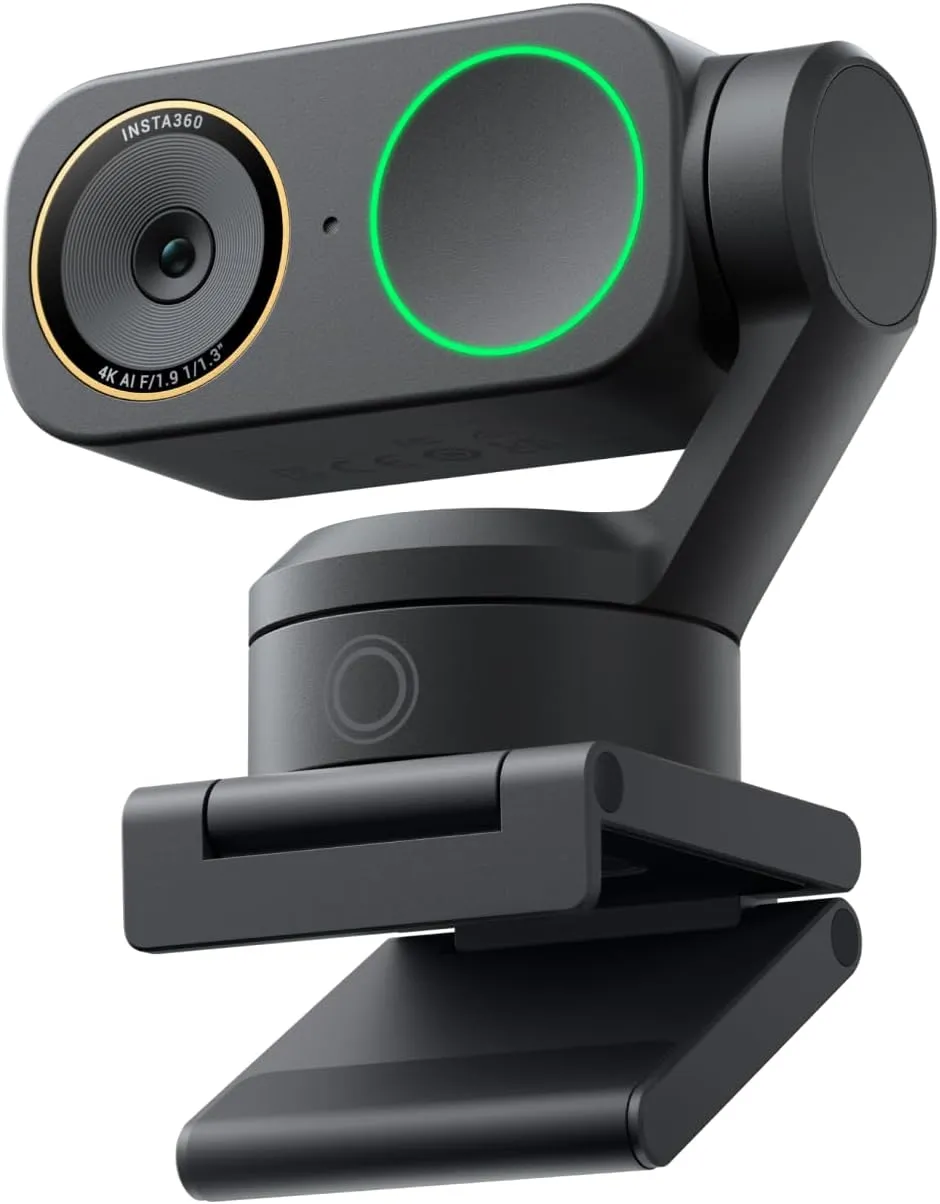
Insta360 Link 2 Pro 4K PTZ Webcam
Dim rooms stay sharp and voices stay clear on this Pro, whose larger sensor and directional second mic ride the same tracking gimbal as the Link 2.
Read our full reviewCheck Price on Amazon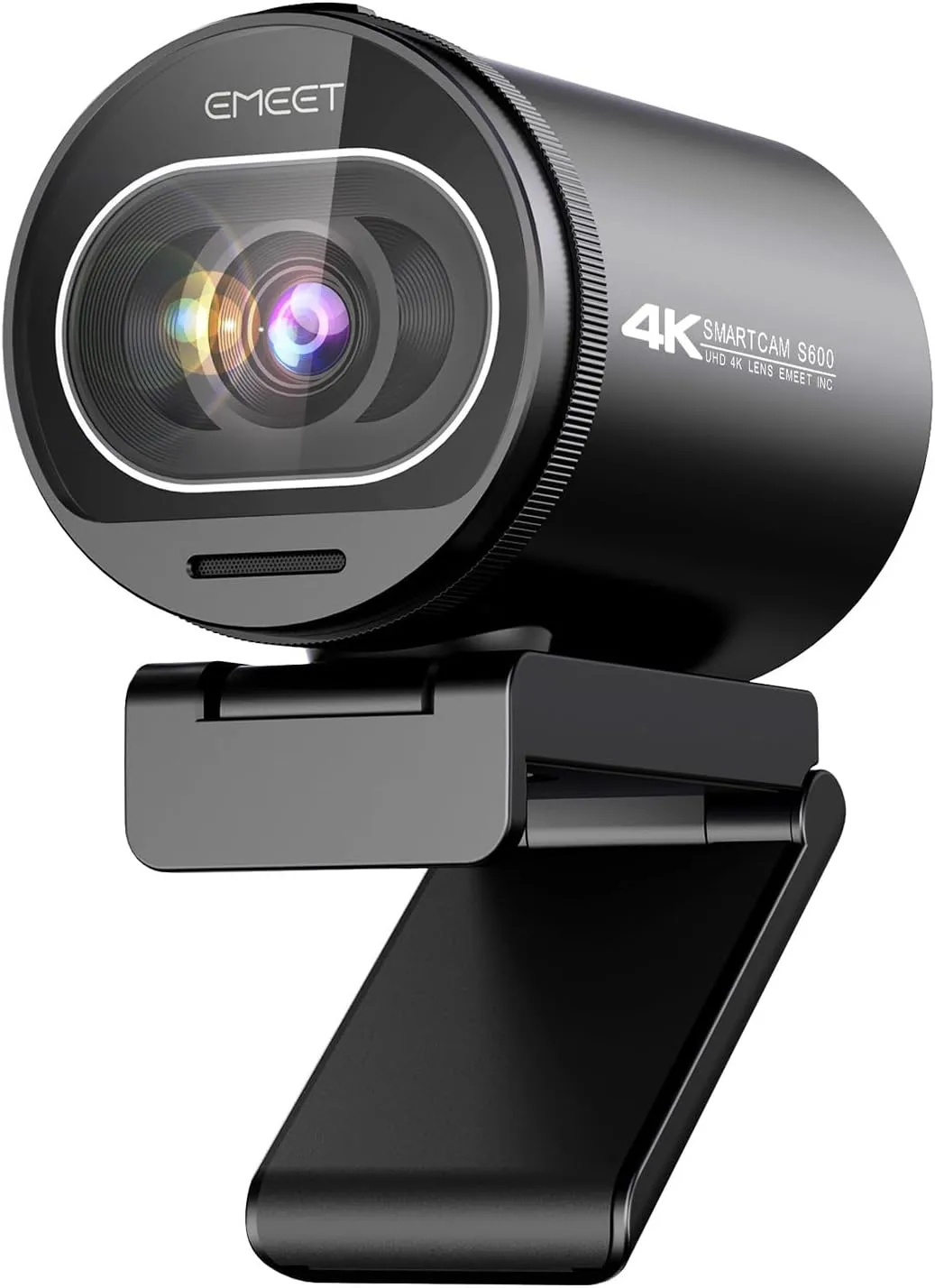
EMEET SmartCam S600 4K Webcam
Fluid 1080p60 video and quick PDAF focus earn the EMEET S600 its mid-range price as a streaming camera, with 4K on hand for recorded clips.
Read our full reviewCheck Price on Amazon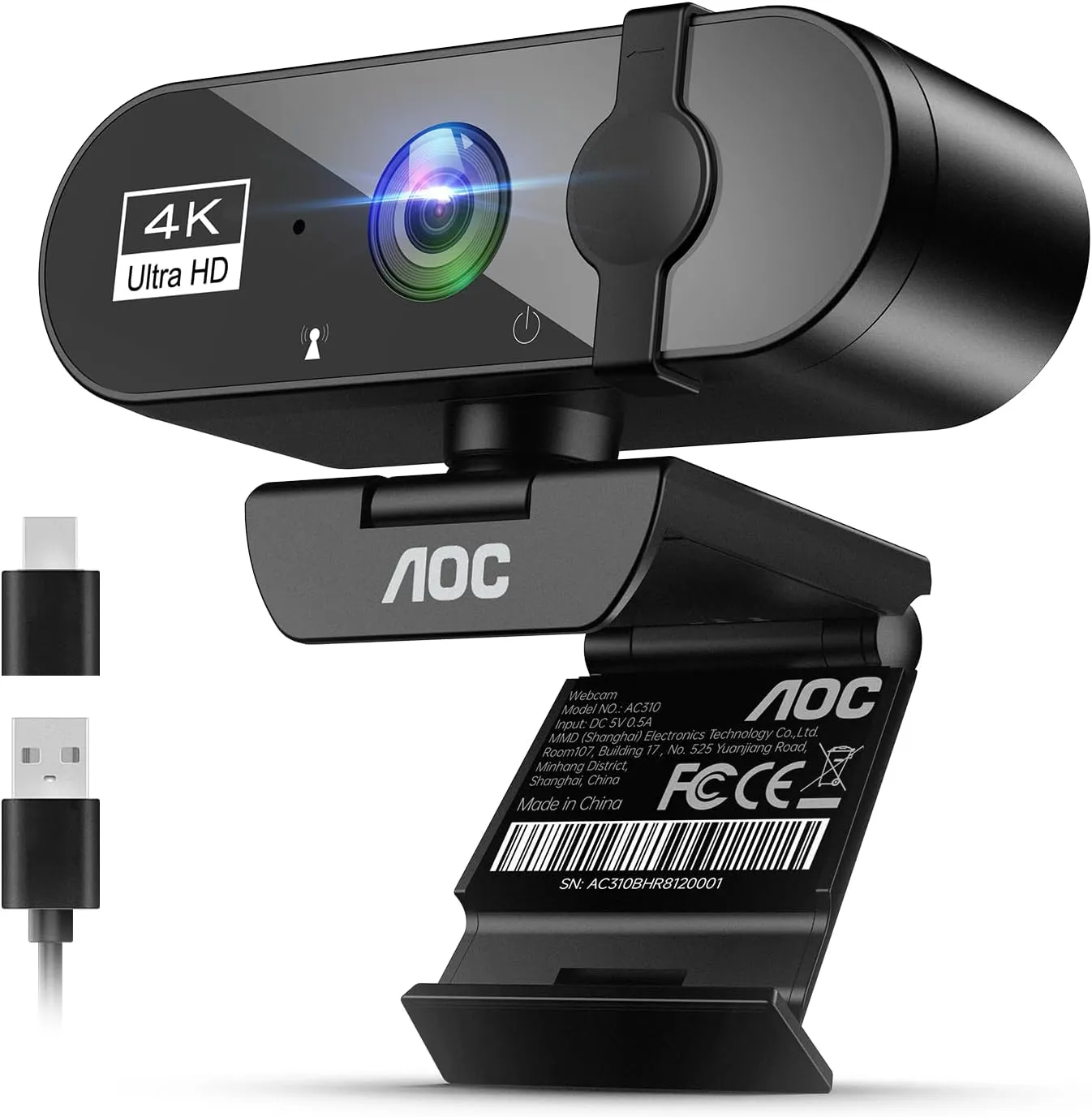
AOC AC310 4K Webcam
Buy the AOC AC310 for clear calls and online classes on a small budget: it needs no drivers, carries a voice well and slides a cover over its lens, with 4K best taken as headroom.
Read our full reviewCheck Price on Amazon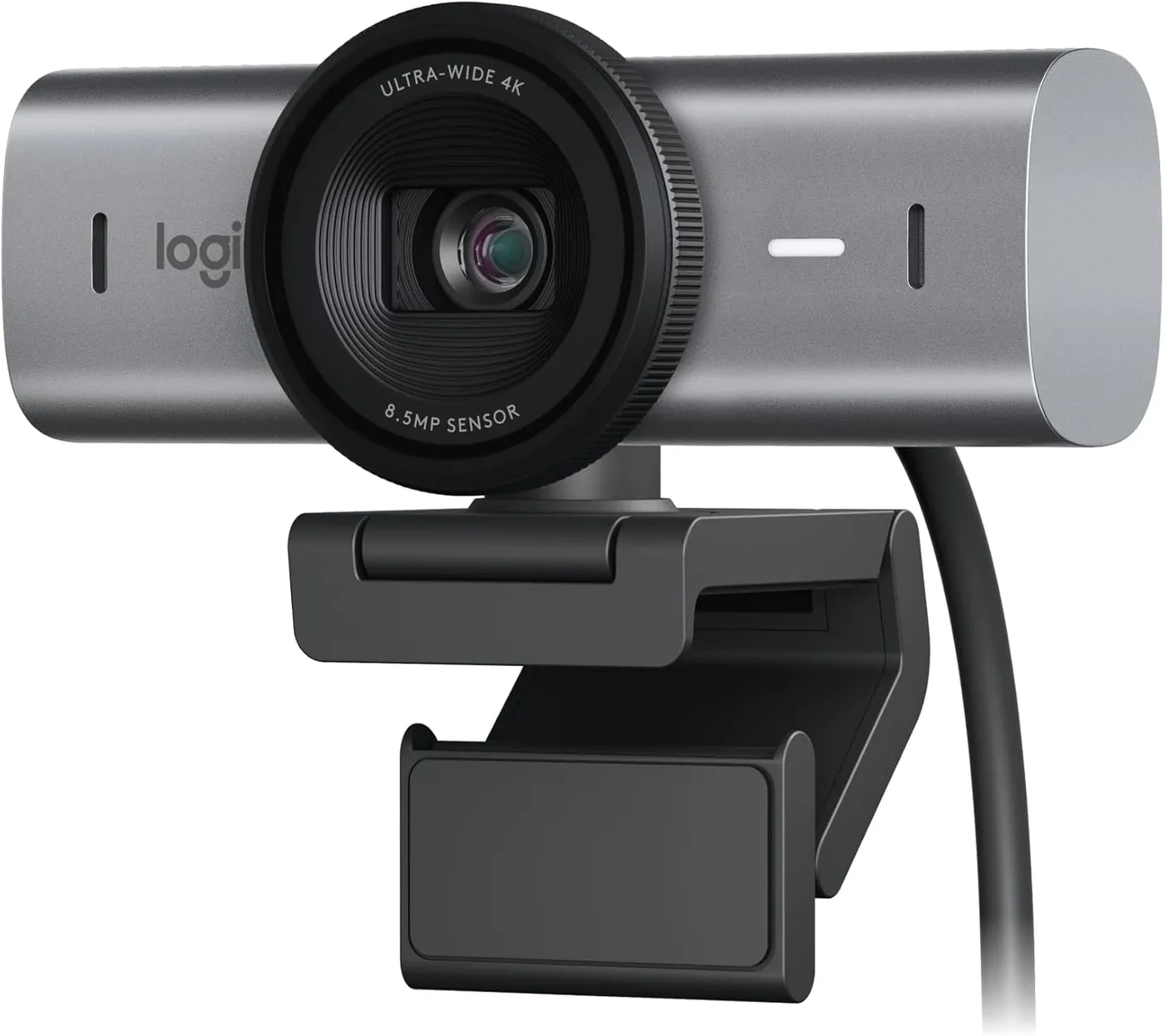
Logitech MX Brio 4K Webcam
Sharp 4K detail and steady exposure beside a sunny window, plus manual ISO and white balance, for desks that can spare a fast USB-C port.
Read our full reviewCheck Price on AmazonBuying Guide
Start with the app the camera will feed. Call software sets its own resolution, and it seldom asks for 4K. Take the EMEET S600, which meeting platforms open at 1080p and 30 fps by its maker's account. A call app may go lower still, to keep the call running smoothly. Its 4K mode comes into play in capture apps such as OBS or PotPlayer instead. There, a recorded tutorial or product video gets sharp, detailed 4K, as long as the room is well lit.
The EMEET NOVA 4K adds streaming to that list. It ships set to 1080p, and its 4K mode is a switch in the camera software, OBS or PotPlayer. Once 4K is on, its picture stays detailed through a Twitch or YouTube stream.
Next, weigh what 4K asks in return. Where 4K runs at 30 fps, fluid 60 fps motion means a lower resolution on the models that offer it. The port matters too, since the Logitech MX Brio expects a USB 3.0 connection, which its maker calls a requirement. Through a slower cable, an adapter or some docks, it can lose 4K or the connection itself. In return, a software crop can narrow its 90-degree view to one face, and the 4K sensor keeps that tighter frame sharp.
Light, framing and focus on 4K webcams
Light matters more on some of these cameras than on others. The Acer A640's crisp 4K detail depends on a well-lit room, and its maker recommends one.
Framing tools can also change at 4K. The S600 keeps its full 73-degree view in that mode, since its maker locks the angle there to limit distortion. Its narrower 40-degree view is a 1080p setting. On the EMEET C60E, the zoom presets need a 30 fps mode below 4K. By its maker's account, though, the telephoto lens switches in at full resolution, so a 4K close-up comes from that second lens. Focus, meanwhile, decides where all that detail lands. On the picks that list phase-detect autofocus, it settles on a face fast.
Latest Comparison
EMEET NOVA 4K vs Acer A640: Dim-Room Picture or 60 fps ModesRelated Articles
Conclusion
On some of these 4K webcams, the extra resolution pays off where the pixels get used: recorded tutorials and product videos, streams sent through a capture app, and tight crops of a wide view. A seated video call rarely gets that far. For calls alone, the main webcam list also covers 1080p and 2K picks. Before buying, check the desk against the costs. Plan on 30 fps at 4K where a rate is listed, and a USB 3.0 port where the maker requires one. Then add a lamp where the camera wants good light. Finally, switch the camera to 4K in the software that captures the video, since a call app or a factory setting can otherwise hold it at 1080p.
Frequently Asked Questions
Can 4K webcams capture 4K at 60 frames per second?
Not on any camera here that lists a 4K frame rate: each one puts it at 30 fps. Fluid 60 fps motion needs a lower resolution. One budget pick never goes past 30 fps in any mode.
Does a 4K webcam need a driver or extra software?
Not to start working, because each camera here works as a standard webcam as soon as it connects. Software matters for control instead. Where a camera offers finer image controls, they sit in its maker's app or in the computer's own camera settings. 4K itself can also be a setting to switch on there or in OBS.
How do you check that a webcam is sending 4K?
Open the resolution settings in the app that captures the video, and confirm what the camera delivers before a stream or a recording starts. In OBS, open the camera source's properties, change Resolution/FPS Type to Custom and choose 3840×2160. A call app is a poor test, since it picks its own resolution and may skip 4K until its HD option is on.