EMEET C60E Review: Two 4K Cameras, Wide and Telephoto
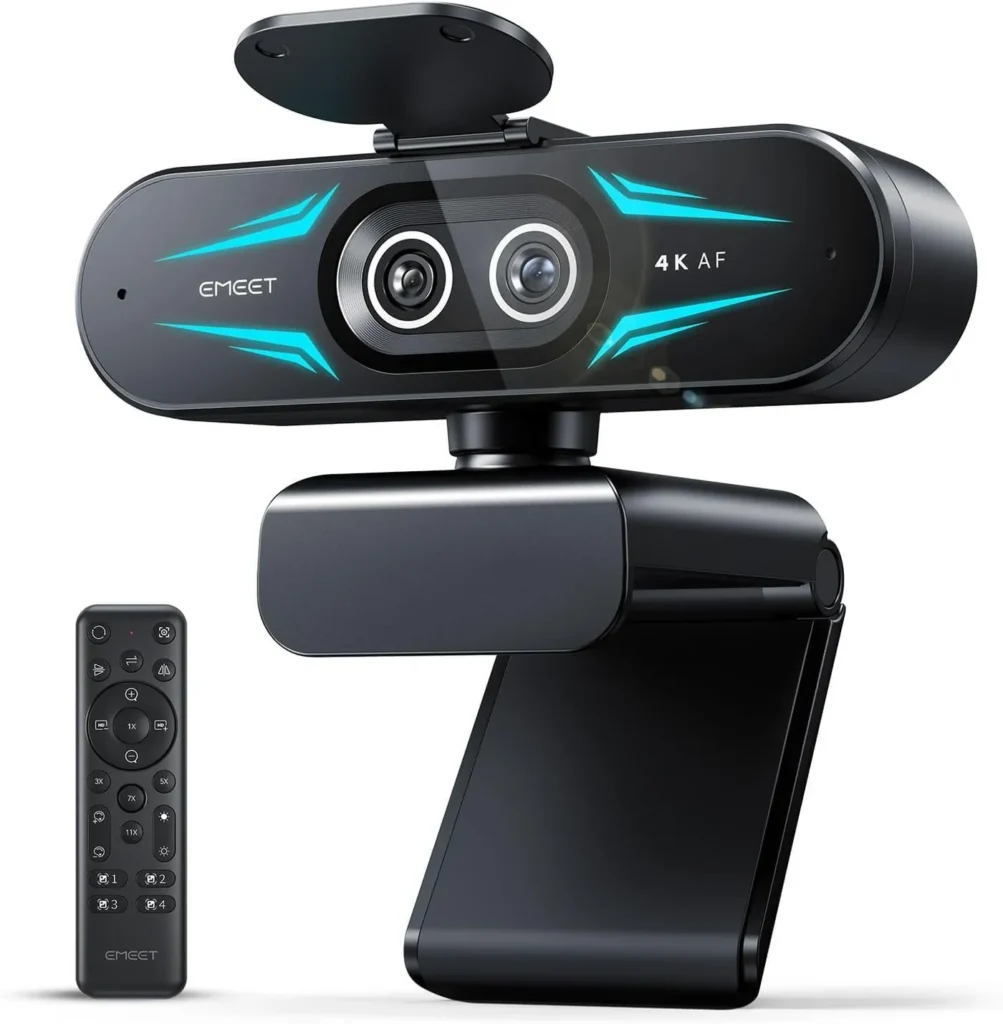
With a telephoto lens one remote press away from its wide view, the EMEET C60E gives streams, classes and product demos a sharp close-up whenever they need one.
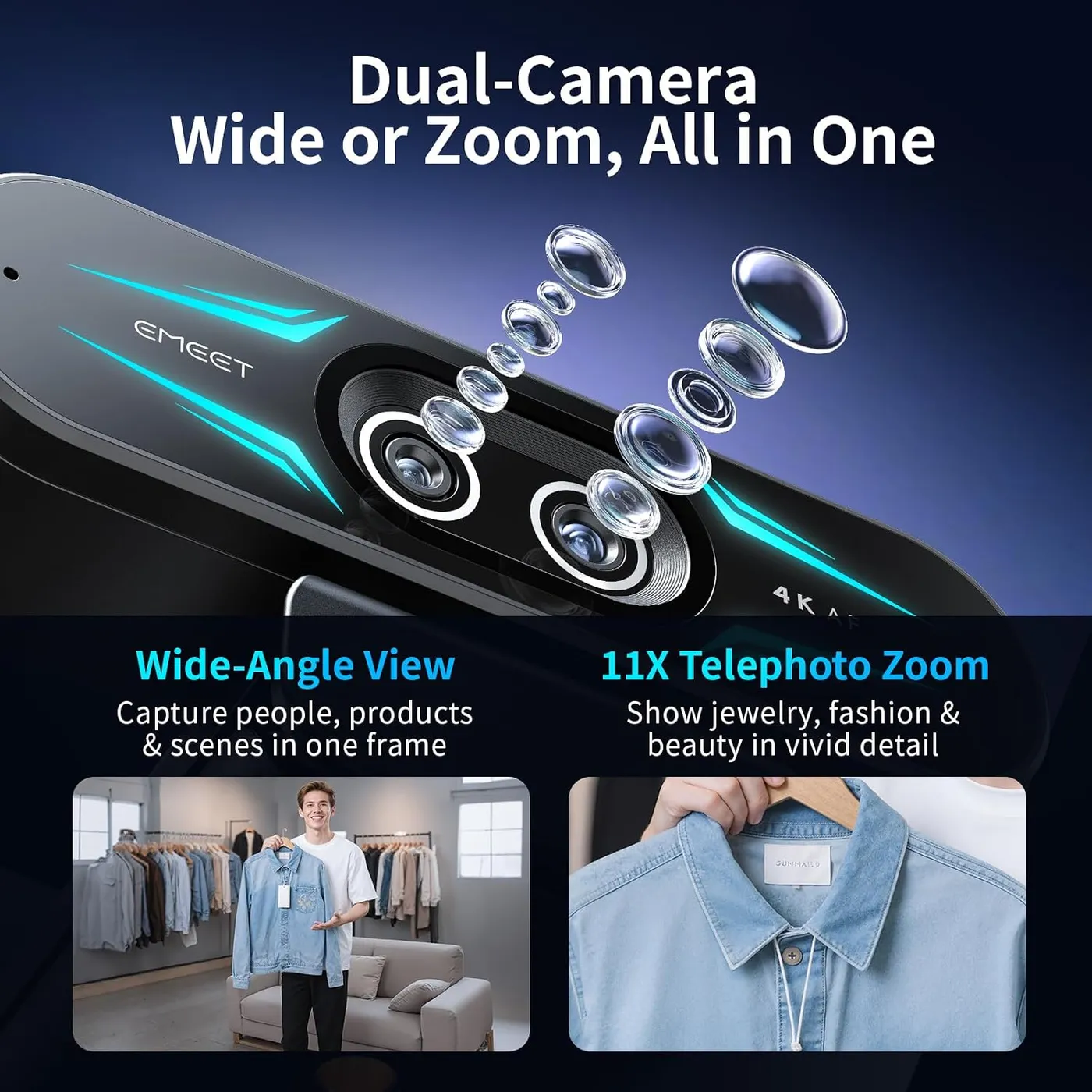
Two lenses sit side by side on the EMEET C60E, and the second one defines it. A gray wide-angle camera on the left takes in 73 degrees. Its blue neighbor on the right is a 45-degree telephoto, built for close-ups. A single press on the remote cuts between them, so a close-up no longer means leaning in or moving the camera. EMEET's listing says both share one 1/2.8-inch 4K sensor.
Zoom presets up to 11x sit on top of the lens switch. A remote for the lens, zoom and picture settings, two microphones and a three-color RGB light complete the hardware. All of it sells at mid-range money. The case for the EMEET C60E therefore rests on one question: how often does the desk need a close-up as well as a face?
The telephoto lens takes over for close-ups
On the EMEET C60E, each camera has a clear job. EMEET pitches the wide-angle view for full scenes that take in the room behind the subject. The telephoto frames a face or a held-up object far more tightly. The cut between them happens on the remote and is quick enough to make mid-call. EMEET names streaming, teaching, product demonstrations and remote meetings as the jobs for that switch.
Zoom adds a second layer. The remote carries presets at 3x, 5x, 7x and 11x. A 1x button restores the full frame, and the button map also lists a zoom-in and zoom-out pair. EMEET's listing calls the result 11x hybrid zoom, while its spec table lists digital zoom up to 11x. On a call, the presets bring a sketchbook, a product or a canvas into frame without touching the camera. During an art lesson, for example, the wide view can open the session, and a preset can then hold on the brushwork. Zooming from the remote works well, too.
EMEET's listing sets one firm limit: no zoom in 4K, in the 60 fps modes or in YUY2. That last one is the uncompressed video format some apps request, while MJPEG is the camera's other format. Both cameras capture 4K, according to EMEET, so the lens switch still works at full resolution. Anything past 1x, though, needs a 30 fps mode below 4K, and 2K is the highest of those.
Room light decides how clean the picture looks
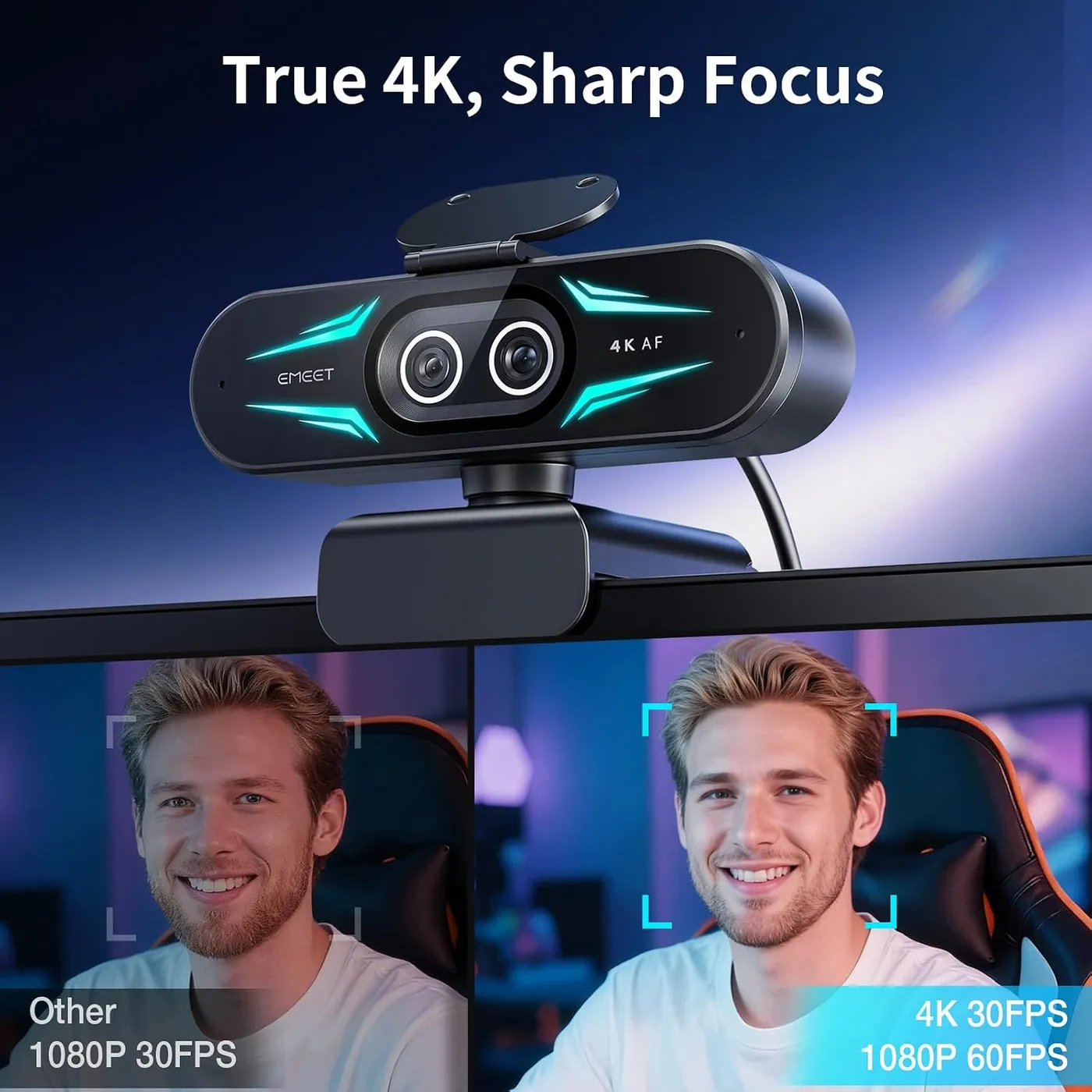
In normal room light, the image looks crisp, and color stays natural. That color accuracy matters for an art or craft lesson, since the palette has to read true on the far screen. Fine detail holds up well, down to small patterns and textures, and the 4K mode looks clear. EMEET pitches that mode for detail and 1080p at 60 fps for smoother motion, with 2K at 30 fps in between.
Strong light is the weak spot. A bright window in the shot can wash the picture out, and so can a brightly lit room. Dialing the exposure back in then takes some work. Color is easier to steer, and shifting it live from the remote works well. EMEET positions the remote for quick changes and EMEET STUDIO for precise brightness and focus tuning. In a bright room, I'd reach for the app before the remote.
Dim rooms push the other way, and grain can creep in once the light falls.
Autofocus keeps up when a face leans in
Both cameras use phase-detection autofocus, according to EMEET. It locks on quickly when a face moves toward the lens or an object comes up to it. That speed suits a product demo, where an item moves in and out of frame all the time. For close-ups, EMEET recommends about 13.8 inches between the telephoto lens and its subject. It also claims the focus stays stable through every zoom step.
Focus can still wander now and then. For a shot that holds one distance, such as a seated talk, there is a fallback. The remote's Focus control toggles between autofocus and a fixed focus, per EMEET's button map. With both modes, the EMEET C60E thus covers a moving demo and a locked desk shot.
The remote puts the main settings under one thumb
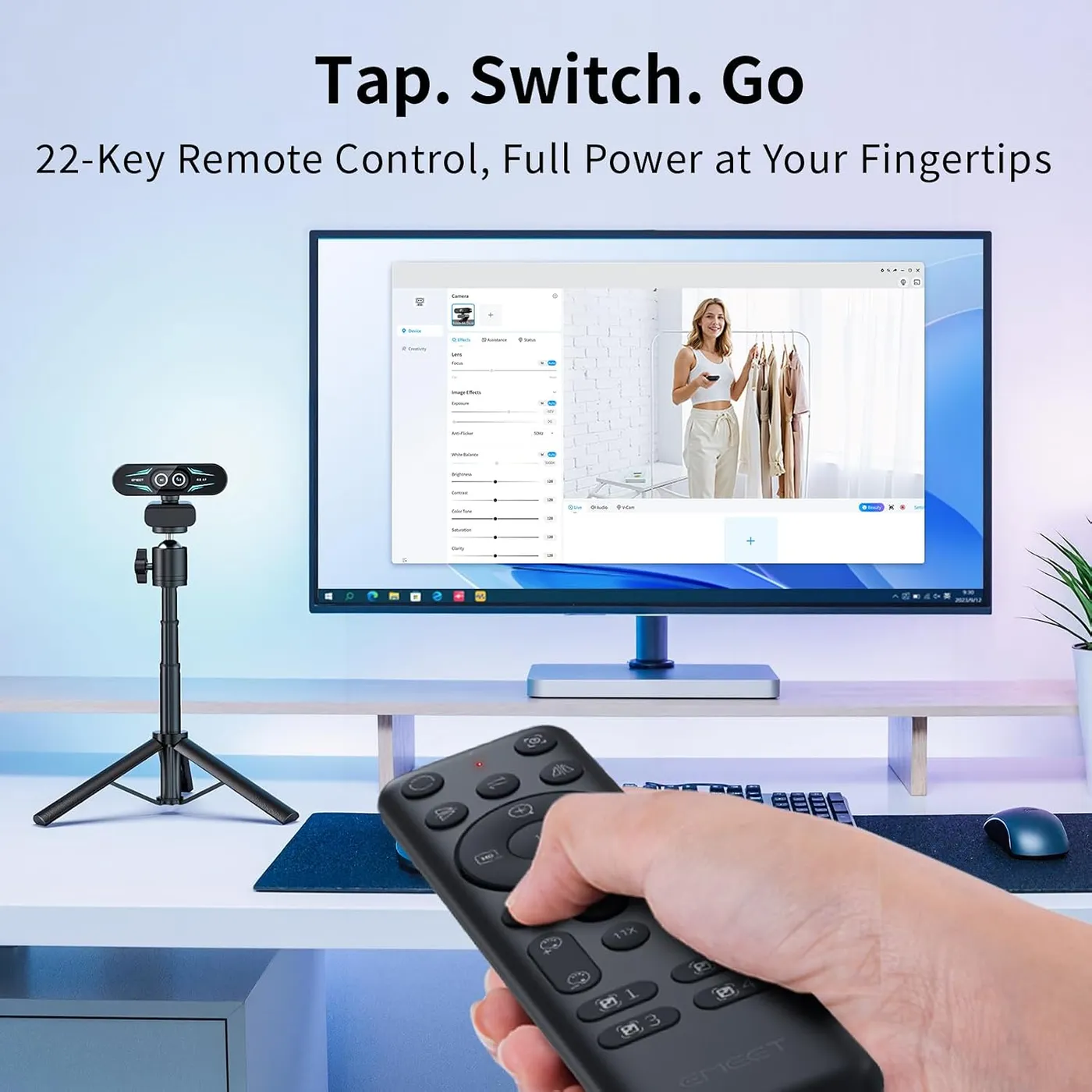
The remote puts the camera's controls in hand. EMEET's button map lists the lens switch, the Focus toggle, Flip, Mirror and zoom in and out. Flip and Mirror correct an image that arrives upside down or reversed. Next come the 1x button and the four zoom presets. Plus and minus pairs cover sharpness, color saturation and brightness, while four image effects fill out the layout. Reset returns the image to its starting state after a round of changes.
EMEET pitches the remote for changes that don't interrupt a stream, and that holds up. Zoom, color and the active lens all change mid-call with no app open. That especially helps during webinars, art lessons and live demos.
Two practical points come with it. The remote runs on two AAA batteries, which EMEET leaves out of the box, and it pairs with the camera on its own once they're in. A few buttons can also seem to do nothing on some setups. When that happens, check the video mode and the batteries first.
Nothing on the remote moves the camera, since the button map has no pan or tilt. Aiming is a manual job instead. The head angles freely up, down and to the sides, and its clip hooks easily over a monitor or the top of a laptop screen.
The mics cover calls, and the RGB light adds style
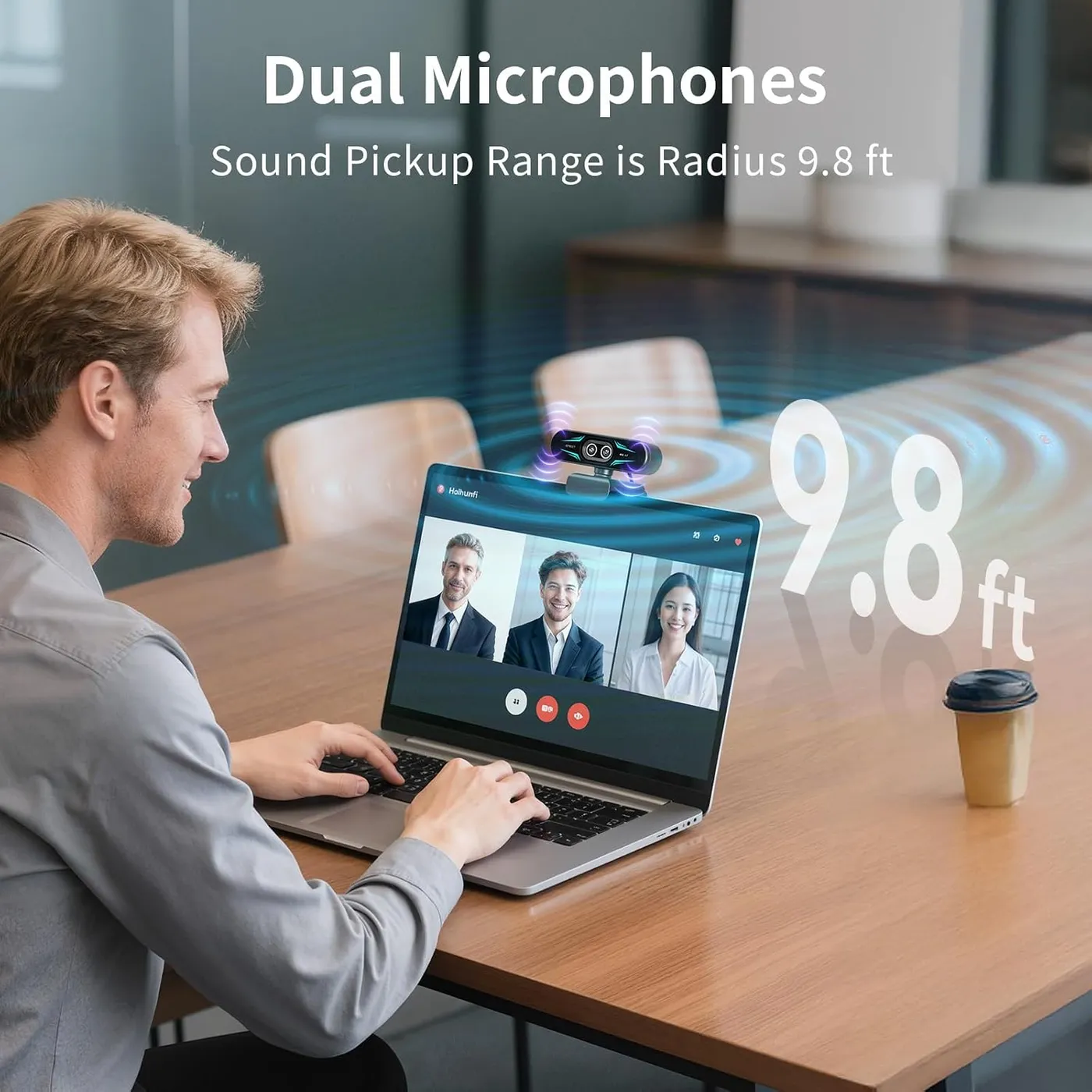
EMEET fits two omnidirectional mics and rates their pickup radius at 9.8 feet. In meetings and online classes, a voice comes through clearly, so a headset turns optional for everyday calls.
Podcasts and regular streams ask more. In those roles the pair sounds basic, and a dedicated microphone makes the better voice source. For a weekly show, I'd plan on one from the start.
The RGB accent light is there for looks first. It offers red, green and blue, set in EMEET STUDIO according to EMEET, and the glow also shows when the camera is live. EMEET styles the front as a pair of eyes, and the compact body looks tidy on a monitor.
The EMEET C60E skips the driver and makes the app optional
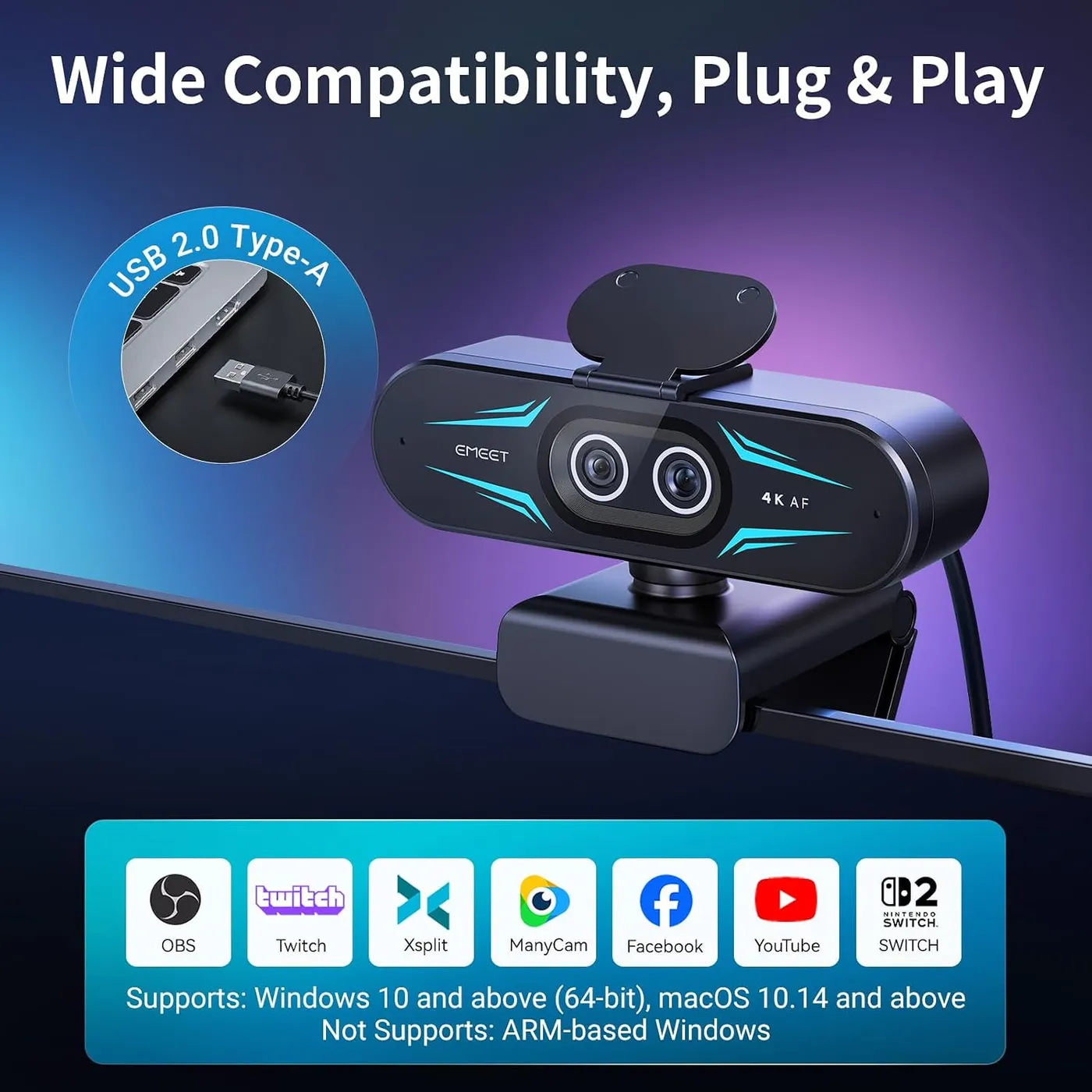
Setup is plug-and-play. Per EMEET, the camera is a UVC device, so the system handles it without extra software. It comes up straight away in Zoom, Teams and OBS, on Windows and on a Mac. Even so, the sharpest picture can take a visit to the call app's own video settings. A fixed 2-meter cable runs to the computer, and EMEET asks for a USB 2.0 port. The listing names 64-bit Windows 10 and 11, plus macOS 10.14 and newer, while EMEET rules out Windows on ARM.
EMEET STUDIO is optional, though the finer picture controls live there: brightness, saturation and white balance, plus a whiteboard mode, recording and a virtual camera. The app also handles the RGB colors and delivers firmware updates, per EMEET. On a Mac, it asks for macOS 15.5 or later, even though the camera itself runs on 10.14.
The printed guide is where the package runs thin. It's a short pictorial leaflet, and EMEET's PDF of it repeats each line in eight languages, which makes the English hard to follow. For the remote's layout, the lens switch and a flipped or mirrored image, the EMEET C60E troubleshooting guide walks through each step.
EMEET's support page for the C60E 4K Dual lists what's in the box: the camera, its remote, a privacy cover and a manual. The cover ships loose. It sticks to the front with adhesive tape, lined up with a printed mark that EMEET's quick start guide points to. Once fitted, it folds down over the lenses between calls. A 1/4-inch thread underneath takes a tripod. EMEET suggests one for two extra modes: Portrait, with the camera turned for vertical video, and Show, tilted down over the desk.
The second lens is what mid-range money buys
EMEET's own range holds the nearest comparison. The EMEET S600 lists a Sony 1/2.55-inch sensor, larger than the C60E's 1/2.8-inch. Its view adjusts down to 40 degrees at 1080p, though it stays fixed at 73 in 4K. Both models list 4K at 30 fps and 1080p at 60 fps, so frame rate doesn't separate them. Against that, the C60E's second lens gives it a 45-degree view at 4K, plus zoom presets up to 11x in the lower modes.
Three other cameras frame the choice. The EMEET NOVA 4K lists one fixed 73-degree view with PDAF at budget money. At premium prices, the Logitech MX Brio offers manual ISO, shutter speed and tint controls. Meanwhile, the Insta360 Link 2 lists AI tracking that physically pans and tilts the camera.
The EMEET C60E sits among mid-range webcams on price, and its value turns on how often that second lens gets used. On a desk that shows objects and pages as often as faces, the telephoto pays its way every session. On a desk that only ever shows a face, the gain shrinks to a tighter crop. I'd buy it for the first kind of desk.
Some units quit or switch themselves off
A small share of units stop working outright, and others begin switching themselves off during use. Neither problem is common, but both are real.
EMEET describes a normal start-up. The camera powers up on its own when plugged in, and its light turns blue when an app picks it. When the picture drops out, a different USB port and a firmware update through EMEET STUDIO are the first things to try.
Pros: What we liked
- Pro: A 73-degree wide view and a 45-degree telephoto, switched with one press on the remote
- Pro: Zoom presets at 3x, 5x, 7x and 11x frame close-ups without moving the camera
- Pro: Crisp detail and natural color in ordinary indoor light
- Pro: Phase-detect autofocus locks on fast when a face or an object moves closer
- Pro: Driver-free UVC setup on Windows and Mac, with EMEET STUDIO optional
- Pro: Clear voice pickup from two mics in meetings and online classes
Cons: What could be better
- Con: Strong light can wash the picture out, and the exposure takes work to dial back in
- Con: Zoom is unavailable in 4K, at 60 fps and in YUY2, per EMEET's listing
- Con: A small share of units stop working outright or keep switching themselves off
- Con: The printed guide is hard to follow, and the remote's two AAA batteries are sold separately
Best For
- Art and craft teachers who cut between a face shot and a close-up of the work
- Streamers who demo products and want close-ups without leaving the chair
- Remote workers who hold documents or objects up to the camera on calls
Not Ideal For
- Podcasters who want the camera's mics as their main voice source
- Anyone who wants a camera that pans or tilts to follow them
- Users who plan to zoom while capturing in 4K
| Specification | Details |
|---|---|
| Resolution | 4K (3840 x 2160), plus 2K and 1080p modes |
| Frame rate | 30 fps at 4K and 2K; up to 60 fps at 1080p |
| Field of view | 73 degrees (wide camera); 45 degrees (telephoto camera) |
| Focus | PDAF autofocus on both cameras; fixed-focus toggle on the remote |
| Sensor | 1/2.8-inch CMOS, shared by both cameras (EMEET listing) |
| Microphones | Two omnidirectional mics, 9.8 ft pickup radius (EMEET rating) |
| Connection | Fixed 2 m USB cable; needs a USB 2.0 port |
| Privacy | Stick-on privacy cover that folds down, in the box |
| Mounting | Monitor and laptop clip; 1/4-inch tripod thread |
| Software | EMEET STUDIO, optional (Windows 10+ 64-bit, macOS 15.5+) |
Alternatives Worth Considering
Final Verdict
The EMEET C60E earns its place on desks that show things as well as faces: artwork, products, a printed page lifted toward the lens. The telephoto handles those close-ups from wherever the camera already sits, and the remote puts the cut on a single press. One download finishes the job. EMEET STUDIO carries the finer brightness and color controls that a bright room calls for. It also holds the light colors and the firmware updates, so install it before the first stream.
Frequently Asked Questions
Can the EMEET C60E zoom in 4K?
No. EMEET's listing says zoom is not supported in 4K, at 60 fps or in YUY2, so the 3x to 11x presets need a 30 fps mode below 4K. The lens switch is a separate control, and EMEET says both cameras capture 4K.
Does the C60E remote come with batteries?
No. The remote takes two AAA batteries, and EMEET leaves them out of the box. With the camera plugged in and the batteries fitted, EMEET says the remote pairs on its own, with no setup step.
Does the EMEET C60E need a driver or EMEET STUDIO?
Neither is required for a call. EMEET says the camera is a UVC device that needs no driver, so OBS, Zoom or Teams can use it straight away. EMEET STUDIO adds brightness, saturation and white balance controls, a whiteboard mode, recording, a virtual camera and the RGB light.
Can the remote pan or tilt the camera?
No. EMEET's quick start guide maps the lens switch, zoom, focus, flip, mirror and image settings, with no pan or tilt. You angle the camera head by hand on its clip, or mount it on a tripod through the 1/4-inch thread.
Is the built-in microphone good enough for streaming?
For meetings and online classes, yes: the two mics carry a voice clearly. For a podcast or a regular stream they sound basic. A dedicated microphone makes the better voice source there.
Does the EMEET C60E work with a Mac?
Yes. EMEET lists macOS 10.14 or later for the camera, which runs without a driver. EMEET STUDIO is stricter: its Mac version needs macOS 15.5 or later, according to EMEET's software page.
The Verdict
With a telephoto lens one remote press away from its wide view, the EMEET C60E gives streams, classes and product demos a sharp close-up whenever they need one.