Acer A640 Review: Streaming-Camera Specs at a Budget Price
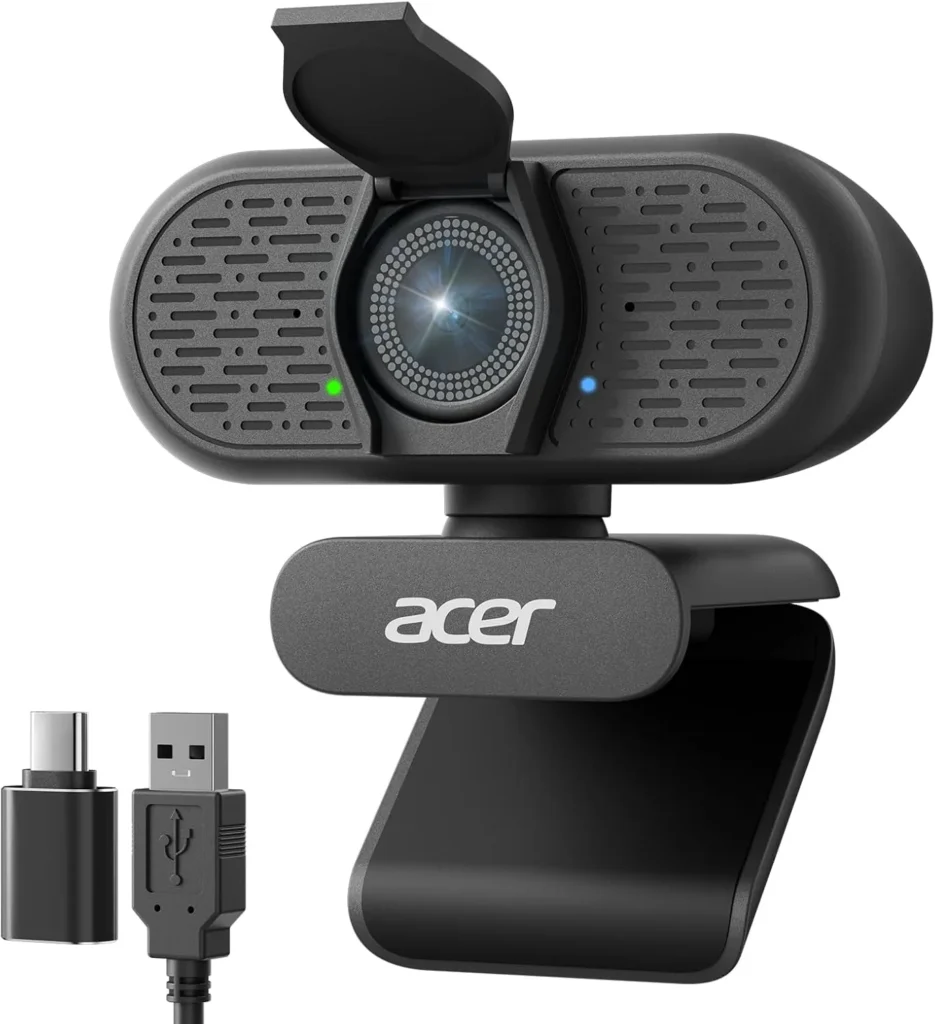
The Acer A640 locks focus fast and renders a crisp 4K picture for budget money, and with decent light it suits calls and starter streams alike.
The Acer A640 is Acer's budget answer to a streaming camera. Its listing opens on phase-detection focus and a Sony sensor, then quotes 60 fps in 2K and 1080p, with 4K capped at 30. That sheet sits close to EMEET's S600 on paper, a camera that sells a full price tier up. Acer also builds in a mic with AI noise cancellation.
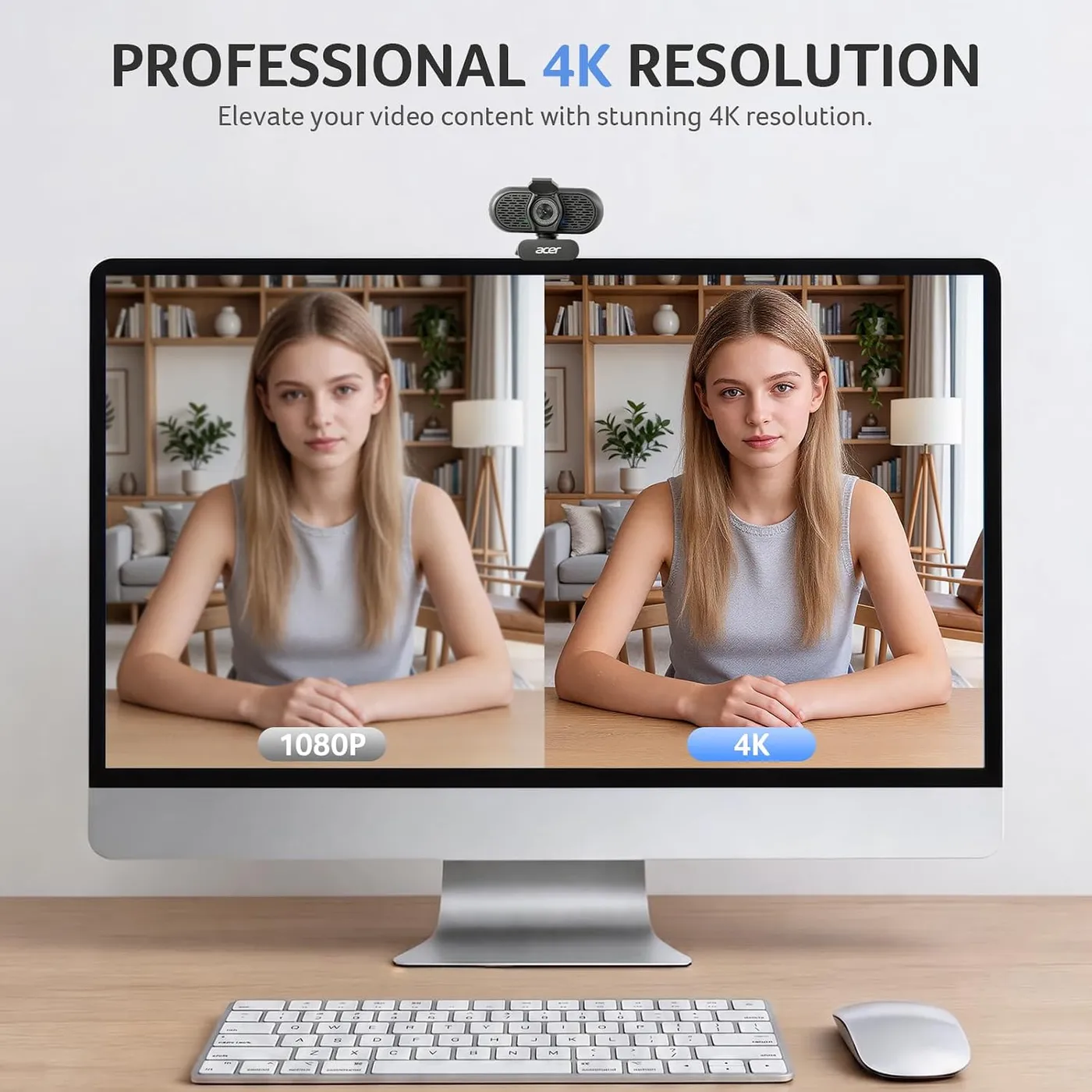
The pitch largely holds up. Focus finds a face quickly and stays with it as it moves. The 4K image is crisp, while the mic keeps room noise off a call. On Windows or a Mac, it needs one free USB port and nothing to install. Dim rooms are the one soft spot, since the picture there can turn dark and lose detail.
With a lamp on the desk, that leaves one camera ready for client calls, online classes and a starter stream.
Fast focus for a face in motion
Acer lists the autofocus first, and it earns that place. The A640 focuses by phase detection, and Acer promises it locks onto a subject instantly. Phase detection measures which way the image is out of focus and by how much. The lens can then move straight to the right point. This camera finds a face quickly and keeps the image crisp once it does.
Movement is the harder job, though the camera handles it well. Lean toward the screen or sit back, and focus shifts to the new distance within a moment. A stream or a lesson benefits most, since a face there rarely holds one distance for long.
Frame rate is the other half of motion. Acer rates the camera at 60 fps in 2K and 1080p and at 30 fps in 4K. The top resolution therefore runs at half the rate. For 60 fps on a stream, then, the capture app has to ask for 2K or 1080p.
Acer aims the camera at streaming as much as meetings, naming Twitch alongside Teams and Zoom. It also runs in streaming software as readily as in a call app, so one camera can serve a channel and a workday.
A microphone that keeps room noise down
The audio side rests on a built-in mic with AI noise cancellation. Acer says the AI filters out distracting background noise, and that claim holds on calls. A voice comes through clearly in Teams and Zoom, while noise around the desk stays in the background. For a desktop tower with no camera or mic of its own, one USB plug therefore brings picture and sound at once.
Acer adds a setup note that is worth following. Its advice is to make the Acer A640 the default microphone input in the computer's sound settings. The same choice then goes inside the video app, such as Zoom or Teams. After that, check that the app has permission to use the mic, a switch the operating system keeps in its privacy settings.
Acer also notes that the A640 has no speaker of its own. Call audio from the other side still plays through the computer, a headset or desk speakers, so the camera handles only your half of the conversation.
A clean picture and the light it depends on
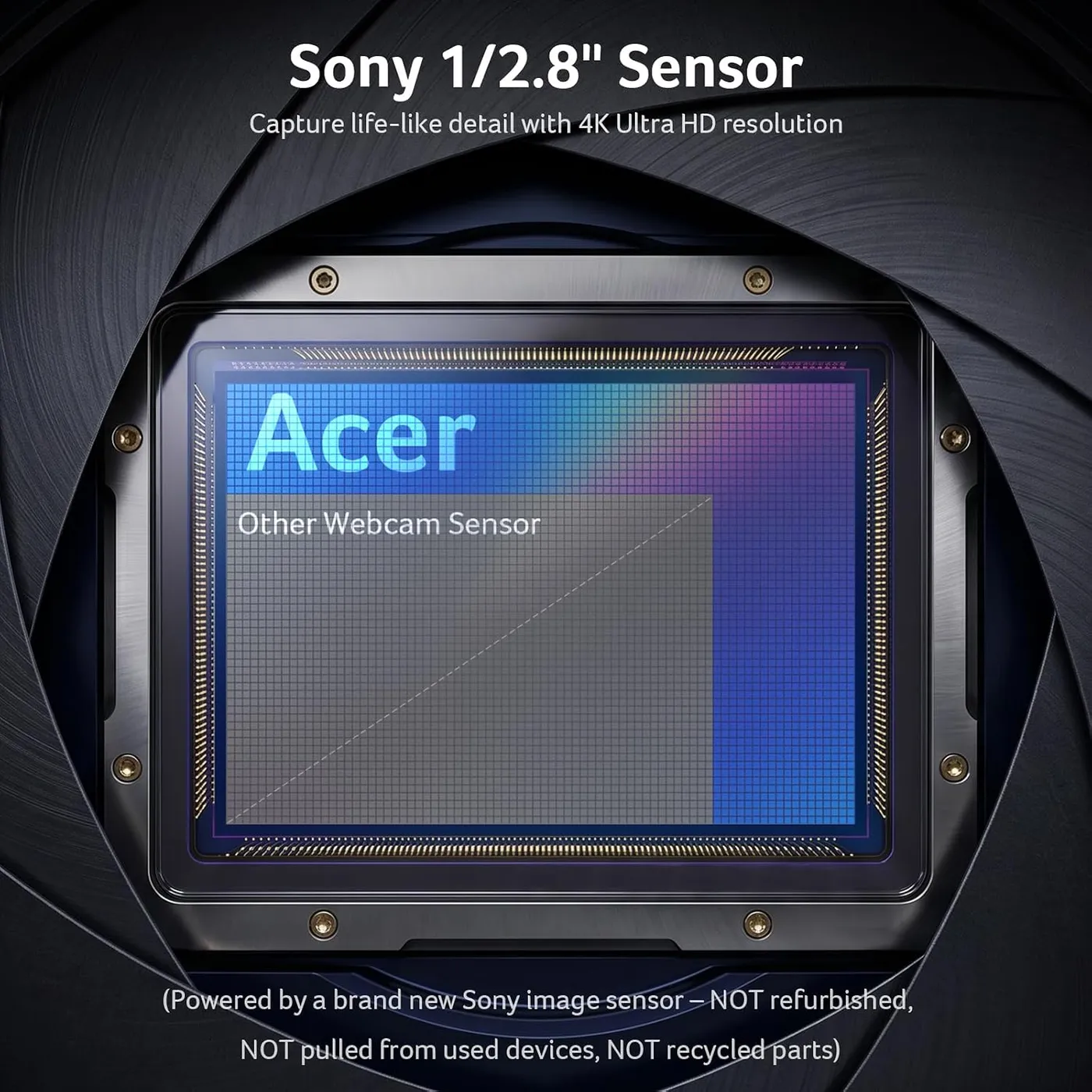
Detail rests on a 1/2.8-inch Sony sensor. Acer credits it with clarity and accurate color, and the clarity is plain in good light. On a call, faces look sharp and clean, and the 4K mode stays just as crisp. Client calls, online classes and team meetings all reach the other end with that sharp picture.
Dim light, however, is where the picture grows least predictable. The Acer A640 comes with automatic low-light correction and exposure adjustment, according to Acer. The listing pitches it for harsh light as well. In some dark rooms, the correction holds a face at a bright, even exposure. In others, though, the image turns dark and loses detail.
Acer's own listing recommends a well-lit room for the best clarity, and that advice is the safe plan. On an evening desk, following it means switching on a lamp that faces the chair before the call starts. A small ring light does the same job, and by day a desk that faces a window gets the light for free.

Acer A640 setup with one plug and no drivers
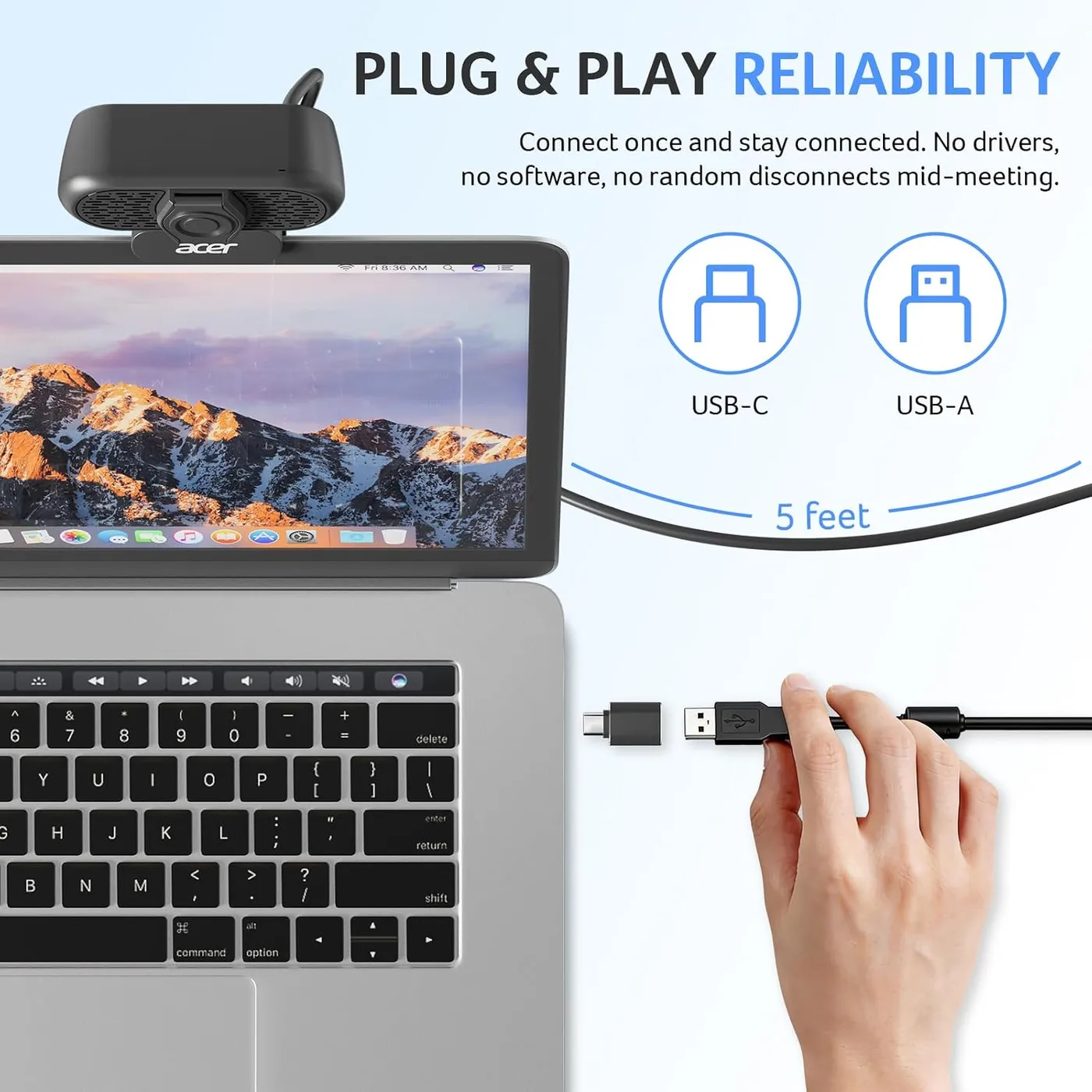
A free USB port is the only requirement. By Acer's account the camera works natively, with no software or drivers to install, and that holds up. Plugged in, it is ready within seconds. Once it is running, sound and video stay steady through a call.
The same goes across systems. It runs on Windows 10 and 11 as well as macOS, and call apps such as Zoom and Teams list it as soon as it connects. If an app opens a laptop's own camera first, switching the video source to the A640 in its settings fixes that. Acer also lists Nintendo's Switch 2 among the hardware it works with.
The plug on its cable is USB-A. For a laptop or a Mac with only USB-C ports, Acer packs an adapter that turns that plug into USB-C. A MacBook needs nothing beyond that adapter. One camera therefore fits an older desktop and a newer laptop alike.
That matters most for a USB webcam that moves between machines, such as a work laptop during the day and a family desktop in the evening. Neither machine needs a driver or an app. Keeping the adapter with the camera handles whichever port the next computer has.

A small body with a built-in lens shutter
The Acer A640 is small and light. Its clip grips the top of a monitor firmly, and once the angle is right the camera stays put. The mount also takes a tripod, which helps on a desk with several screens or wherever the monitor's top edge sits at the wrong height.
Privacy comes from a physical shutter built into the camera. Acer describes it as sliding shut in an instant, and it closes over the lens between calls. There is no separate cover to fit or lose, and Acer pitches the design as a lens that is open only when you choose. That suits a monitor where the camera stays mounted all day, or a child's computer for schoolwork, since the shutter never leaves the camera.
A budget rival built around range of motion
The AOC AC310 shares the A640's budget tier. Its listing argues a different case and leads with framing. AOC quotes an 80-degree field of view and a mount that tilts 180 degrees and swivels 360, on a monitor, a desk or a tripod. It gives no sensor details and no frame rate, while Acer names a Sony sensor, phase-detection autofocus and 60 fps in 2K and 1080p.
The rest lines up closely. Both listings promise a sliding lens cover and a microphone that cuts background noise, though Acer calls its filter AI-powered and AOC simply calls its mic noise-reducing. Both also claim plug-and-play setup with no driver, plus automatic light correction for a dim room. Each includes an adapter as well, so either camera fits a USB-A or a USB-C port.
The choice comes down to the job. I'd pick the AOC for a camera aimed across a room from a shelf or a corner tripod. There, its swivel range earns its keep. For a seated face that must stay sharp, the Acer A640's phase-detect focus makes the stronger case.
Three alternatives at and above this price
EMEET's NOVA 4K also pairs budget money with phase-detect focus. It runs at 30 fps only, through a fixed 73-degree view. Its focus works within a fixed range of 7.9 to 118 inches, with no manual control. Its two omnidirectional mics, EMEET says, pick up a voice clearly from as far as 8 feet. Against it, the A640 adds the 60 fps modes and, where the NOVA's cable wants a Type-A port, an adapter for USB-C.
One step up, EMEET's S600 sells for mid-range money. It carries a slightly larger Sony sensor, rated at 1/2.55 inch, along with PDAF and 1080p at 60 fps. Its view also narrows from 73 to 40 degrees at 1080p, and EMEET's own app, EMEETLINK, adds image controls that the A640's listing never mentions. I'd pay the extra only for that framing control.
The Logitech C920x sits at the 1080p, 30 fps end, with autofocus and stereo mics. Logitech's listing gives the C920x a three-month XSplit VCam license and no privacy shutter. Both it and the A640 list the Switch 2 as compatible. Next to it, the Acer A640 adds 4K, the 60 fps modes and a built-in shutter, all for less money.
Pros: What we liked
- Pro: Phase-detect autofocus finds a face quickly and follows it as you lean in or sit back
- Pro: Crisp, clean 4K detail whenever the room is well lit
- Pro: AI noise cancellation keeps a voice clear of background noise on calls
- Pro: Driver-free setup on Windows and macOS, with nothing to install
- Pro: An adapter in the box fits the USB-A plug to USB-C ports
- Pro: Small, light body with a firm monitor clip, a tripod option and a built-in shutter
Cons: What could be better
- Con: Dim rooms can leave the picture dark and short on detail, and Acer itself recommends a well-lit space
- Con: 4K tops out at 30 fps, so 60 fps means dropping to 2K or 1080p
Best For
- Remote workers on Teams or Zoom who want quick focus and a clear voice with nothing to install
- New streamers who want phase-detect focus and 60 fps modes at a budget price
- Mac and USB-C laptop owners, since an adapter for USB-C ports comes in the box
Not Ideal For
- Anyone working in a dim room without a lamp or ring light to add
- Streamers who need 4K at 60 fps, since Acer rates 4K at 30
| Specification | Details |
|---|---|
| Resolution | 4K, plus 2K and 1080p |
| Frame rate | 30 fps at 4K; 60 fps at 2K and 1080p |
| Focus | Phase-detection autofocus (PDAF) |
| Sensor | Sony 1/2.8-inch |
| Microphones | Built-in mic with AI noise cancellation; no speaker |
| Connection | USB-A plug, with an adapter for USB-C ports |
| Privacy | Built-in physical lens shutter |
| Mounting | Monitor clip; also fits a tripod |
| Software | None needed; no drivers (per Acer) |
Alternatives Worth Considering
Final Verdict
The Acer A640 delivers on the strengths its listing leads with. Its phase-detect focus follows a face without fuss, and in good light the 4K picture is crisp. The mic also holds background noise back on a call, and one USB plug handles all of it, with nothing to install.
Set beside the AOC AC310, however, the two listings pull in different directions. AOC sells reach, with a mount that tilts and swivels and a view it puts at 80 degrees. Acer, meanwhile, sells what sits behind the lens: a Sony sensor, phase detection and 60 fps below 4K. For a seated call or a starter stream, Acer's half of that trade is the half worth paying for.
Frequently Asked Questions
Does the Acer A640 need drivers or software?
No. Acer says it works natively without extra software or drivers. It is plug-and-play on Windows 10 and 11 and on macOS, and Zoom and Teams find it once the cable goes in.
Will the Acer A640 work with a USB-C laptop or Mac?
Yes. Its cable ends in a USB-A plug, and Acer includes an adapter for USB-C ports. With that adapter it fits a MacBook or a USB-C-only laptop, and macOS needs no driver for it.
What resolutions and frame rates does the A640 run?
Acer lists 4K at 30 fps, plus 2K and 1080p at 60 fps. To get 60 fps on a stream or a call, set the app to 2K or 1080p.
How does the Acer A640 handle a dim room?
Less predictably than a bright one. Its automatic low-light correction can keep a face well exposed in a dark room, but the picture can also turn dark and lose detail. Acer recommends a well-lit room for the best clarity, so a lamp facing the chair is the safe choice.
Does the Acer A640 have a built-in speaker?
No. Acer notes the camera has no speaker, so call audio still plays through the computer, a headset or desk speakers. Its built-in microphone, with AI noise cancellation, handles only the sending side.
Which settings send a call's audio through the A640's microphone?
Acer's advice is to select the A640 as the default microphone input in the computer's sound settings and in the video app, such as Zoom or Teams, then confirm that the app has microphone permission.
The Verdict
The Acer A640 locks focus fast and renders a crisp 4K picture for budget money, and with decent light it suits calls and starter streams alike.