UGREEN 2K Webcam Review: Budget 1440p Video, No Drivers Needed
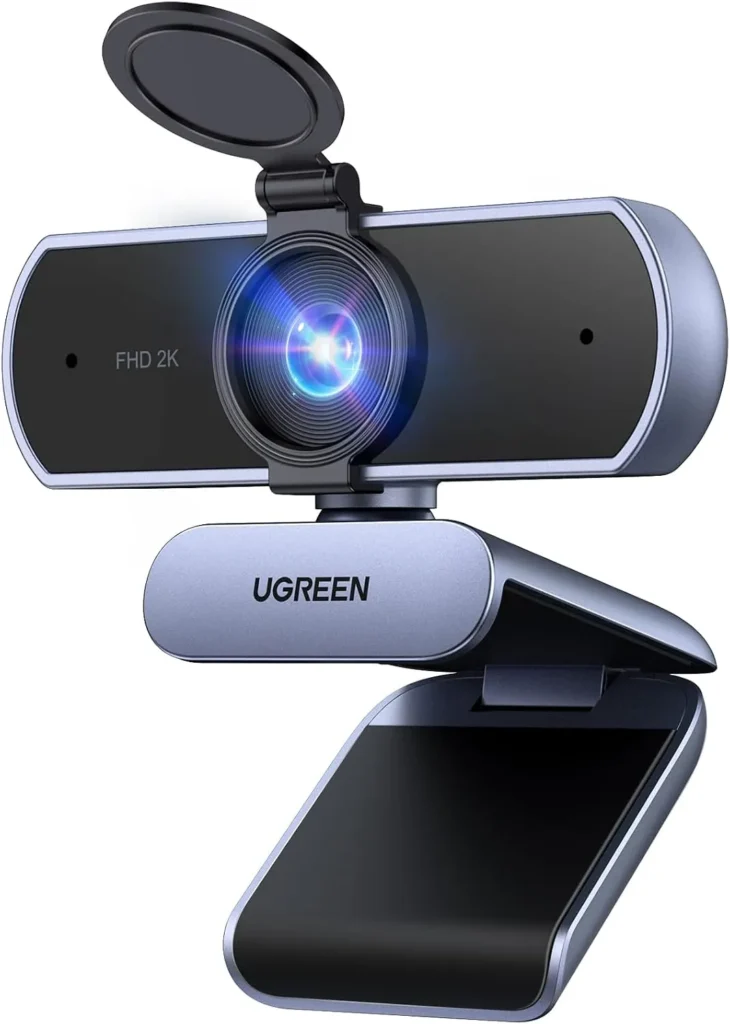
Home-office calls get a clear 2K picture, two capable mics and driver-free setup from this UGREEN, which does best with the face half a meter back.
Resolution splits the budget webcam aisle three ways, with 2K as the hardest branch to call. Its gain over 1080p hangs on more than the lens. UGREEN's own fine print spells it out: the 2K mode needs the PC, the screen, the USB port's bandwidth and the app to keep up. UGREEN's 55721 takes that branch anyway, and for a lit desk it pays off.
On the spec sheet, the UGREEN 2K Webcam pairs a 4 MP sensor with 2K video at 30 fps. A lens with one fixed focus also covers a 95-degree view. In decent light, its picture looks crisp and detailed, while its two mics carry speech through a meeting. Windows, Mac and Linux, meanwhile, all take it without drivers. The costs sit in the lens, though. UGREEN asks for more than half a meter between face and camera for the clearest image, and the wide view has no zoom to tighten it.
Capturing 2K detail from half a meter back
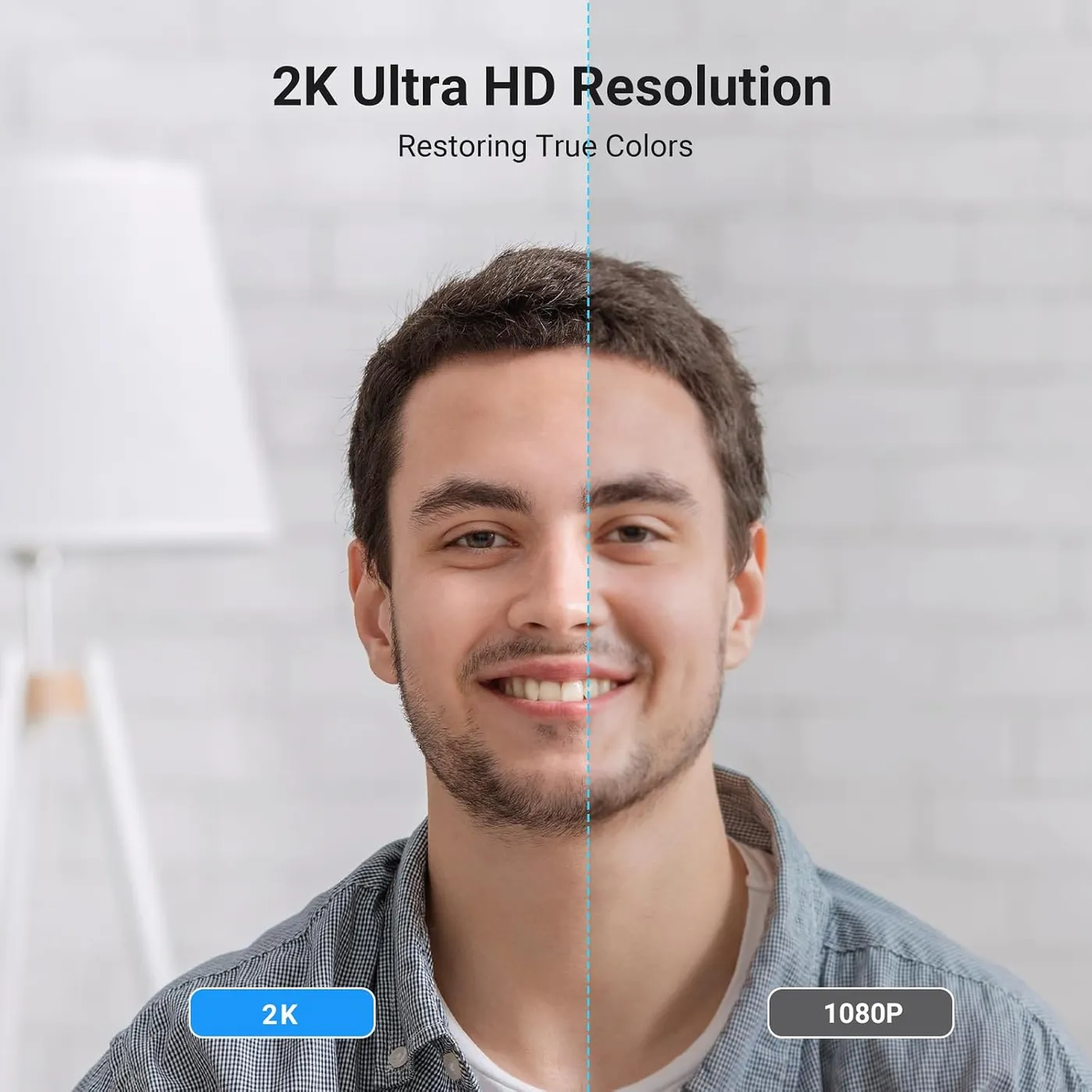
Detail holds up well at a desk. In decent light, the UGREEN 2K Webcam puts a crisp, detailed face on screen. That clarity also carries through a Teams or Zoom call. Meanwhile, motion looks smooth at 30 fps, with little blur. For an interview, an online class or a training session, that's a clean, professional picture at budget money. It isn't a showpiece, though. Against the 2K on the box, the image can read as good rather than striking, especially once the light dips.
UGREEN's note on 2K reads as a condition. A calling app without 2K support, or a USB port short on bandwidth, keeps the camera below its ceiling, and 1080p is the other mode UGREEN lists. On paper, 1440p carries about 1.8 times the pixels of 1080p, yet the note makes that gain depend on the setup.
Focus never moves. UGREEN describes a fixed-focus lens with no focus adjustment and no digital zoom. It also puts the clearest image beyond 50 cm, about 20 inches. Because a face at arm's length sits comfortably past that mark, a seated call stays sharp.
Up close, the fixed lens has a price. UGREEN pitches the wide view at showing physical objects. Its own note, however, means an object looks clearest from the same half meter as the face. A document raised toward the lens lands inside that distance, and since the focus never moves, nothing on the camera can sharpen it.
Filling a 95-degree frame with one face
Ninety-five degrees is a wide view for one seat. Perched on a monitor, the camera frames the face, the desk and a good stretch of the office behind. A lone face therefore sits small in the middle, while the room around it fills the rest of the picture.
That breadth has its uses. UGREEN pitches it at group meetings and at showing objects on camera, and where the room belongs in the picture, the wide angle is a plus.
For a single seat, though, the trouble is control. The camera can't crop in, since the listing rules out digital zoom. The fixed focus also limits how close it can come. Moving it nearer fills more of the frame, but only down to about half a meter before the image softens.
The background ends up on every call as well, so a tidy wall behind the chair is worth a minute before a meeting. Because the head tilts and turns freely, a small change of angle also shifts what the edges of the frame catch.

Coping with dim rooms and LED lamps
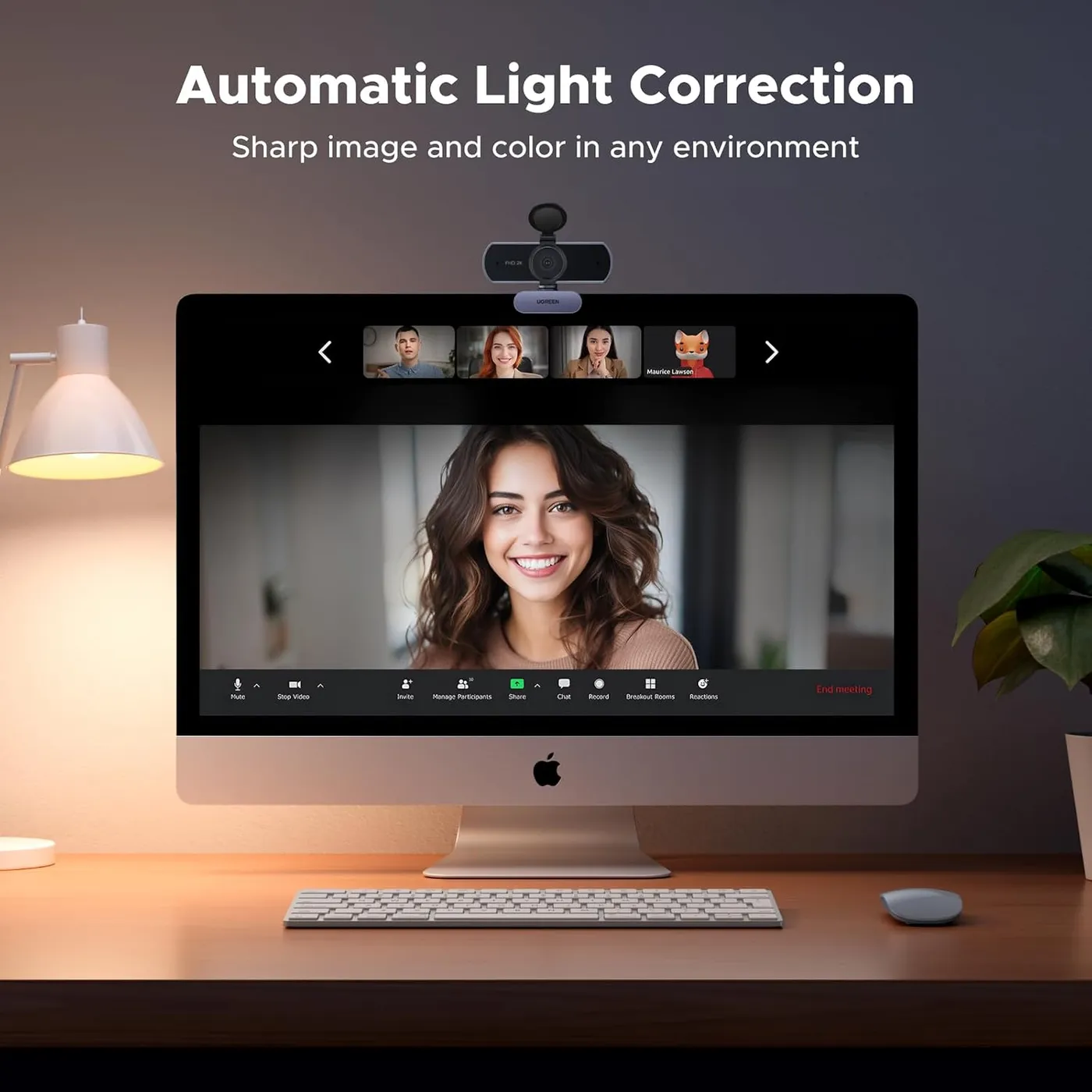
Light is the variable to watch. UGREEN says the camera adjusts color temperature and corrects low light on its own, and its product page lists auto light correction among the headline features. Still, a dim room softens the image. Lose the daylight and the picture goes murky, with fine detail sinking into shadow. An evenly lit room then brings back the crisp look the UGREEN 2K Webcam has at its best. For evening calls, I'd light the face from the front with a desk lamp.
Some LED room lights add a second problem. Under them, dark bands can scroll across the image, or grain creeps into it. It shows up with certain LED fixtures, though, not with every lamp. Before an important call, a short preview under the room's usual lights shows whether they appear.
Carrying a voice through the dual mics
UGREEN builds a pair of mics into the housing. It says they pick up a voice clearly and keep background noise down, and its product page labels them omnidirectional. On a call, speech comes through clear and easy to follow. As a result, the camera can handle the audio for a routine meeting, a class or an interview on its own. UGREEN pitches the pair at video calls, and that's the job they do best.
Past calls, the pair sounds plain. It suits daily meetings, yet a podcast, a voice-over or a narrated video asks for more depth than it has. For recorded work, I'd add a USB microphone or a headset.
Plugging a UGREEN 2K Webcam in with no drivers
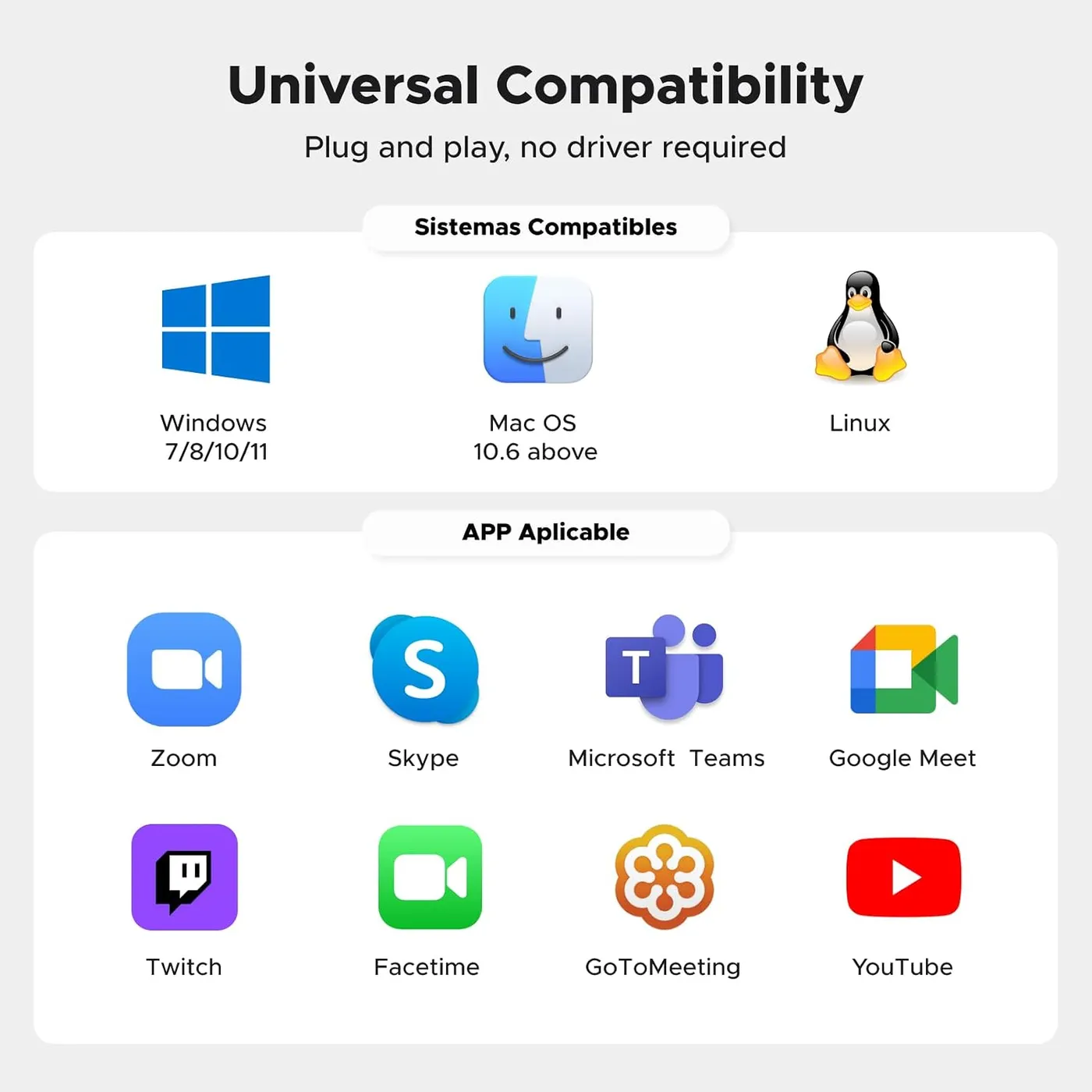
A single free USB port is all the setup needs. UGREEN markets the camera as driver-free and plug-and-play, and a computer recognizes it on first connection. Teams and Zoom then offer it as a camera straight away, with nothing to install first. UGREEN's own list of apps adds FaceTime, YouTube and Twitch.
It works through a laptop dock as well, which suits a laptop that stays shut beside a monitor. The camera also moves between machines without fuss, so a work laptop and a home PC can share it.
UGREEN lists Windows 7 through 11, Mac OS 10.6, Linux and Android. It runs on Macs as well, and Linux machines take the UGREEN 2K Webcam just as readily. The maker's product page names four jobs for it: office meetings, video calls, live streaming and teaching.
Software is the thin part. UGREEN's listing names no companion app. Its pitch rests on automatic color and light correction instead.
Living with the clip, the cover and the build
The mount is a simple clip. It sits on a screen's upper edge and hooks over the back, holding by its fit with no clamp to tighten. That makes it quick to lift off and move. On some monitors, though, it never sits locked in place.
The head tilts up and down and turns side to side, so centering a face is quick. UGREEN rates the rotation at a full 360 degrees. A tripod mount gives a second option, and UGREEN also names laptops and TVs as places to perch it.
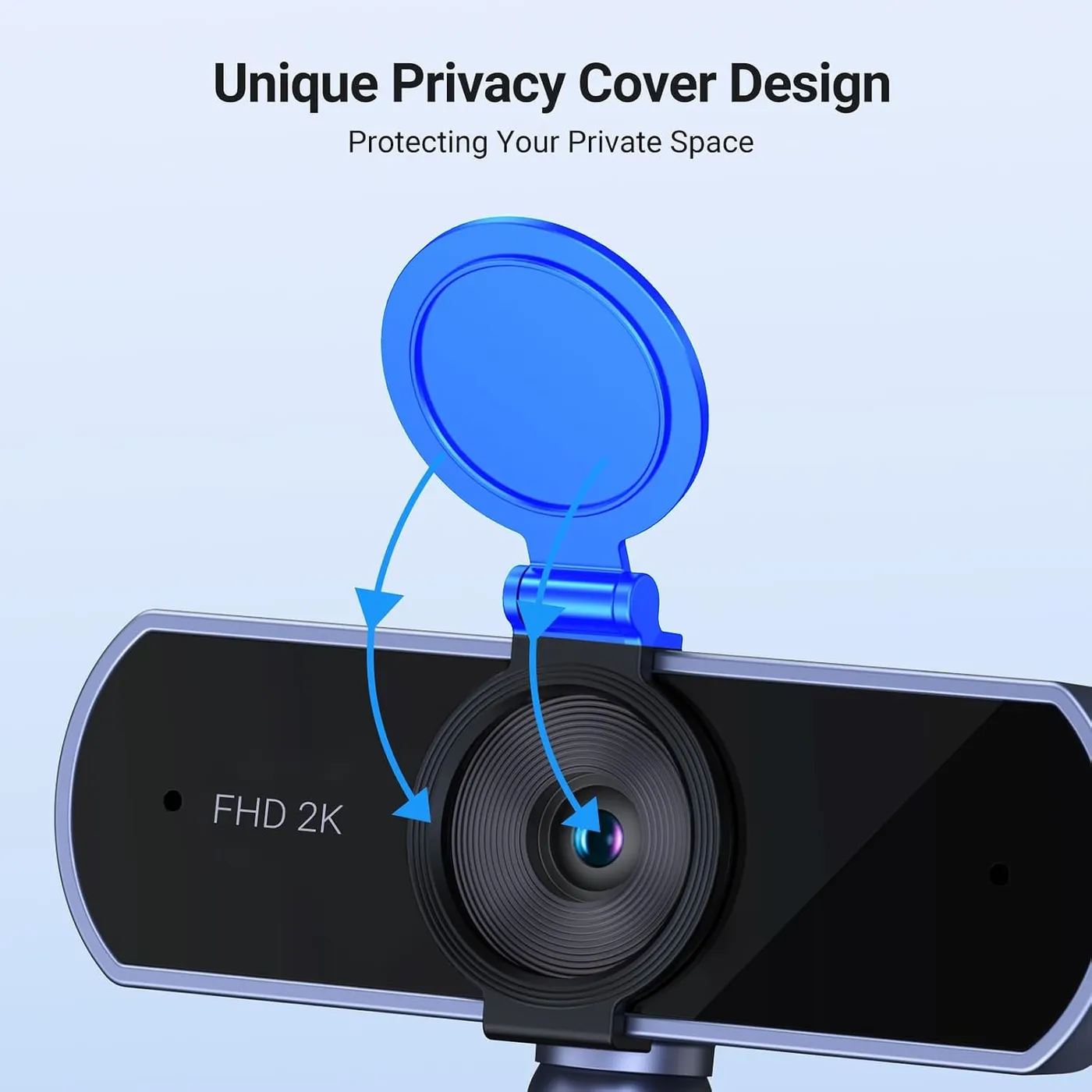
Build quality is solid, and the UGREEN 2K Webcam's body has a well-finished look. UGREEN puts a privacy cover in the box, and it closes off the lens between calls. That's a plain, physical way to keep the lens covered.
A small share of units turn faulty within the first year. On some, the picture turns glitchy; on others, the mic drops out after a couple of months, or the camera stops working altogether.
Measuring it against Anker's own 2K camera
On paper, the Anker PowerConf C200 comes nearest, since it also pairs 2K video with dual mics. Anker's listing lets software switch its view among 65, 78 and 95 degrees, and its integrated cover slides over the lens. In contrast, the UGREEN 2K Webcam keeps a single 95-degree view and an included cover. UGREEN's list also adds Linux and Android to the Windows and macOS that Anker names. Both listings claim low-light correction, so the deciding facts sit elsewhere.
That makes the choice a question of framing and platforms. A desk that wants a tighter crop without moving the camera fits Anker's three settings. For a Linux machine, UGREEN's is the listing that names it, and its single view needs no software to set.
Choosing between 1080p, 2K and 4K at budget money
At this price, it belongs on a shortlist of 2K webcams, mostly for its simplicity. It gives one view, one focus setting and nothing to install, and its 1440p picture holds up at desk distance. What it gives up is control, with no autofocus, no zoom and no second field of view. For a fixed seat at a lit desk, that's an easy compromise to accept.
Two other resolutions bracket it. The NexiGo N60 holds at 1080p and 30 fps behind a 3.6 mm glass lens with fixed focus. Its listing optimizes that lens for 19.6 inches out to 13 feet, close to UGREEN's own half-meter floor. The EMEET NOVA 4K moves up to 4K instead, with phase-detect autofocus across 7.9 to 118 inches and a fixed 73-degree view.
Each one suits a different desk. Where 1080p is enough, the N60 does the same fixed-focus job. A face that sits close to the screen, or a frame that has to stay tight, points to the NOVA 4K's autofocus and narrower view. For autofocus at 1080p, the Logitech C920x is the other step up, with stereo dual mics, although its listing notes no privacy shutter. I'd pick the UGREEN for seated calls in decent light, especially where a 2K picture matters more than autofocus.
Value, finally, settles the rest. For budget money, its picture looks better than the price suggests, and the solid build backs that impression up.
Pros: What we liked
- Pro: Clear, detailed 1440p picture on calls in decent light
- Pro: Plug-and-play with no drivers, including through a laptop dock
- Pro: Runs on Windows, macOS and Linux and appears in Teams and Zoom straight away
- Pro: Its dual mics keep speech clear in meetings and classes
- Pro: Solid build with a head that tilts and turns, plus a tripod mount
- Pro: The included privacy cover shuts the lens off between calls
Cons: What could be better
- Con: A dim room softens the picture, and under some LED lights dark bands cross the image
- Con: Fixed focus and no zoom: UGREEN wants 50 cm of space, and the 95-degree view can't be narrowed
- Con: The clip hooks over the screen without clamping, so it never locks in place on some monitors
- Con: A small share of units turn faulty within the first year
Best For
- Home-office workers calling from a docked laptop or a desktop without a camera
- Students and teachers who want a plug-in camera for online classes at a budget price
- Mac and Linux users who want a camera that needs no drivers
Not Ideal For
- Creators who want autofocus, zoom or a tight head-and-shoulders frame
- Podcasters and video makers who need recording-grade sound from the camera
- Callers in dim rooms who won't add a lamp
| Specification | Details |
|---|---|
| Resolution | 2K (1440p) and 1080p |
| Frame rate | 30 fps at 2K |
| Field of view | 95 degrees |
| Focus | Fixed; clearest beyond 50 cm, per UGREEN; no digital zoom |
| Sensor | 4 MP CMOS |
| Microphones | Two built-in mics |
| Connection | USB, driver-free plug-and-play |
| Privacy | Included privacy cover |
| Mounting | Clip for a monitor, laptop or TV; tripod mount; 360-degree rotation |
Alternatives Worth Considering
Final Verdict
Why 8.3? The UGREEN 2K Webcam gets the everyday parts right. First, its 1440p picture stays sharp in decent light. Its two mics also handle a meeting, and setup needs nothing beyond a free USB port. On a budget, that covers the job of a home-office camera well. The tenths it loses go to what stays fixed: a lens locked at one focus, a 95-degree frame with no zoom and a picture that dims with the room. Seated at arm's length under steady light, only the wide frame still costs anything. That single cost is what holds it at 8.3.
Frequently Asked Questions
Does the UGREEN 2K Webcam have autofocus?
No. UGREEN lists a fixed-focus lens with no focus adjustment and no digital zoom. Its note puts the clearest image beyond 50 cm, about 20 inches, which suits a face at arm's length from the screen.
What resolution and frame rate does it capture?
2K at 30 fps from a 4 MP sensor, with 1080p as its other listed mode. UGREEN adds that 2K needs the computer, the monitor, the USB port's bandwidth and the calling app to support it.
How wide is the field of view?
UGREEN rates it at 95 degrees. Perched on a monitor, the frame holds the desk and much of the room behind it, and the camera has no zoom to narrow that view.
Will it work on a Mac or a Linux PC?
Yes. UGREEN lists Windows 7 through 11, Mac OS 10.6, Linux and Android. The camera needs no drivers, and it shows up as a camera on all three desktop systems.
Does it come with a privacy cover?
Yes. UGREEN puts a privacy cover in the box, and it blocks the lens when the camera isn't in use.
Can the camera sit on a tripod or a TV?
Yes. UGREEN lists a monitor, a laptop, a TV or a tripod as places for it, and it has a tripod mount as well as the monitor clip.
The Verdict
Home-office calls get a clear 2K picture, two capable mics and driver-free setup from this UGREEN, which does best with the face half a meter back.