EMEET C950 Review: A Budget 1080p Camera With a Narrow View
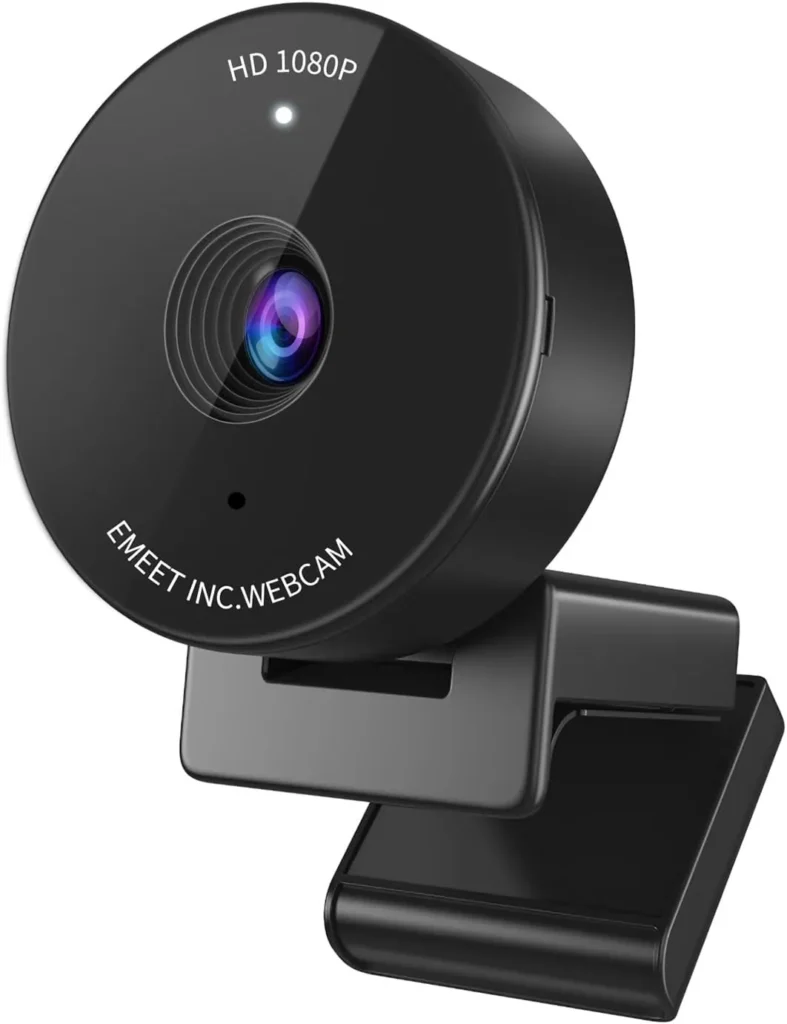
A narrow 70-degree view keeps a home office off camera, and with good light on the face the EMEET C950's 1080p picture is clear enough for daily work calls.
The EMEET C950 costs budget money, and its spec sheet is short to match. Its lens has one fixed focus, a single microphone handles the sound and the body carries no tripod thread. Video stops at 1080p, with 30 fps as the ceiling.
The money goes on privacy instead. A 70-degree lens frames a face and leaves out much of the room, while a stick-on slider shutters the glass when the camera is idle. Given good light, the 1080p picture is clear enough for work calls and online classes. Setup asks for one USB-A port and no driver.
That makes it a camera for solo calls from a bedroom office or a shared apartment, where the room behind the chair is nobody else's business.
For a call that hides the clutter behind the chair
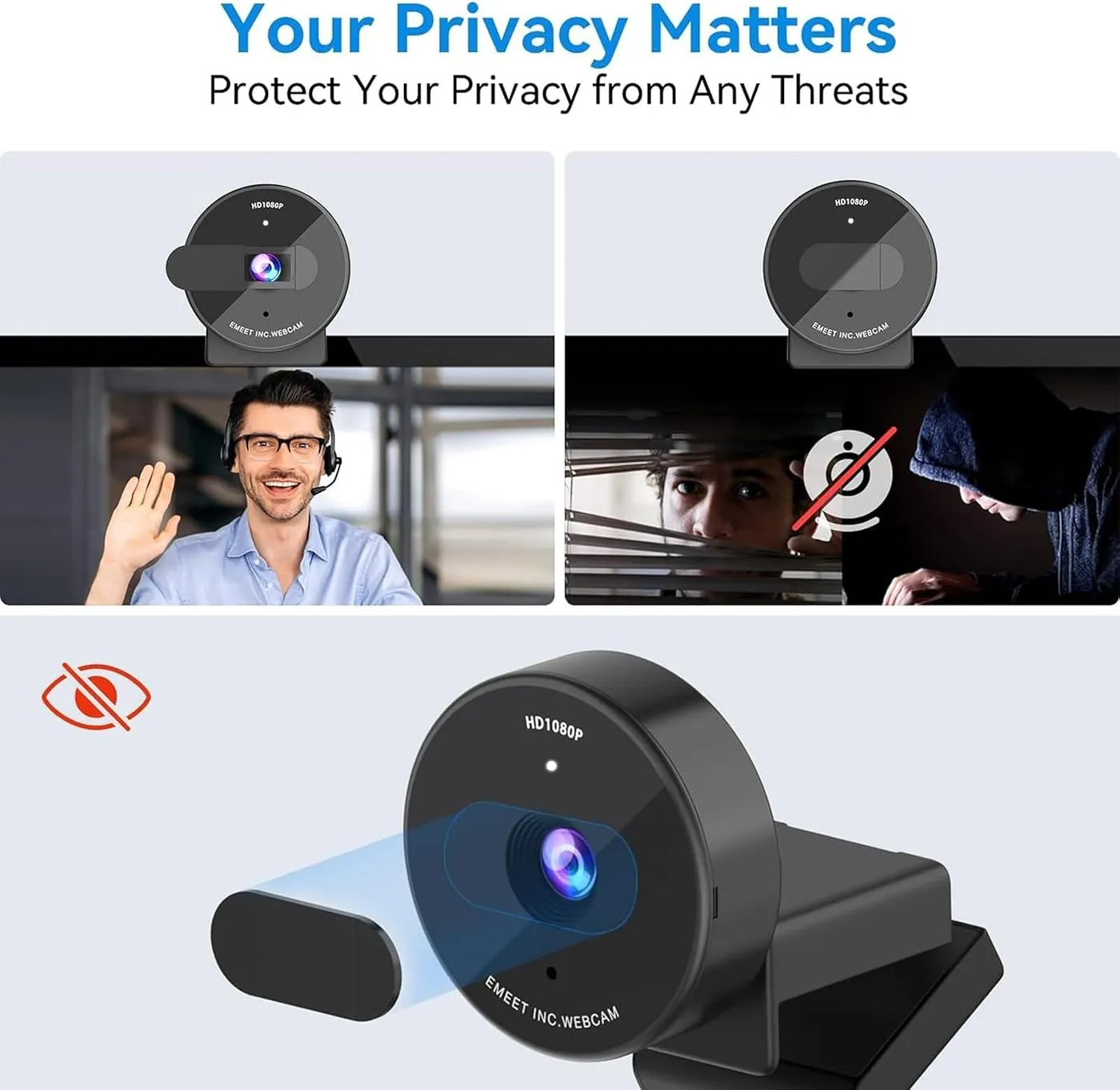
EMEET rates the lens at 70 degrees on the diagonal. From a monitor's top edge, that crop sits close, with a face filling much of the picture and little of the room getting in. The maker sells the narrow view as a privacy feature. By its account, the camera keeps the speaker centered without showing much of the home or office.
That framing is the camera's best argument. A bedroom office, a shared apartment or a corner of the living room stays largely off the screen. That holds even when the space behind the chair is a mess. The EMEET C950 suits a home office that was never set up for video.
The same width sets a limit. EMEET aims the C950 at personal use, such as online meetings and classes, so the frame centers on one seat. Its own C960 is the wider option for a shared call, since EMEET says that camera's 90-degree lens captures more participants.
For a seat inside the fixed lens's range
Focus never moves on this camera. EMEET calls the C950 a fixed-focus webcam, and its FAQ puts the clearest image between 80 and 100 cm, roughly 31 to 39 inches. The listing is looser, setting the ideal distance between 0.5 and 1.2 meters, about 20 to 47 inches. EMEET also counts the fixed lens in its favor, because it never has to refocus during a call.
There is no autofocus and no manual focus either. With nothing to adjust, the seat does the focusing, and EMEET's advice is to sit inside that range, facing the lens.
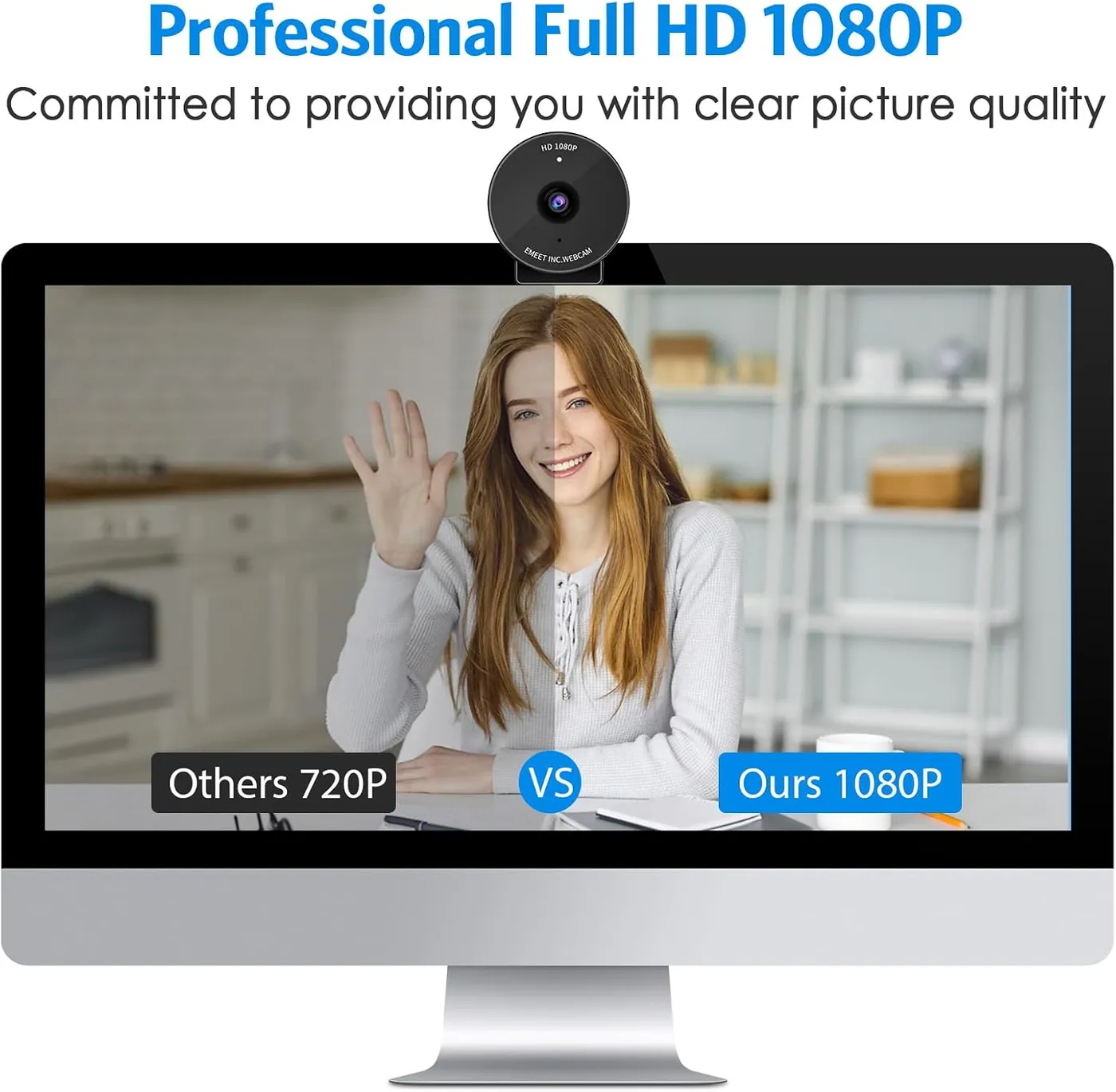
Behind the lens, EMEET's spec table lists a 1/2.7-inch CMOS sensor at 2 MP and a 4.4 mm focal length. Under good light, the 1080p picture is clear and consistent, and it holds up for work calls, school and job interviews. Motion stays smooth at 30 fps, and the camera can carry a first stream as well. Still, the image isn't the crispest, and some grain and softness show.
For color and exposure that need a nudge
Exposure is automatic, per EMEET's spec table. White balance and backlight compensation work the same way, and the listing adds low-light correction. In ordinary room light, that automation balances a face well.
A dim room is where it struggles. Low light pulls the image dark and murky, past what the low-light correction can lift. EMEET's first instruction is a well-lit room with no strong light behind the speaker or shining straight into the lens. Lighting the face with a desk lamp follows that advice for very little money.
Color is the other variable. At default settings, skin can wash out and look pale. EMEETLINK, EMEET's desktop app, is the place to fix it. Its video page holds sliders for white balance, brightness, contrast, sharpness and saturation, along with filters and a power-line frequency switch that EMEET labels anti-flicker. The maker notes the sliders unlock only in the custom filter mode, while a Restore Default Settings button undoes every change. I'd set white balance once before the first call, then leave the rest alone.
For speaking on calls without a headset
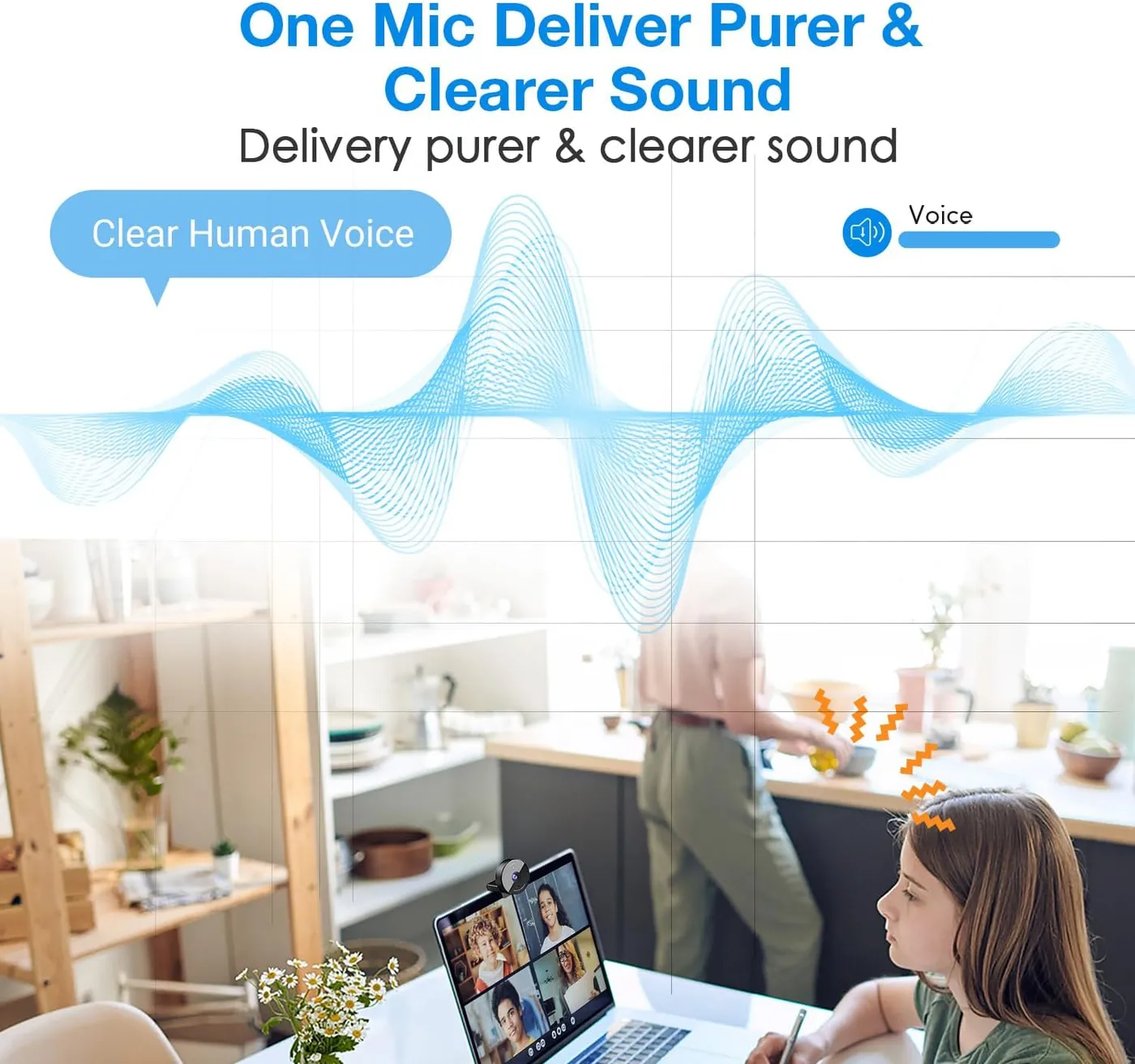
A single omnidirectional microphone sits in the camera body. EMEET quotes a frequency range of 100 Hz to 10 kHz. It asks for a quiet room, nothing blocking the mic and 1 to 1.8 meters between mic and speaker, roughly 3 to 6 feet. On those terms the EMEET C950 carries a voice clearly enough for meetings, lessons and interviews, so everyday calls don't need a headset.
Beyond calls, the mic shows its limits. Its sound is plain and short on detail, so recorded work, such as a lesson video or a stream, sounds better through a separate microphone. The camera also runs with its own mic switched off, which makes that pairing easy.
If a call keeps picking up the laptop's built-in mic, the fix is to choose the C950 as the input device. EMEET's FAQ walks through it for macOS, Windows, Zoom, Teams and Google Meet. Its Windows steps also include a Levels slider for a weak signal.
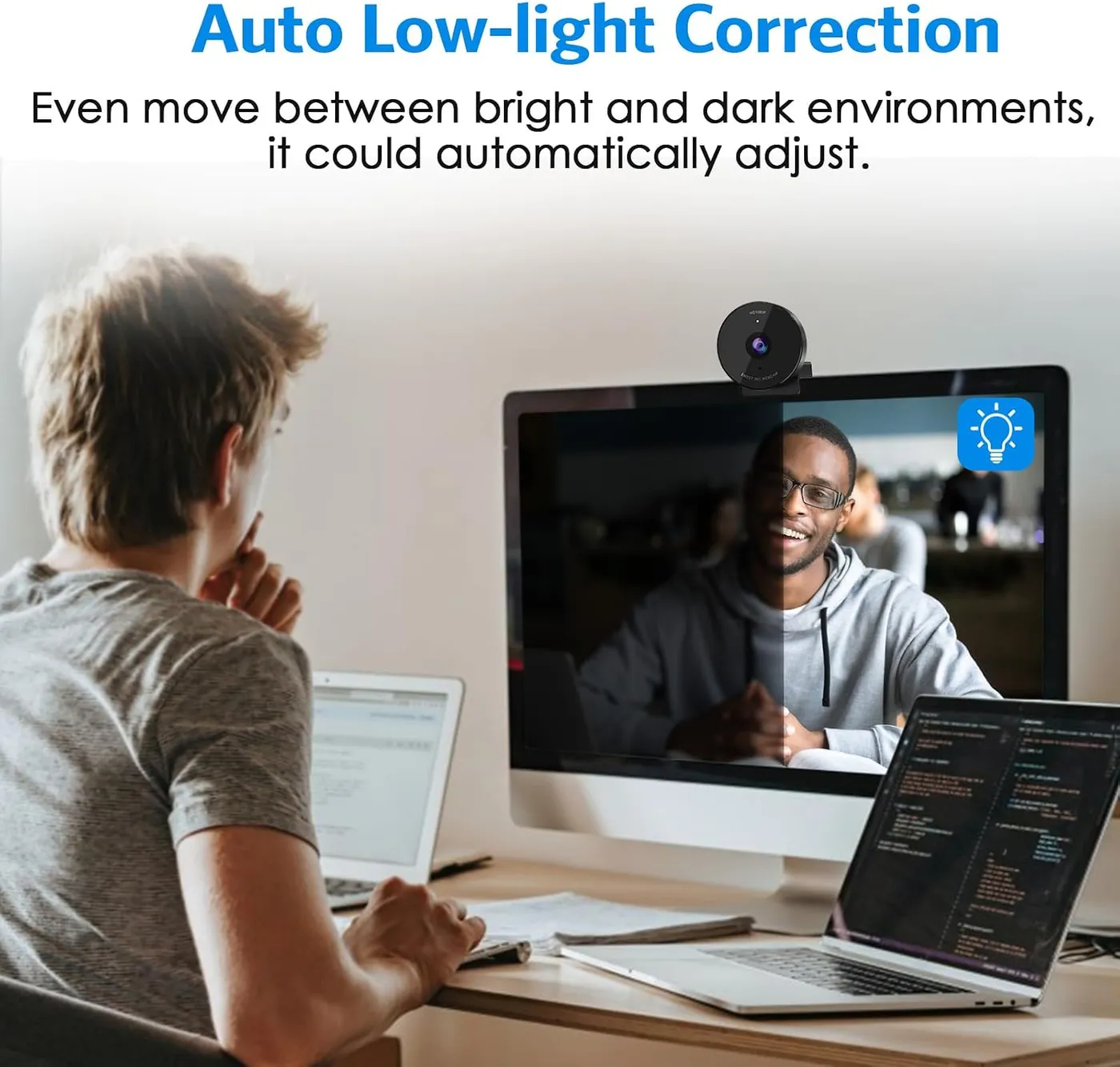
For the first call on an EMEET C950
Setup is close to instant. The camera needs no driver, and EMEET calls it plug-and-play over USB-A. On Windows, it shows up as soon as it plugs in. EMEET names Windows 10 and 11, Linux, Macs from macOS 10.14 and Android TV on version 7.0 or newer. It recommends those systems over Chrome OS, which may not work with every model. Its app list runs to Zoom, Microsoft Teams, Google Meet, Webex, FaceTime, GoToMeeting and Lifesize.
The step that trips up a first call comes next. On a laptop, call apps keep using the built-in camera until their video settings point to the C950. The microphone needs the same change. EMEET's setup notes for the C950 spell out those clicks for Zoom, Teams and Google Meet. They also cover the Windows privacy switches that let apps reach the camera.
EMEETLINK stays optional, since calls run fine without it. The app adds the image controls, a device rename and an update check. It needs 64-bit Windows 10 or macOS 10.14 at minimum, and Windows laptops with ARM chips can't run it. Printed help stops at a brief quick start guide. The EMEET C950 troubleshooting guide picks up from there, with every setup step and its fix.
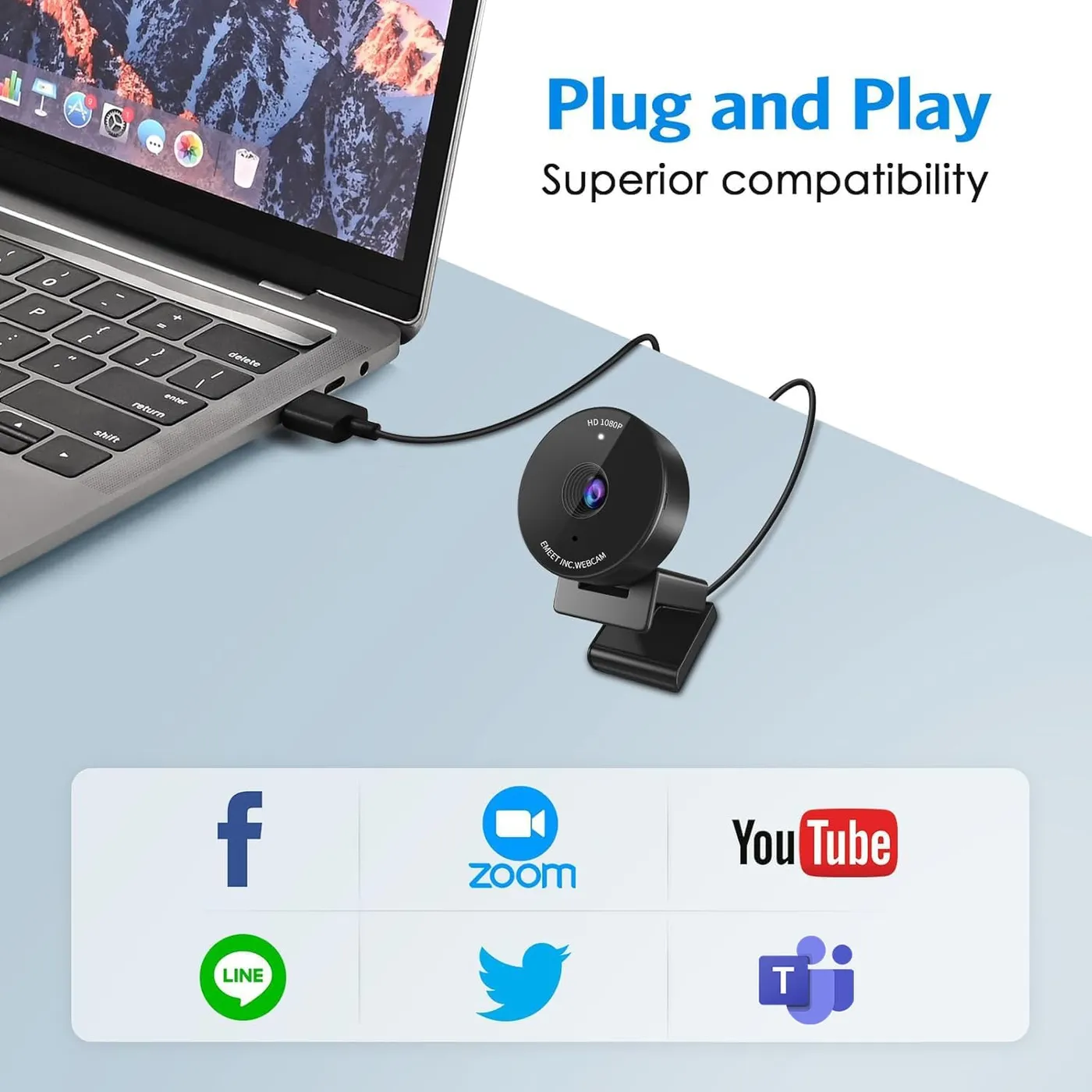
For a flat-topped monitor and a slack cable
The clip is the camera's weak spot. It unfolds over the top of a screen and holds by balance more than grip. As a result, the EMEET C950 can wiggle, slide or sit off level. Some monitors give it nothing to hook onto at all. A strip of double-sided tape holds it where the clip won't, and the camera also sits fine on a desk or a monitor stand.
The cable makes things worse. EMEET lists the camera at 75.9 grams, light enough for its own cord to drag it out of line. EMEET's FAQ gives two rules for a steady mount: the cable should hang slack, and the top of the clip should lie flat on the monitor. Setting the angle is simple, so a face is easy to center. There is no tripod thread, though, since EMEET's spec table marks the 1/4-inch mount N/A.
EMEET gives the body as 50 by 50 by 37 mm, about 2 by 2 by 1.5 inches, small enough to travel in a laptop bag.
The privacy cover ships loose, as a small slider with an adhesive back. EMEET's listing says to line it up over the lens, press it on firmly for a few seconds, then slide it left or right. It is easy to miss in the packaging, so check the box before it goes out. Once fitted, the slider is a light, finicky piece of plastic, though it does block the lens when closed.
For a unit that arrives dead or quits early
Not every unit holds up. A minority arrive dead, and a few others develop faults in the picture or the mic.
A blank feed on the first call isn't always a faulty camera, though. The call app has to point to the C950, and Windows has to let apps use the camera, two steps the maker's FAQ covers. If the screen stays blank after that, EMEET also suggests trying another USB port or restarting the computer.
For a wider lens, a second mic or more pixels
On paper, the NexiGo N60 comes closest. Both listings give 1080p at 30 fps through a fixed-focus lens, and each camera carries one built-in mic. NexiGo rates its view at 110 degrees, though, against the C950's 70. The N60's listing also names Chrome OS, which EMEET advises against for the C950, so a Chromebook points to the NexiGo.
Inside EMEET's own range, the C960 adds a second omnidirectional mic, and its listing quotes a fixed focus that holds from 11.8 inches out to 118.1. Its 2025 version also ships an A-to-C adapter for laptops with only USB-C ports. Meanwhile, UGREEN's 2K Webcam raises the resolution to 2K on a 4 MP sensor, at the same 30 fps. It widens the view to 95 degrees and carries two mics, still on fixed focus. At the other extreme, the Logitech C270 narrows the view to a 55-degree diagonal at 720p.
As an entry-level webcam, the EMEET C950 gets the essentials right for one seat and guards the room's privacy while it does. Its spec sheet is plain everywhere else, and the clip needs help on some screens. I'd pick it for a bedroom desk or a shared apartment, as long as the room has decent light. At this price, it also makes sense as a spare for a second desk.
Pros: What we liked
- Pro: Narrow 70-degree view frames one face and leaves much of the room off the screen
- Pro: Clear, consistent 1080p picture in a bright room for calls, classes and interviews
- Pro: Plug-and-play over USB-A, with no driver and no app needed for a call
- Pro: Stick-on sliding cover blocks the lens whenever the camera isn't in use
- Pro: EMEETLINK sliders correct pale skin tones and add an anti-flicker setting
- Pro: Small and light at 75.9 grams, easy to carry in a laptop bag
Cons: What could be better
- Con: The clip grips loosely, and the cable can tug the light body out of line
- Con: The picture turns dark and murky in a dim room
- Con: Fixed focus with no autofocus, a 30 fps ceiling and no tripod thread
- Con: The single mic sounds plain, so recorded work needs a separate microphone
- Con: Reliability varies: a few units arrive dead, and others develop picture or mic faults
Best For
- Remote workers calling from a bedroom or shared apartment who want the room kept out of frame
- Students and tutors who need a clear, low-cost camera for online classes
- Laptop owners who need a quick plug-in camera to stand in for the built-in one
Not Ideal For
- Streamers and video makers who want autofocus, 60 fps or a recording-grade mic
- Small groups sharing one camera who need more than a 70-degree view
- Chromebook users, since EMEET recommends other systems over Chrome OS
| Specification | Details |
|---|---|
| Resolution | 1080p (Full HD) |
| Frame rate | 30 fps |
| Field of view | 70 degrees diagonal, fixed |
| Focus | Fixed focus; ideal distance 0.5 to 1.2 m per EMEET |
| Sensor | 1/2.7-inch CMOS, 2 MP |
| Microphones | 1 omnidirectional mic, best at 1 to 1.8 m |
| Connection | USB 2.0 with a USB-A plug, 1.5 m cable |
| Privacy | Stick-on sliding privacy cover |
| Mounting | Monitor clip; no 1/4-inch tripod thread |
| Software | EMEETLINK, optional, for 64-bit Windows 10 and macOS 10.14 or later |
Alternatives Worth Considering
Final Verdict
The EMEET C950 makes a narrow promise and keeps it. Its 70-degree frame shows a face and little of the room, and its slider covers the glass once the meeting is over. With the lights on, the 1080p picture holds up for work calls and classes. Fixed focus, a single mic and a loose clip are what the low price costs. Buy it if you take calls or classes on your own from a room you'd rather keep out of view.
Frequently Asked Questions
Does the EMEET C950 have autofocus or manual focus?
Neither. EMEET builds it around a fixed-focus lens and says the image is clearest between 80 and 100 cm, about 31 to 39 inches. The listing gives a wider ideal distance of 0.5 to 1.2 meters, with the face square to the lens.
How much of the room does the 70-degree view show?
Very little. The lens covers 70 degrees on the diagonal, so from a monitor top it frames a face with a little space around it. EMEET pitches that narrow view as a privacy feature that hides the home or office.
Does the C950 work with a Mac or a USB-C-only laptop?
EMEET lists macOS 10.14 or later. The plug is USB-A on a 1.5-meter USB 2.0 cable, though, so a laptop with only USB-C ports needs an adapter or a hub. On a Mac, EMEET's FAQ has you set the camera as the default input under Sound, then pick it as the camera in each app.
Why do Zoom and Teams still show the laptop's built-in camera?
Call apps stay on the built-in camera until the C950 gets picked in their settings. In Zoom, choose it under Settings, then Video and Audio. In Teams, open Device Settings from the profile menu and choose it as camera and microphone.
Does the privacy cover come attached to the camera?
No. It ships loose in the box as a small stick-on slider, so check the packaging before throwing it out. Line it up over the lens, press it on firmly for a few seconds, then slide it left or right to open and close it.
Can the camera go on a tripod?
No. EMEET's spec table lists the 1/4-inch tripod thread as N/A for the C950. The camera rides on its monitor clip, or it can sit on a desk or a monitor stand instead.
The Verdict
A narrow 70-degree view keeps a home office off camera, and with good light on the face the EMEET C950's 1080p picture is clear enough for daily work calls.