EMEET C960 Review: A 90-Degree Call Camera With Two Mics
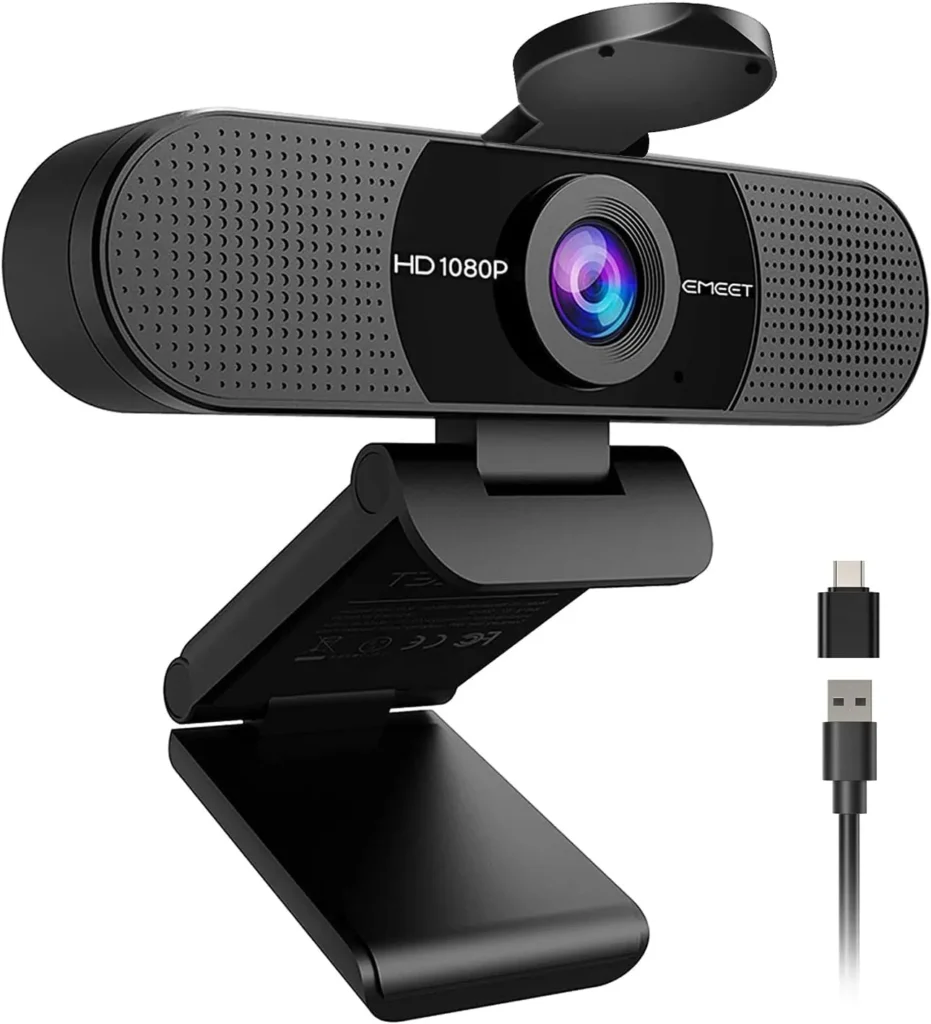
Plug in the EMEET C960 and a call gets clear 1080p in a 90-degree frame, plus two mics good enough to leave the headset off for everyday meetings.
A meeting from a shared desk, with a second chair pulled into the shot, sets the brief for this camera. EMEET pitches its 90-degree lens at exactly that call, where a second face fits without re-aiming anything. The EMEET C960 keeps the focus fixed, while two omnidirectional mics handle the sound. Its plug is USB-A, and the 2025 box also adds an adapter for laptops that only have USB-C.
Setup asks for little: plug it into a USB socket, then choose it as the camera in the call app. At a normal desk distance, the 1080p picture looks clear and natural under everyday indoor light, and the mics also carry a voice cleanly. The width needs some planning, though, since a call taken alone still shows much of the room.
How wide is a 90-degree frame at arm's length?
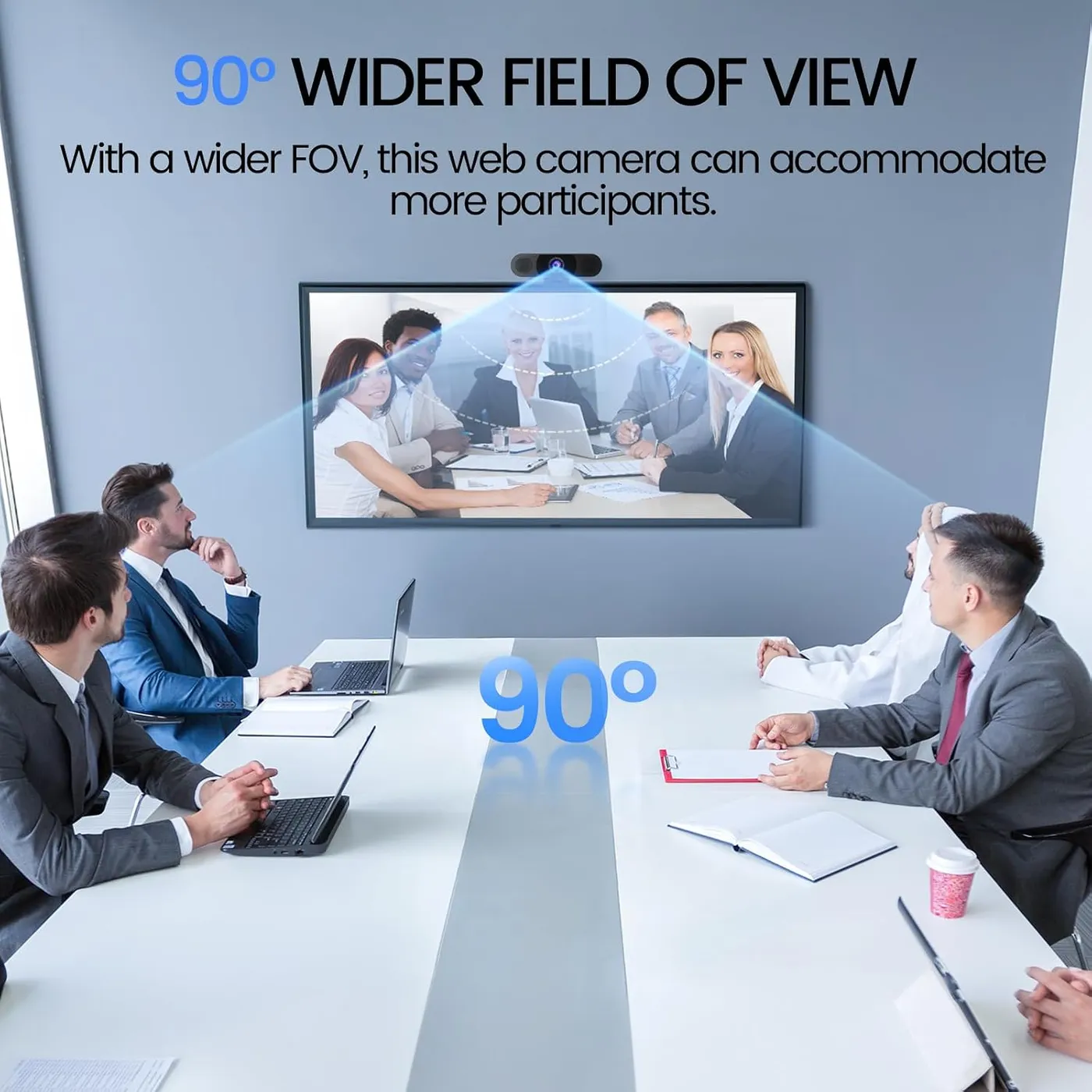
EMEET puts the field of view at 90 degrees, measured on the diagonal. From a monitor top at arm's length, the frame holds the speaker and a wide strip of the room behind. EMEET sells the width as room for more participants, since the angle needn't change to fit them in. Its spec sheet also recommends the camera for video conferencing and business use.
The same width cuts the other way for a single caller. Seated a couple of feet back, one person shares the frame with much of the room, so background blur is worth turning on before a call. For a meeting webcam on a shared desk, that width is the reason to buy. On a solo desk in a busy room, though, it is the trait to manage. EMEET's description of its EMEETLINK controls for this camera mentions no zoom or framing setting to narrow the view.
Focus stays fixed, and EMEET's listing sets its range between 11.8 and 118.1 inches, about one foot out to ten. A face at a normal desk distance sits well inside it, and at that distance the picture comes out sharp. A page held within a foot of the lens, however, sits nearer than the range EMEET rates.
Which calls can the two mics cover without a headset?
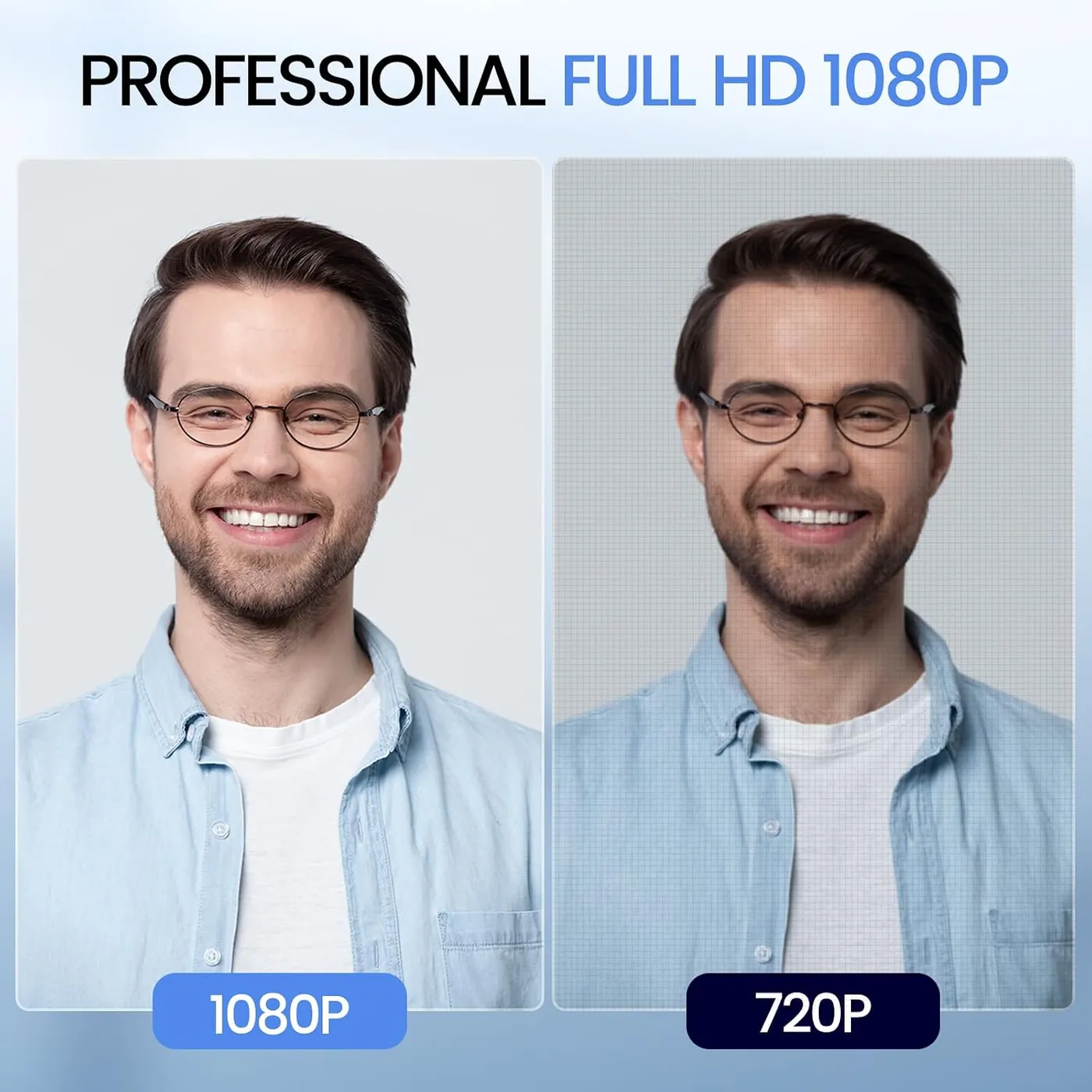
The EMEET C960 carries two omnidirectional mics, and EMEET rates their best pickup at 2.4 meters, about eight feet. At desk distance they carry a voice clearly on Zoom or Teams, and the far end of the call hears it without strain. A second speaker a few feet back also sits inside EMEET's rated range. For everyday meetings, telehealth visits and classes, that is enough to go without a headset. Casual calls can then skip a separate desk mic too.
On a minority of units the pickup sounds quiet or thin instead. Two settings come first in that case, both from EMEET's own setup steps. Make the camera the default input in the call app, then raise its input level, which Windows keeps under the Recording tab of the sound panel. Zoom files the choice under Audio in its settings, while Teams keeps it in Device Settings. On a Mac, it sits under Sound, then Input. EMEET also notes that the C960 includes no speaker of its own, so the other side of the call still plays through the computer or a headset.
How does the 1080p picture hold up indoors?
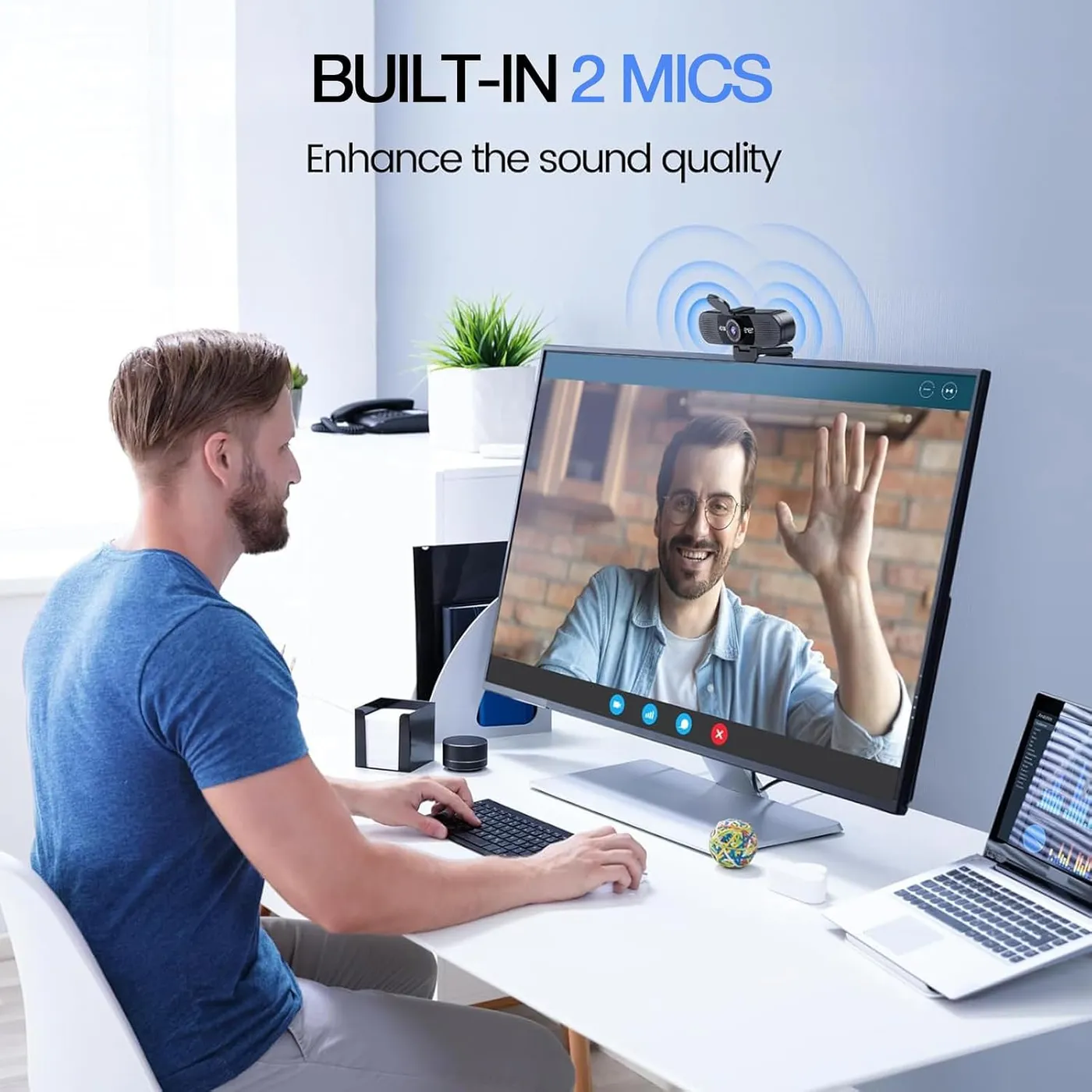
The EMEET C960 outputs 1080p at 30 fps from a 1/2.7-inch, 2-megapixel sensor, per EMEET's spec sheet. Exposure, white balance and backlight compensation also run automatically, by the same sheet, and EMEET adds that its light correction adjusts to the room and reduces flicker.
Under good indoor light the result is a clear, sharp image with natural color, and a face stays distinct when the room light is only average. For a face on a weekday call, that does the job. The same picture also suits casual streams and recorded clips, with YouTube among the apps EMEET names.
EMEET's own listing nonetheless advises a normal or well-lit room, twice over. Some units also produce a softer, grainier picture than the rest. When the image won't sharpen, EMEET's support page points to dust on the lens and advises a wipe with a dust-free or eyeglass cloth.
When the color looks off, EMEET's C960 pages point to its EMEETLINK app for Windows and macOS. It handles brightness, contrast and sharpness, along with saturation and white balance. It also sets anti-flicker for the local mains frequency. A restore-defaults button resets it all, which matters because EMEET traces a green tint to saturation pushed to 85 or higher. The camera needs none of this to work, by EMEET's account.
Which computers and ports suit the EMEET C960?
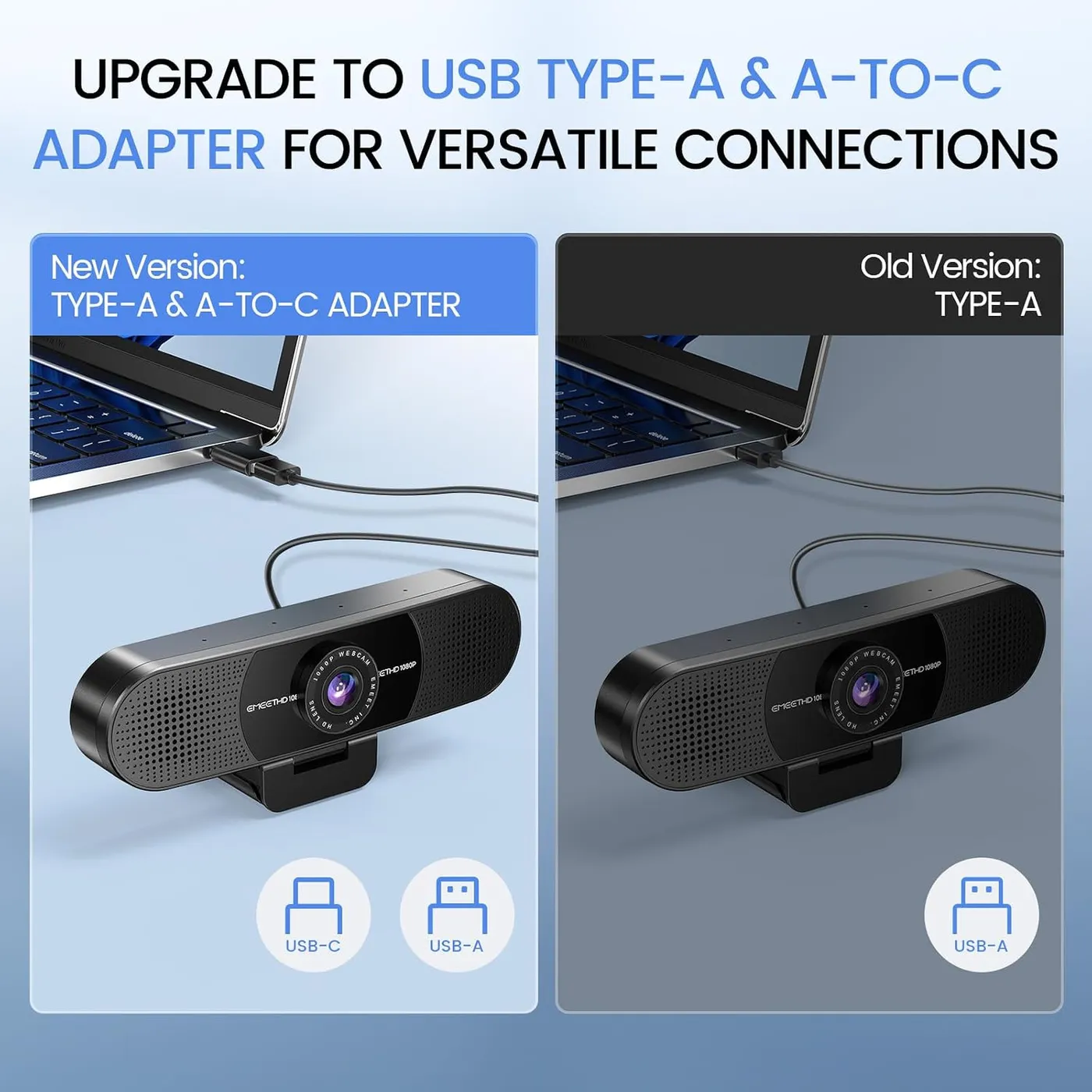
A USB-A plug sits at the end of the attached cable, and EMEET's spec sheet gives a USB 2.0 link with standard UVC video. The 2025 listing adds a USB-C adapter for that plug, so a USB-C-only laptop can take the camera too. EMEET's own C960 product page still shows a box without one.
That adapter is the part to watch. It fits loosely in some USB-C ports. A nudge to the laptop or a tug on the cable can then cut the feed mid-call. A snug adapter of your own holds better. EMEET's own advice is to use the computer's main USB port. The listing also wants any hub or dock in between to supply enough power and a steady data link. EMEET rates the camera's draw at 5 V and 500 mA. I'd keep the adapter for travel and plug straight into USB-A wherever a desk offers it.
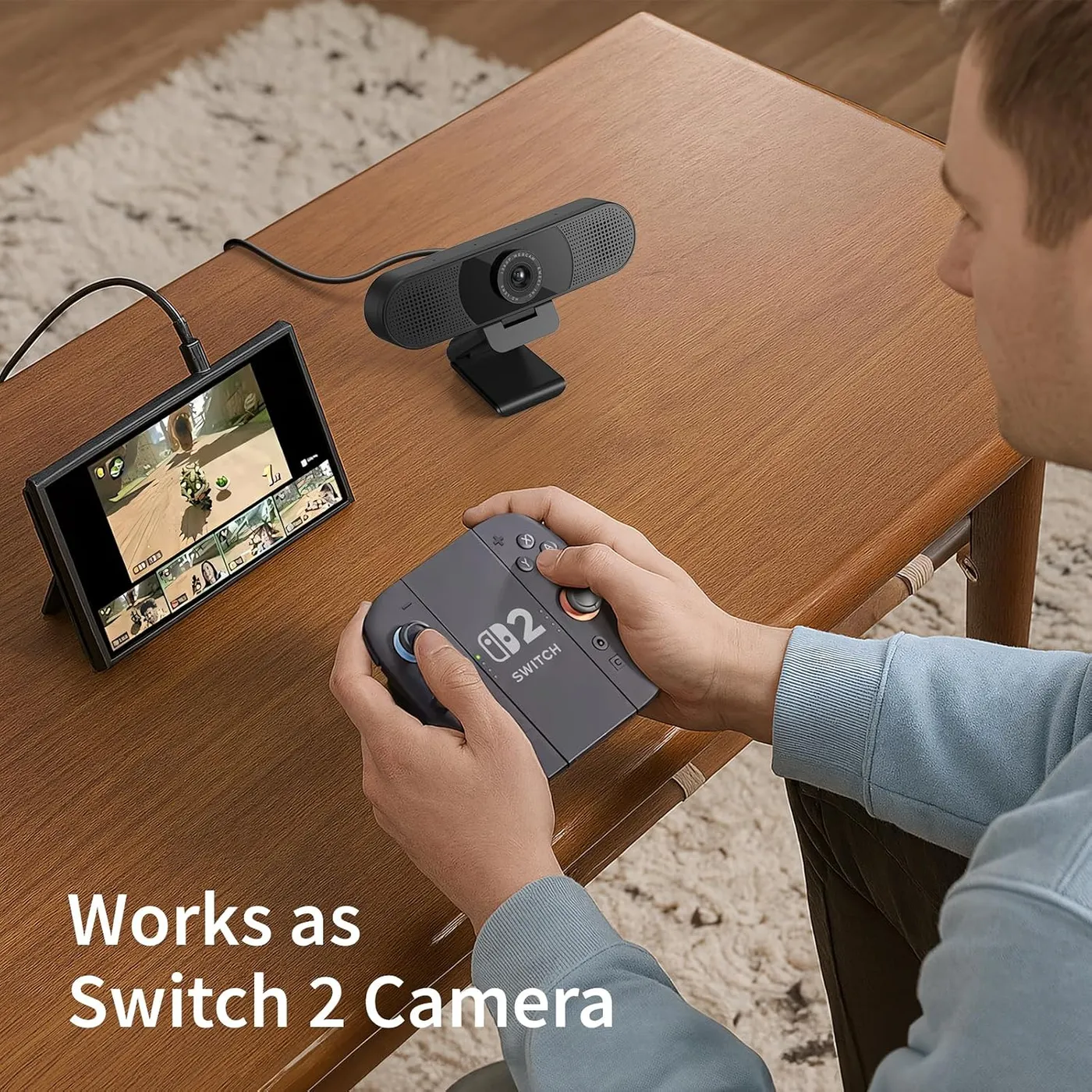
The listing names Windows 10 and 11 plus Android TV 7.0 or newer, with macOS needing version 10.14 or later. Its app list includes Zoom, Teams, FaceTime, Google Meet and YouTube. The same listing rules out Windows Hello sign-in, tablets, game consoles and TVs, which leaves TV use unclear despite the Android TV line.
Windows and macOS take the camera without a driver. On some computers, though, the EMEET C960 stays dark until you pick it in the call app or the camera settings. A Mac also asks for camera and microphone permission first, a step EMEET's listing flags. EMEET's support page for the C960 walks through those choices in Zoom, Teams and Google Meet, along with the Windows privacy switch that lets apps reach the camera.
What holds the camera in place, and what covers the lens?
EMEET's mount is a universal clip for a monitor or laptop screen. The company describes an adjustable 180-degree base and a 90-degree head, which also let it sit flat on a desk. For a tripod, a 1/4-inch thread sits underneath, and EMEET puts the whole camera at 125 grams.
In EMEET's setup steps, the clip opens out to straddle the screen, then the camera tilts by hand to frame the face. On a monitor's top edge, the clip grips firmly and holds its place through a call. Some screens take more fiddling, though, before the camera sits straight and secure.
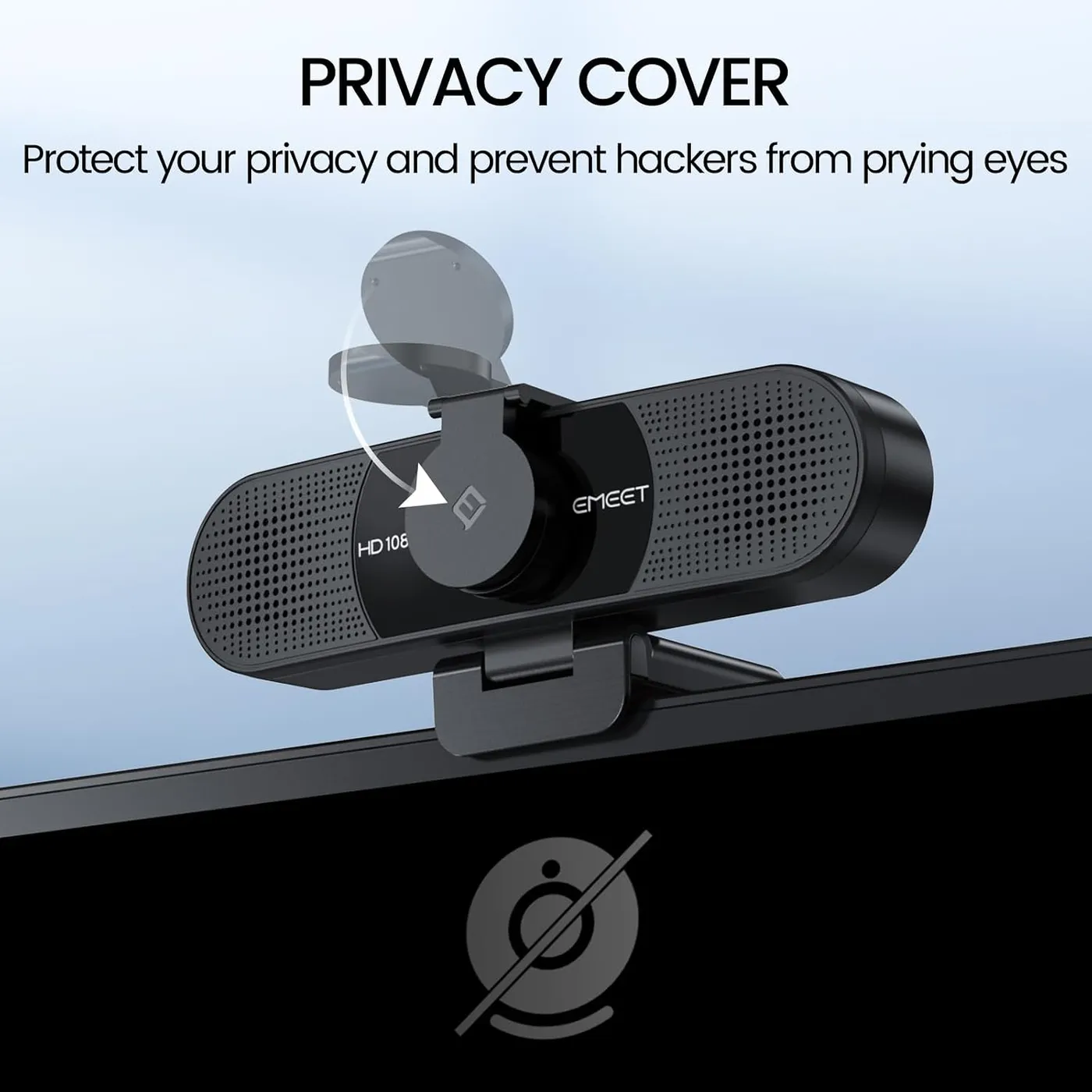
The privacy cover flips down over the lens and lifts clear for a call. It is a physical flap, with nothing to trust in software. It comes in the box as a separate piece. EMEET's support page has you wipe the camera's front and peel the backing tape, then hold the cover in place for three seconds. A status light glows blue while an app is using the camera, and the camera switches off once the meeting app closes. The EMEET C960 itself has no buttons, storage or Wi-Fi, per EMEET.
Which parts fail early on some units?
A minority of units are dead on arrival and never power on. Others quit within weeks or months, losing either the picture or the microphone partway through ordinary use.
The stick-on cover fails on some units as well, arriving broken or missing from the box, or coming loose soon after it goes on.
When the computer shows no camera at all, EMEET's own first checks are the place to start. Confirm that the meeting app has the EMEET C960 selected, try a different USB port, then restart the computer.
Which EMEET fits one chair, and which fits two?
EMEET's own lineup frames the choice. The EMEET C950 trims the view to 70 degrees and carries one omnidirectional mic, while the EMEET C960 takes in 90 degrees and carries two. Both stick to fixed focus at 1080p and 30 fps. EMEET's comparison chart gives each a USB-A plug. A tripod thread appears on the C960 alone, by the same chart.
EMEET pitches the C950's narrower view at keeping the room out of the shot. Its listing puts the ideal shooting distance at half a meter to 1.2 meters. The C960's listing, in contrast, rates its fixed focus from 30 cm out to 3 meters. On EMEET's chart the C960 is also the heavier of the two, at 125 grams against 75.9.
Both sit in the budget tier, so the choice comes down to width and mics more than money. I'd take the C960 for a desk shared by two, or a small room with several chairs in view. For one person who would rather keep the background private, the cheaper C950 is the closer fit. A step up at the same resolution means autofocus, which the Logitech C920x adds along with stereo mics, though its box has no privacy shutter. NexiGo's N60 sticks to the same fixed-focus 1080p at 30 fps, with a privacy cover and one mic. NexiGo also lists Linux and Chrome OS support for it.
Pros: What we liked
- Pro: Needs no driver on Windows or macOS: plug it in and choose it in the call app
- Pro: Two omnidirectional mics pick up a voice cleanly at desk distance
- Pro: Clear, sharp 1080p with natural color under good indoor light
- Pro: Wide 90-degree view takes in a broad stretch of the room
- Pro: Flip-down privacy cover over the lens, plus a blue in-use light
- Pro: Clip grips a monitor's top edge firmly through a call
Cons: What could be better
- Con: The bundled USB-C adapter fits loosely in some ports, so a nudge can cut the feed
- Con: Some units are dead on arrival or quit within weeks, and the stick-on cover can arrive broken or come loose
- Con: The 90-degree view shows much of the room behind a solo caller
- Con: Some units produce a soft, grainy picture, while EMEET itself advises a well-lit room
Best For
- Home-office workers who take daily video meetings at a desk
- Two people sharing one desk or a small room on calls
- Patients, students and job seekers on telehealth visits, online classes or interviews
Not Ideal For
- Solo callers who want a tight crop with the room left out
- Streamers who need 60 fps motion or autofocus for close-up demos
| Specification | Details |
|---|---|
| Resolution | 1080p (1920 x 1080) |
| Frame rate | 30 fps at 1080p, per EMEET |
| Field of view | 90 degrees diagonal, per EMEET |
| Focus | Fixed; 11.8 to 118.1 in (30 to 300 cm), per EMEET |
| Sensor | 1/2.7-inch CMOS, 2 MP (EMEET's C960 spec sheet) |
| Microphones | Two omnidirectional; 2.4 m optimal pickup (EMEET rating) |
| Connection | USB 2.0, USB-A plug; USB-A to USB-C adapter in the 2025 box |
| Privacy | Stick-on flip-down lens cover; blue in-use light |
| Mounting | Fold-out monitor and laptop clip; 1/4-inch tripod thread |
| Software | None required; EMEETLINK for picture settings (Windows, macOS) |
Alternatives Worth Considering
Final Verdict
Pick the EMEET C960 for calls a few feet from the screen, in a room that can share the frame. Under that condition it handles a weekday call well, especially under normal indoor lighting. The picture stays clear, the voice carries without a headset and nothing needs installing. A free USB-A port suits it best, though USB-C works too through an adapter that sits snugly. Otherwise, when the background has to stay private, the narrower C950 suits that desk better.
Frequently Asked Questions
Does the EMEET C960 have a built-in speaker?
No. EMEET's listing notes that the C960 has no built-in speaker, so call audio plays through the computer's speakers or a headset. The camera supplies the video and the microphone input.
Will the C960 work with a laptop that only has USB-C ports?
Yes. The 2025 version comes with a USB-A to USB-C adapter for that case, per EMEET's listing. The camera itself ends in a USB-A plug and runs over USB 2.0, and EMEET advises the computer's main port over a hub.
Does the C960 work with Windows Hello sign-in?
No. EMEET lists Windows Hello as unsupported, along with TVs, tablets and game consoles. The supported systems are Windows 10 and 11, macOS 10.14 or later and Android TV 7.0 or later.
How close can you sit and stay in focus?
EMEET rates the fixed focus from 11.8 to 118.1 inches, or 30 to 300 cm. A face at a normal desk distance sits well inside that span, and there is no focus to adjust.
Does the C960 need EMEET's software to work?
No. It works without a driver or an app. EMEET's C960 pages offer its EMEETLINK app for Windows and macOS, which adjusts brightness, contrast, sharpness, saturation and white balance and sets anti-flicker.
The Verdict
Plug in the EMEET C960 and a call gets clear 1080p in a 90-degree frame, plus two mics good enough to leave the headset off for everyday meetings.