On the G8000 Max, red can mean two different things, and the beep decides which, as the light table on Tikom's one-page quick start shows. The status light sits under the robot's two buttons and also shows white for charging, a full battery and standby. A second light shows the Wi-Fi state, while the remote's levels answer in beeps. This G8000 Max troubleshooting guide reads those signals first, then applies the fixes from the same quick start.
Not every fault fits that vocabulary: the light table has no state for a dry mop cloth, so the mopping section starts at the cloth holder instead. Each fix below comes from the quick start or from Tikom's product copy, which this guide credits to Tikom.
Key Takeaways
- Red with the urgent beep means a malfunction; solid red without it means low battery.
- Keep the charging station plugged in, with 3 ft (1 m) free on both sides and 6 ft (2 m) ahead.
- If no water reaches the cloth, reinstall the mopping cloth holder and use clean water only.
- Lay the Boundary Strip flat and taped across gaps close to 3.07 inches (78 mm) and very dark or reflective floors.
- Pair over 2.4 GHz after holding Power and Home together for 3 seconds.
A red light with the urgent beep
Before you act on red, check for that beep. On the Tikom G8000 Max, solid or flashing red with the urgent beep means a robot malfunction, according to the light table in Tikom's quick start. Solid red without that beep means low battery instead, a separate state that the next section covers.
For a malfunction, G8000 Max troubleshooting works from the conditions the quick start warns can stop the robot, starting with anything that may entangle it. Clear away socks, clothing, tissues, toys, pet waste and power cords first. Gather loose wires with the supplied cable ties, and fold the tasseled edges of a rug under before a run.
Next, check for gaps near the robot's own size. Tikom puts the body at 3.07 inches (78 mm) thick, so block any gap close to that size with the Boundary Strip before it traps the robot. Tikom says the robot can clean short-pile and medium-pile carpets. Keep it off high-pile rugs thicker than 0.63 inch (16 mm), though, which Tikom warns may cause a malfunction.
When you free a stuck robot, short-press Clean/Power first to stop the run. Tikom warns against picking up or moving the robot while it is cleaning, since that may affect its mapping ability and its way back to the station.
Solid red without the beep, then white on the station
That red is the low-battery signal. Tikom says the robot recharges automatically when its battery runs low, so a trip home partway through a run can simply be that recharge. Keep the charging station plugged in, the quick start adds, or the robot will not return by itself. So if the robot wanders past the station, check the plug first.
Then give the station room. Clear objects within 3 ft (1 m) on either side and within 6 ft (2 m) in front. Tikom also recommends securing the station to the floor with the supplied adhesive tapes, and it warns that moving the station may affect the robot's return.
To send the robot home yourself, short-press the Home button, or press Back to Charging Station on the remote. Once it docks, flashing white means charging and solid white means fully charged. If neither shows, line up the charging contacts under the robot with the station's contacts by hand, the step Tikom gives before first use.
Away from the station, solid white means standby, while an unlit light means the robot is off or asleep. If it is off, a 3-second hold on Clean/Power turns it on. Tikom rates the runtime at up to 150 minutes in quiet mode.
The mop cloth holder in G8000 Max troubleshooting
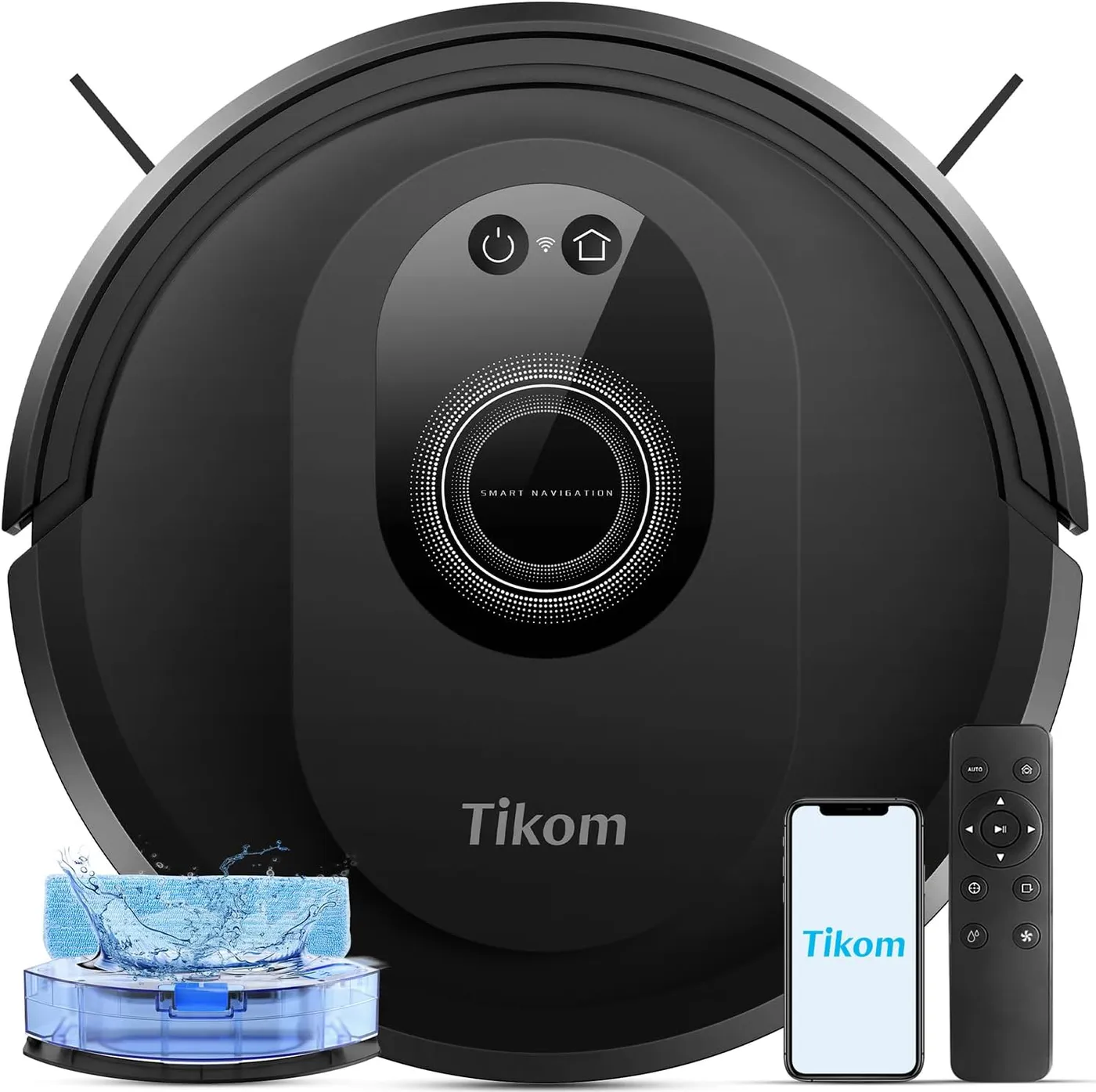
Tikom's mopping notes start at the cloth holder. The robot detects the mopping cloth holder for mopping, Tikom says, so fit the holder securely before a mopping run. If no water comes out during mopping, check the holder and reinstall it, which is Tikom's own fix. After filling the water tank, which Tikom sizes at 300 ml, also close its rubber cover securely. Use clean water only, because Tikom warns that floor cleaners or disinfectants may damage the water tank.
Carpets call for a change too. Tikom says the G8000 Max mops while it vacuums, yet it rules carpet out for mopping, so detach the cloth holder before the robot cleans carpeted areas. Boundary strips can also fence carpets off, or sit hidden under a carpet's edges to keep the robot out.
The remote's Mop Water Control sets one of three levels. Three beeps mark the highest and a single beep the lowest, so count them to check the setting. For installation help, the quick start points to videos under Tikom Technology on YouTube.
Very dark or reflective floors and the Boundary Strip
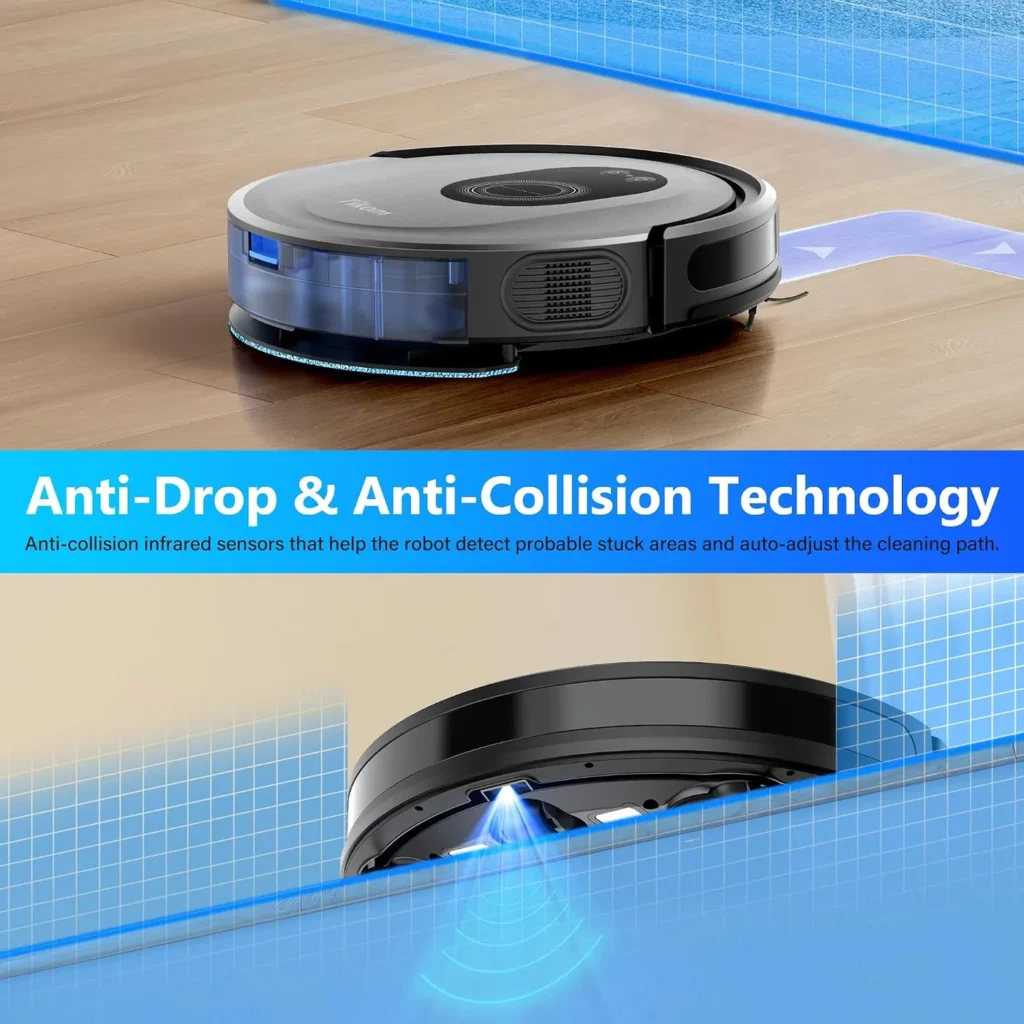
The anti-drop sensors have limits. Tikom says they help keep the robot from falling down stairs and steep drops. However, Tikom adds that dirt can make them less effective, and so can carpeted, reflective or very dark floors. So keep the sensors clean, and block those floors off with the supplied Boundary Strip, as Tikom recommends.
Tikom is exact about the strip itself: stick each one down with the supplied adhesive tape to form a virtual barrier, flat on the floor. If the robot crosses one, check that the strip still lies flat and that the tape still holds. Tikom also suggests the strips for any area you want the robot to skip.
The Wi-Fi light during Tuya Smart app pairing
Prepare the phone before the robot. Get the Tuya Smart app through Google Play or the App Store, then register and log in. Turn on Bluetooth on your phone or tablet, and place the robot near the router. Your phone also has to be on 2.4 GHz Wi-Fi, the only band Tikom says the robot supports. Then hold Power and Home together for 3 seconds, releasing them when a sound plays and the Wi-Fi status light flashes rapidly.
That rapid flash means pairing mode, so open the Tuya Smart app, tap the + sign and then Add Device at the upper right. Tap the robot once it appears, then choose the same 2.4 GHz network as your phone and enter the password. Tikom's one-page quick start numbers each step and prints a QR code for the app download.
A Wi-Fi light that stays on means connected; an unlit one means sleep, power off or no connection. If the router gives both bands one name, connect the phone as normal. If that fails, split off the router's 2.4 GHz band on its configuration page and join that band instead. After setup, the app can reach the robot over 5 GHz Wi-Fi or mobile data as well. The same 3-second hold of Power and Home also resets the Wi-Fi connection.
Beeps and direction buttons on the remote
The remote's settings answer in beeps as well. Its Suction Power Control has three levels: three beeps for the highest, two for the middle, one for the lowest. If pickup seems weak, count the beeps to confirm the level.
Manual steering has one rule: stop the robot's cleaning before you use the direction buttons, as the quick start instructs. The remote also starts Spot Cleaning and Edge Cleaning, two of the four modes Tikom lists alongside Zig-zag and Manual. In all, Tikom names four ways to control the robot: the app, the remote, voice and the buttons.
Conclusion
Where the robot gives a signal, read it first. Red with the urgent beep sends you to the floor, red without it sends you to the station, and white there confirms a charge. A dry cloth points to the holder, and a crossed strip to its tape. Past those checks, G8000 Max troubleshooting ends with Tikom itself. Email support.us@tikom.com when the malfunction signal returns on a cleared floor, or when charging fails with the contacts aligned. If the robot is beyond those fixes, our guide to budget robot vacuums lists the current alternatives.
Frequently Asked Questions
What does a red light with an urgent beep mean on the G8000 Max?
Tikom's light table reads solid or flashing red with the urgent beep as a robot malfunction, and solid red without the beep as low battery. For a malfunction, clear anything that may entangle the robot, block gaps close to 3.07 inches (78 mm) and keep it off high-pile rugs thicker than 0.63 inch (16 mm).
Why won't the G8000 Max go back to its charging station?
Check the plug first, since Tikom says the robot will not return automatically unless the charging station stays plugged in. Then clear 3 ft (1 m) at each side and 6 ft (2 m) in front, tape the station down and leave it in place during runs. Short-pressing the Home button sends the robot back.
Why is no water coming out while the G8000 Max mops?
Tikom's fix for water that does not come out during mopping is to check the mopping cloth holder and reinstall it, since the robot detects the holder for mopping. After filling the water tank, close its rubber cover securely, and use clean water only.
Does the G8000 Max water tank take floor cleaner?
No. Tikom warns that floor cleaners or disinfectants may damage the water tank, so it suggests clean water only. The tank holds 300 ml, according to Tikom's product copy.
How does the G8000 Max go into Wi-Fi pairing mode?
Hold Power and Home together for 3 seconds. A sound plays and the Wi-Fi status light flashes rapidly once pairing mode starts. Switch your phone's Bluetooth on first and put the phone on 2.4 GHz Wi-Fi, since Tikom says the robot supports only that band.