iRobot Roomba 105 Vac Review: Budget LiDAR, Room by Room
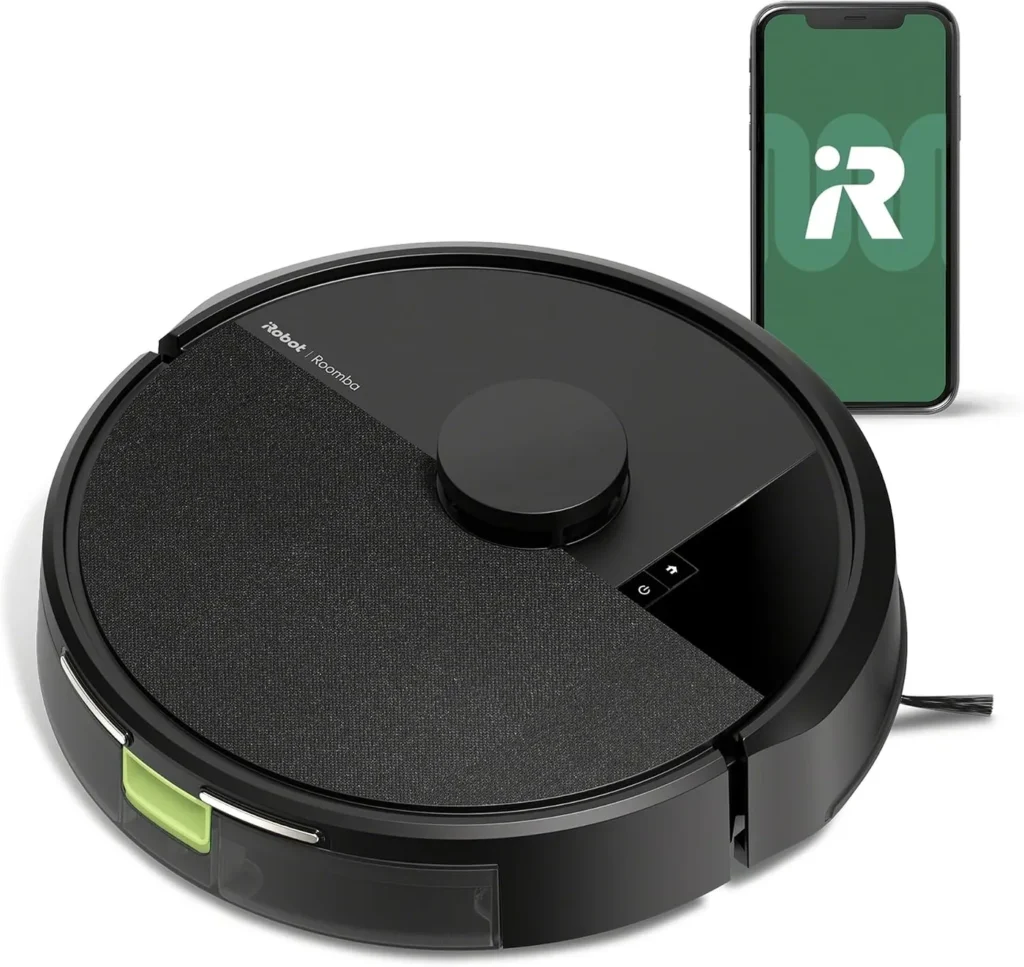
Laser maps, room-by-room control and thorough pickup of dust and shed hair on wood and tile make this a capable budget vacuum, though long jobs pause to recharge.
A clean floor on a schedule is the whole pitch here. The iRobot Roomba 105 Vac maps your home with LiDAR, then vacuums the rooms you pick in neat rows. You also set the suction level and the number of passes for each room. This is the vacuum-only version on a plain charging dock, so emptying the bin stays your job. Within that brief, it gives more than its budget tier promises. Wood and tile come up clean of dust and shed hair, and the noise stays low. Two things ask for patience, though: a short battery that splits big jobs into sittings, and an app that takes a while to learn.
Bare floors first, carpet second
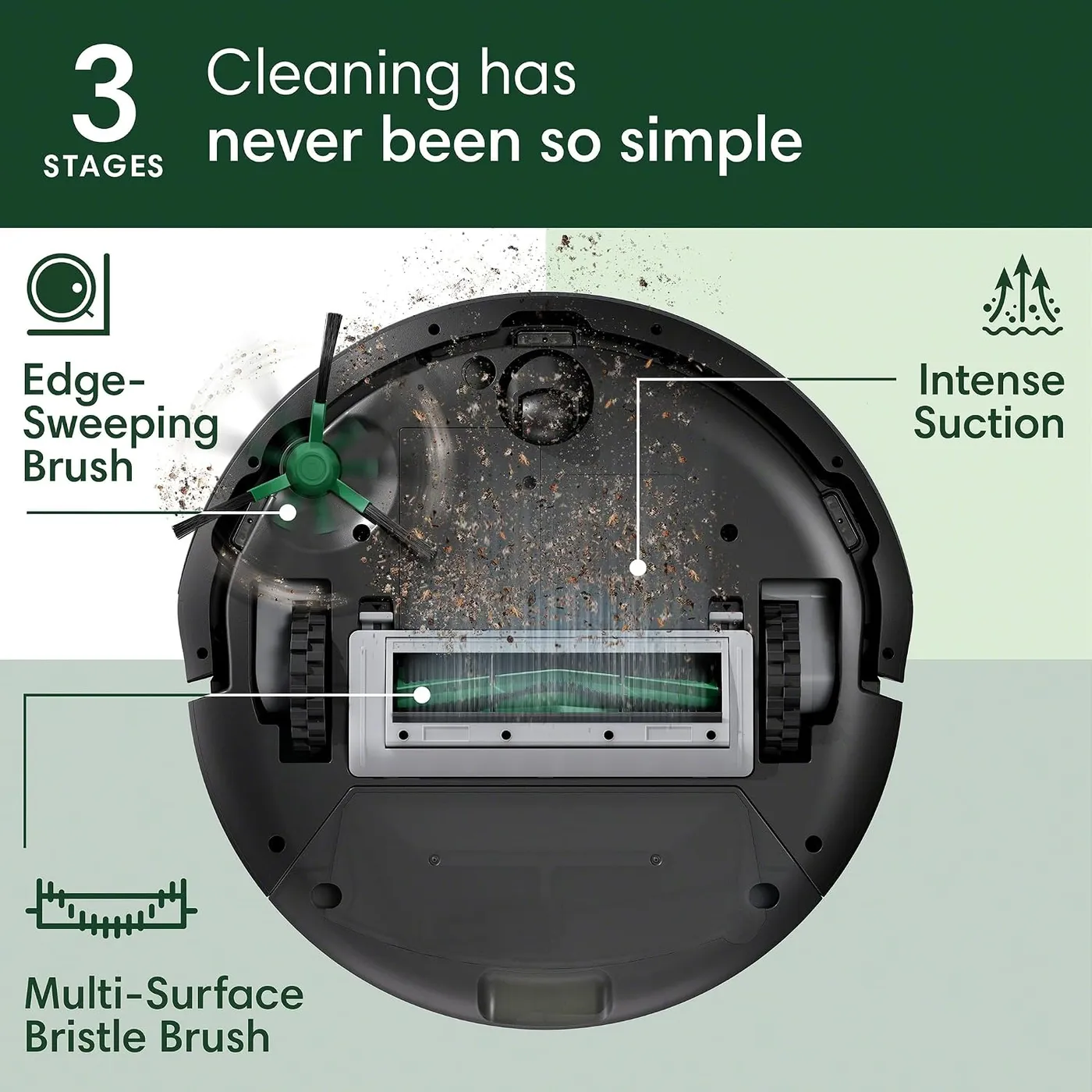
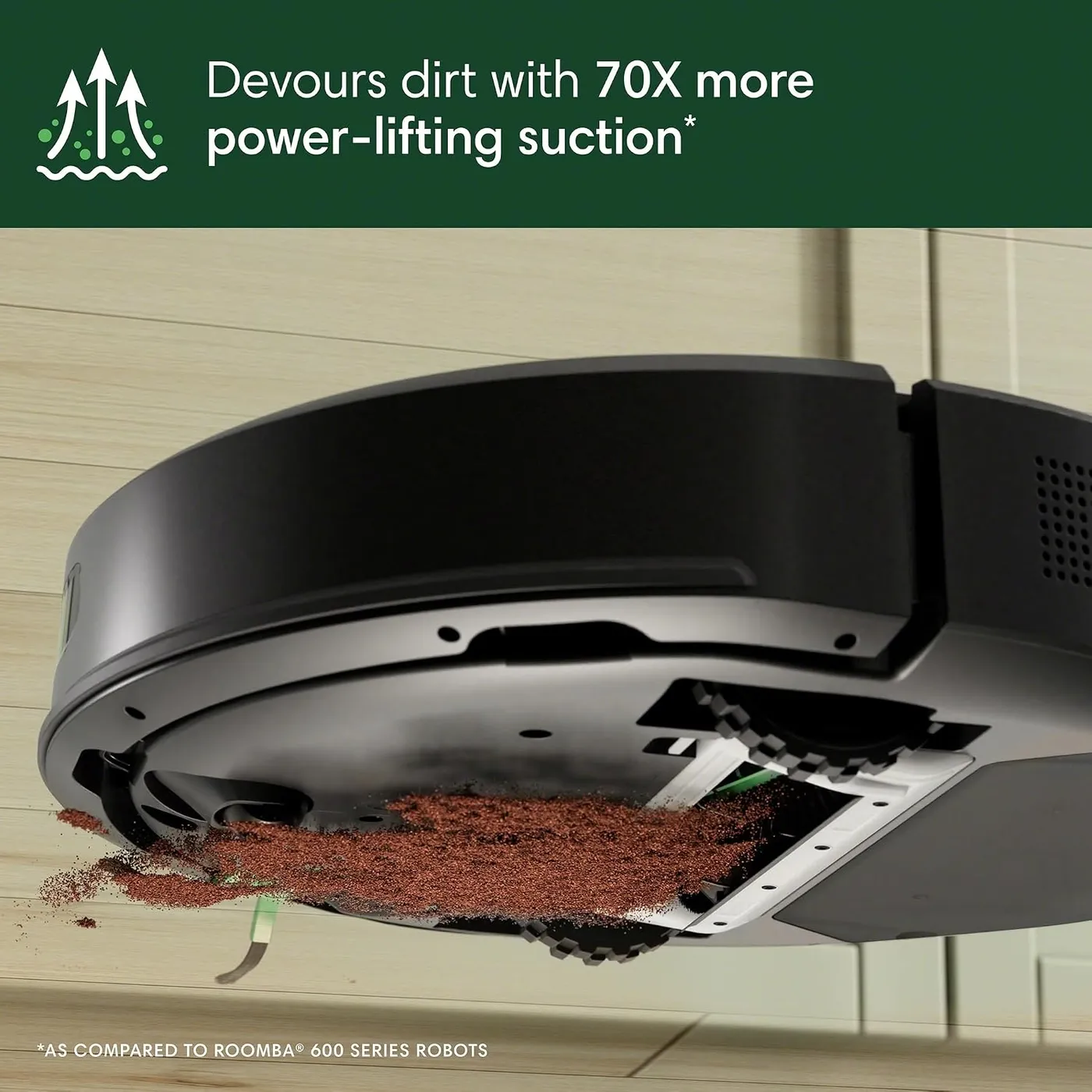
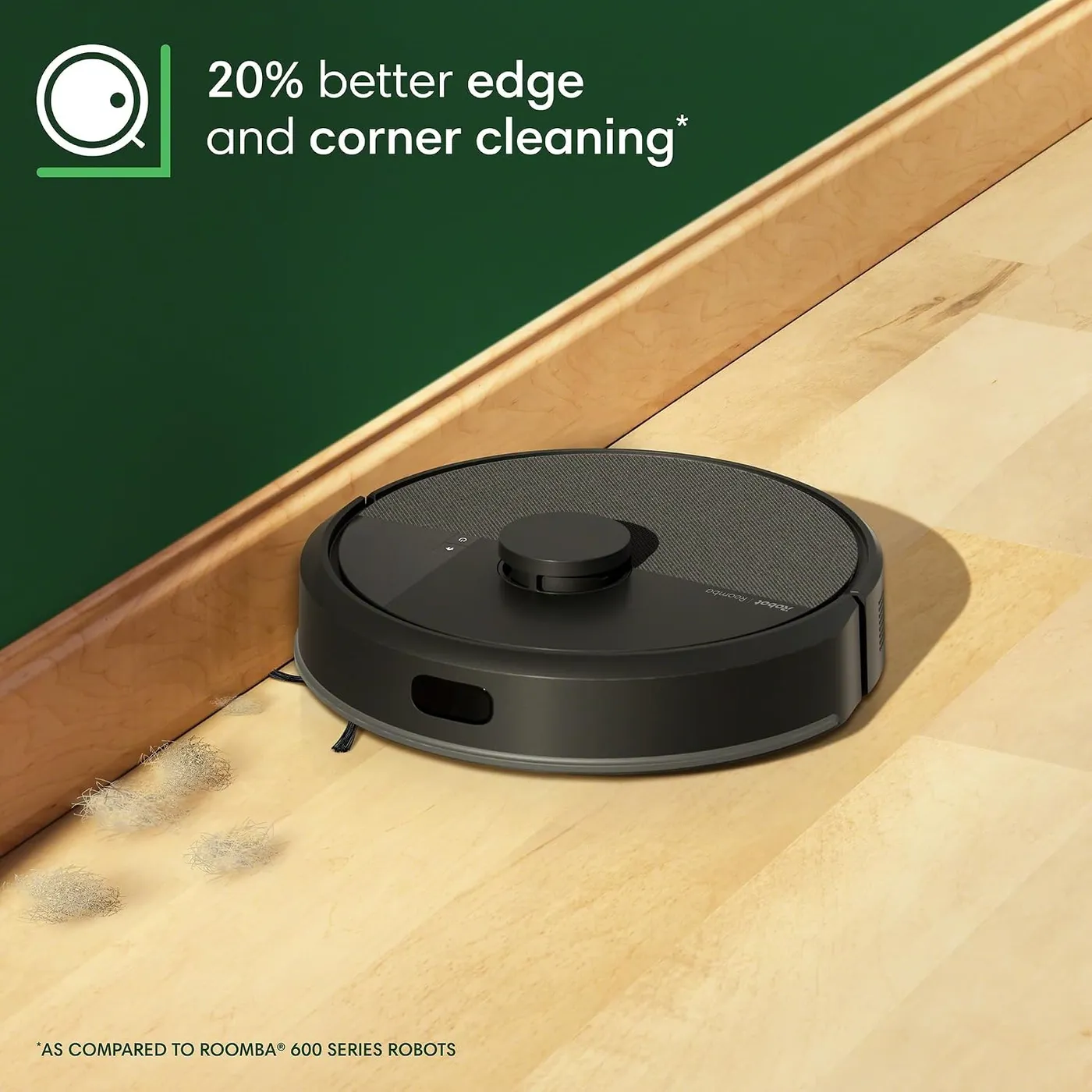
On wood and tile, the iRobot Roomba 105 Vac does its best work. Fine dust and shed pet hair come up thoroughly, and the bin often holds more than a quick look at the floor would suggest. According to iRobot, it pulls 70 times the power-lifting suction of a Roomba 600 series robot. In iRobot's design, a Multi-Surface bristle brush loosens dirt while an Edge-Sweeping brush clears edges and corners.
Shed hair wraps around the brush roll, and pickup falls off until you clear it. The small cleaning brush stored on the bin is there for exactly that job. Busy pet homes get the best pickup from an empty bin and a clear brush before every run.
Carpet gets a lighter clean, even though rugs show neat vacuum tracks afterward. The robot usually rides over thin rugs and small thresholds, yet it lifts less from carpet than from bare floors. Larger debris, string especially, tends to get pushed around or caught in the brush. Thick carpet and high-pile rugs can even slow the main brush enough to stop it, iRobot warns. For carpeted rooms, I'd set two passes at a higher suction level and accept a longer run.
Where the iRobot Roomba 105 Vac goes, and when
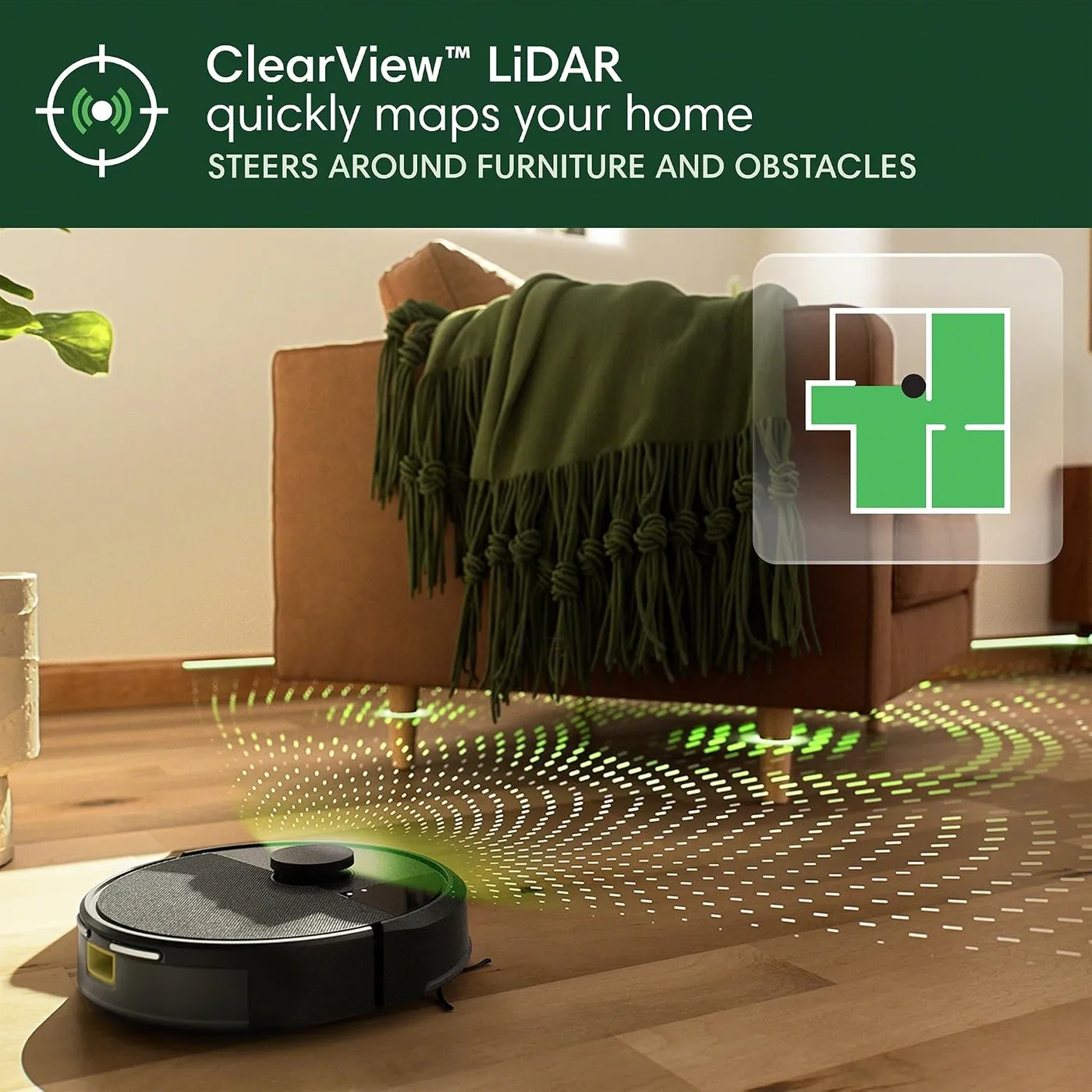
Mapping comes first, and it's quick. By iRobot's figures, the ClearView LiDAR maps a 1,000-square-foot space in 10 minutes, and the app stores up to three maps. That covers separate floors, and the first map is usually good enough to use straight away. After that, it works each room in straight lanes, steering around furniture with light bumps or none.
Where it shines is room control, all of it run from the app. You can send it to one room or a group of them, each with its own suction level and pass count. Schedules can follow your week too, and iRobot lists Alexa, Siri and Google Assistant for starting a job by voice. Spot cleaning, as iRobot describes it, works one patch for up to five minutes. You can leave a busy room out of a run, and keep-out zones fence off anything else it should skip. Those zones also take over from Virtual Walls, which iRobot's FAQ rules out for these models.
Editing the map takes more patience, because rooms take shape through splitting and merging. Carving an open-plan floor into the spaces you use can take a few tries. Once the rooms are right, schedules run on their own, and the app's cleaning maps show where the robot has been. Time estimates and a filter-life tracker round out the app, according to iRobot.
Tidy floors and tight gaps
Small clutter still catches it. Cords, charging cables and socks can stop a run or end up wound into the brush. A quick pickup before each clean pays off, and iRobot's guide asks for the same.
Thin legs slow it down as well, since around chairs it can bump and turn for a while before finding a way through. Tucking the chairs in before a scheduled run saves it the trouble.
At 4.09 inches tall, the iRobot Roomba 105 Vac can also run out of headroom. According to iRobot, its LiDAR sensor adds about half an inch over earlier Roombas, which can keep it out from under low furniture. It still slips under beds and higher sofas. The real trap is furniture with just enough room, where it can wedge itself and stall. Measure the gap under your sofa, and if it keeps sticking in one spot, draw a keep-out zone there, as iRobot suggests.
Big floor plans and the recharge break
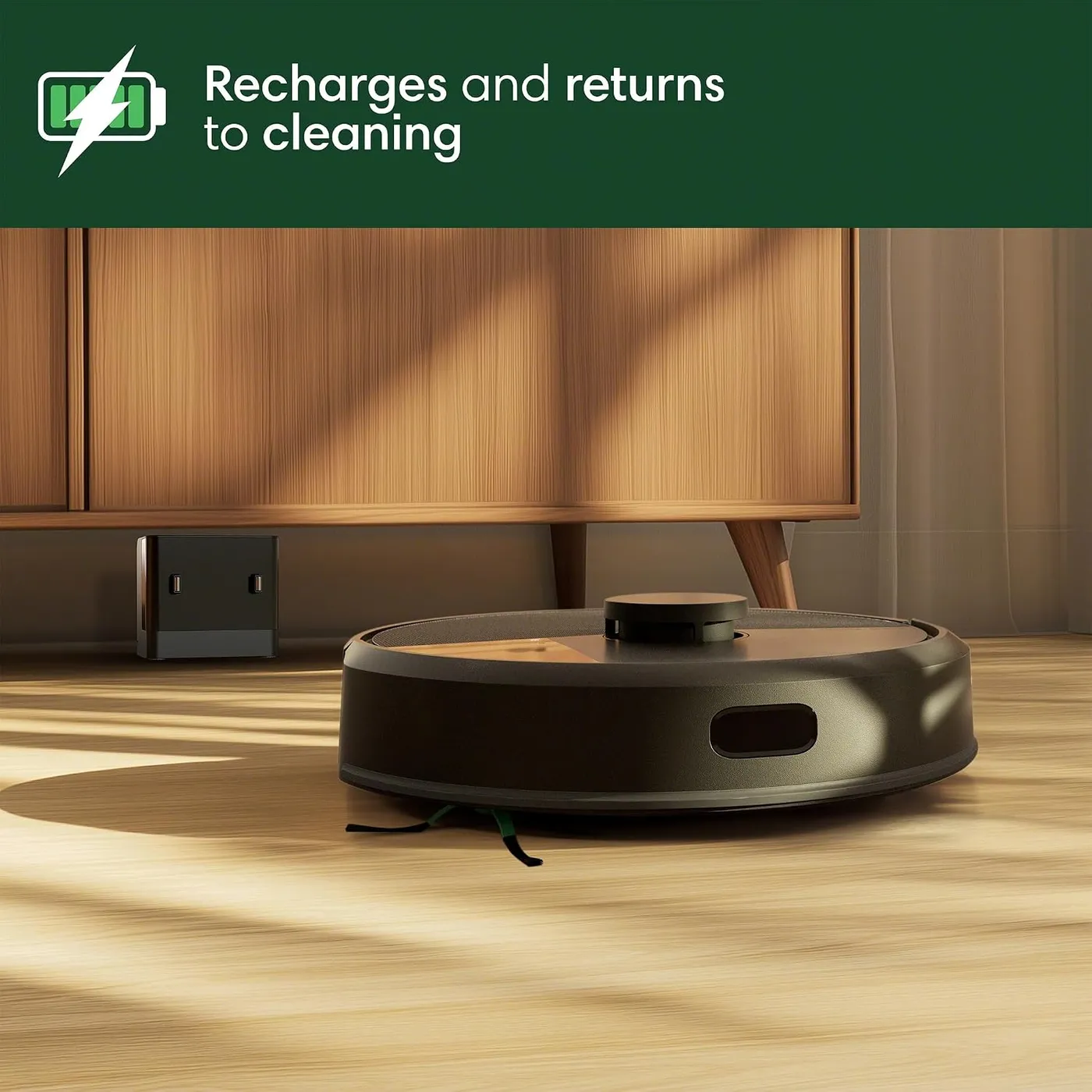
Battery life holds it back. A single charge on the iRobot Roomba 105 Vac often runs out before it finishes a mid-sized floor. The robot then heads back to the dock, recharges and resumes where it stopped, and that resume step works well. The recharge itself is slow, though, so a whole-house clean can stretch across hours.
Planning around it is simple: schedule different rooms on different days, or split a large floor into two routines that each fit inside a charge. Even a modest apartment can see a mid-job top-up, so don't count on a whole-home clean in one go.
Day to day, it's an easy robot vacuum to live with, because it finds its way back to the dock reliably. It also runs at a low noise level, though not silently. For the first run, the guide recommends a 4-hour charge. The dock belongs on a hard floor at least 5 feet from stairs, with clear space on each side and good Wi-Fi coverage. Keep it out of direct sunlight and away from heating vents, since iRobot wants charging done at 60 to 75 degrees F.
Networks, setup and a talkative robot
Your network matters here. The 105 Vac needs a 2.4 GHz network and cannot operate on 5 GHz, as iRobot's FAQ for its 2025 robots spells out. The same page concedes that the robot talks a lot, and Audio Volume under Robot Settings turns its spoken prompts down.
Setup is quick when the network cooperates, though it calls for a phone on iOS 17 or Android 11 or later. The app finds the robot over Bluetooth, joins it to your Wi-Fi and, per iRobot, usually runs a software update first. When it stalls, iRobot's setup article names two usual snags. One is a mesh system that blends both bands, and the other is a special character in the network name or password. For that second snag, iRobot's release notes list a fix in software 9.4.8, released August 18, 2026.
A later hotfix, version 9.4.9, targets robots that went offline after an update. For those robots, the recovery steps iRobot describes start with Replace Wi-Fi under Robot Settings. A factory reset is the fallback, although it wipes the robot's maps and schedules.
Once rooms and schedules are in place, daily use of the app is simple. Getting there takes patience, since the menus are less intuitive than they should be and glitches crop up. On privacy, iRobot says it encrypts stored data and lets you delete it before passing the robot on.
The weekly care list
On the iRobot Roomba 105 Vac, bin duty falls to you. The bin is roomy, which helps in a pet home, but it shares a side with the charging contacts. As a result, the robot has to come off the dock before you can empty it.
The care table in the guide keeps the rest simple. Clean the filter once a week, or twice with a pet, and clear the main brush weekly. The Edge-Sweeping brush, front caster wheel and charging contacts need cleaning every two weeks, and the cliff sensors once a month. A clean, dry cloth does for the sensors, and the guide warns against spraying water or cleaner on them. For parts, plan on a new filter and Edge-Sweeping brush every three to six months. A new main brush comes due every six to twelve months.
Floor transitions can shake parts loose. On some units, the bin jolts free when the robot crosses a floor vent, a transition strip or a rug edge. A snagged brush can pop out too, so put a keep-out zone around the worst rug edge.
If emptying a bin by hand is the chore you'd rather drop, look at the Roborock Q7 M5+. It pairs LiDAR mapping with a RockDock Plus that empties its bin into a sealed 2.7-liter bag. A clip-on mop for fine dust comes with it, too.
Error messages and the odd bad unit
A minority of units stop working properly within the first months. A common sign is a robot that spins in place, trying over and over to work out where it is. Eventually, it gives up on the job. It is a small share, though it is the clearest risk in an otherwise sound package.
Everyday stops are a different matter, and iRobot links a long list of error codes to skipped maintenance. The robot names each error out loud, and the app lists the steps to clear it. Error 2 means the main brush can't turn, so pull off the hair and debris. Weak airflow triggers Error 26, which a clean or new filter sorts out. With Error 6, it is hung over an edge or sitting on a dark surface, so wipe the cliff sensors if it persists.
Charging errors 104 and 105 often come down to dirty charging contacts. Error 1010 means it lost the dock, usually because a door closed, a path got blocked or the dock moved. When an error sticks, a reboot clears it from memory: hold the power button for 10 seconds off the dock, then 3 seconds to restart. Our Roomba 105 Vac troubleshooting guide takes the rest stage by stage, from Wi-Fi setup to worn parts.
Pros: What we liked
- Pro: Picks up fine dust and dog and cat hair thoroughly on wood and tile
- Pro: LiDAR maps let you choose rooms, passes and suction level for every clean
- Pro: Low running noise makes daily schedules easy to live with
- Pro: Recharges mid-job and resumes cleaning where it stopped
- Pro: Roomy dust bin and dependable returns to the dock
- Pro: Starts from the app, the robot's buttons or Alexa, Siri and Google Assistant
Cons: What could be better
- Con: Short runtime per charge and slow recharges stretch whole-home cleans across hours
- Con: The app takes patience: map edits run through room splits and merges, and setup needs 2.4 GHz Wi-Fi
- Con: The bin can jolt loose over vents, transition strips and rug edges, and a snagged brush can pop out
- Con: Cords, cables and socks can stop a run or tangle the brush, so floors need a quick tidy first
- Con: A minority of units start failing within months, often by circling in place as they try to relocate
Best For
- Homes with mostly wood or tile floors that want vacuuming on a daily schedule
- Dog and cat homes that need shed hair cleared between full vacuums
- Budget shoppers who want room-by-room control from a phone
- Older-Roomba upgraders ready to trade Virtual Wall beacons for keep-out zones
Not Ideal For
- Large single-story homes that want the whole floor done in one short session
- Homes carpeted wall to wall, especially in thick pile
- Anyone who wants the bin emptied automatically after every run
- Homes with low sofas or toe kicks that need regular cleaning underneath
| Specification | Details |
|---|---|
| Navigation | ClearView LiDAR |
| Cleaning system | 3-Stage: suction, Multi-Surface brush, Edge-Sweeping brush |
| Suction (iRobot claim) | 70x the power-lifting suction of Roomba 600 series robots |
| Suction levels | 4 levels |
| Saved maps | Up to 3, including separate floors |
| Robot dimensions | 13.23 x 13.19 x 4.09 in |
| Robot weight | 6.24 lb |
| Battery | LFP-type lithium-ion |
| Wi-Fi | 2.4 GHz network required (no 5 GHz) |
| Dock | Plain charging dock (not self-emptying) |
Alternatives Worth Considering
Final Verdict
Judged on cleaning and control, the iRobot Roomba 105 Vac does its main job well. It lifts fine dust and shed hair off wood and tile, keeps its hum low and goes to exactly the rooms you choose. In exchange, you tidy the floor first, empty the bin by hand and wait out the recharges on big jobs. Those costs weigh least in a smaller home with wood or tile underfoot and a shedding pet. Large or carpet-heavy houses should think hardest about the short runtime, because it shapes every whole-home clean.
Frequently Asked Questions
Does the Roomba 105 Vac empty its own bin?
No. This version comes with a plain charging dock, so you empty the bin by hand. On its own US store, iRobot sells the same robot bundled with an AutoEmpty dock instead.
Is there a version of the Roomba 105 that mops?
Yes, the Roomba 105 Combo. It shares a manual with this model and adds a water tank and a mop pad. The 105 Vac covered here is the vacuum-only model.
Do Virtual Wall barriers from an older Roomba work with it?
No. According to iRobot's 2025 product FAQ, none of its new models work with Virtual Walls. Keep-out zones drawn on the LiDAR map in the app do the same job.
Will it connect to a mesh or dual-band router?
Usually, as long as it can reach the 2.4 GHz band, since it cannot run on 5 GHz. On a network that uses one name for both bands, the robot should pick 2.4 GHz by itself. If setup stalls on a mesh system, iRobot advises switching 5 GHz off while you connect, then back on.
How do you turn down the robot's voice?
Open the app, go to Robot Settings and lower Audio Volume. The robot speaks its status and error messages aloud, and iRobot's own FAQ admits it talks a lot.
The Verdict
Laser maps, room-by-room control and thorough pickup of dust and shed hair on wood and tile make this a capable budget vacuum, though long jobs pause to recharge.