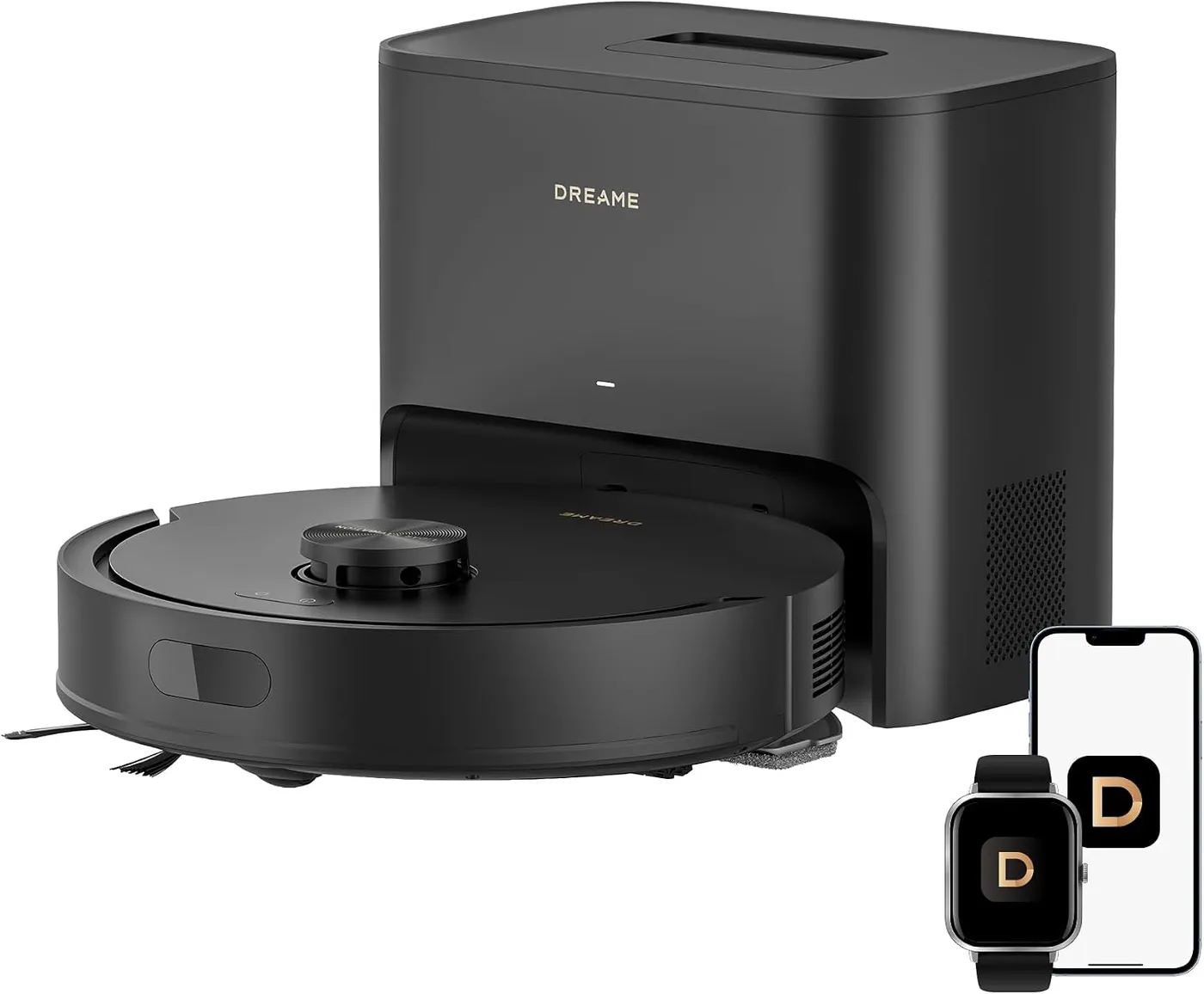
Dreame's D20 Air Plus works from a short list of places. It charges on its base station, which also empties the robot's dust box into a bag. The robot cleans with or without the mop assembly clipped on. So when a run goes wrong, note where the robot is before you reach for a fix.
This D20 Air Plus troubleshooting guide follows those places, starting with a robot stranded short of its base. It then crosses the floor, returns to the base and visits the router, ending with routine care. The fixes come from Dreame's manual for model RLF41GD, and its US store page and general network articles fill small gaps.
Key Takeaways
- Turn on Auto Resume Cleaning, or a run cut short by a low battery stays unfinished.
- Keep 1.5 m (60 inches) of open floor ahead of the base and 0.5 m (20 inches) beside it.
- A dry mop pad calls for water in the tank, a clean pad and a correctly fitted pad holder.
- While Do Not Disturb is active, the robot won't resume a run and the base won't empty the dust box.
- The dust box filter, side brush and main brush go on a two-week cleaning cycle.
- Sensors and charging contacts get a dry cloth only; never rinse either the robot or its base.
Short of the base, where D20 Air Plus troubleshooting begins
A low battery sends the robot home by itself. The Dreame D20 Air Plus heads back to the base station when its charge runs too low, then recharges and completes the job it left. That last step depends on Auto Resume Cleaning, a setting you enable in the Dreamehome app.
If it never arrives, a closed door may have cut off the route. The base station must also keep its power and position while the robot is out. If it lost power or moved mid-run, reconnect it, or place the robot onto it to charge.
The manual wants 1.5 m (60 inches) of free space ahead of the base and 0.5 m (20 inches) on each side. Wipe the signaling area using a dry cloth. Dry any wet floor ahead of the base, because the robot may slip there. If it keeps stalling at the base, relocate the base station and try again.
A robot carried somewhere new has to work out its position again, and it recreates the map if that fails. Set down too far away, it may not return alone, so carry it back yourself, never by the LDS cover, robot cover or bumper. A battery too low to switch the robot on also calls for a recharge on the base. Dreame recommends starting each run from the base station, too.
Out on hard floors with the mop assembly fitted
Look at the water first. When little or no water reaches the pad, the manual suggests three fixes. Make sure the tank holds water, clean the pad if it is dirty and refit the pad and holder as its figures show. Pad wetness is an app setting as well.
To refill, press the release clip and remove the 2-in-1 water tank with dust box. Open the water inlet lid, pour in water and shut the lid firmly. Use plain water, because the manual rules out detergent and disinfectant, and hot water may warp the tank. Dampen the pad and wring it out, then refit the tank and mop assembly until they click.
Dreame suggests at least three vacuum runs over every floor before the first mopping session. It also advises against mopping carpets, so remove the mop assembly whenever you only vacuum. On carpet, the store page adds, sensors raise suction automatically.
After mopping, unclip the mop pad holder and wash the pad in plain water to prevent mildew and odors, then let it dry completely. Empty unused water from the tank regularly. The manual also suggests tile or marble under the base station, to keep water stains off wood and carpet.
Halfway across a room and suddenly louder
Extra noise has four remedies in the manual. If the dust box filter has clogged, clean or replace it. Remove any hard object caught in the main brush or the dust box. Hair or debris may also have wrapped around either brush. Finally, choose the Standard or Quiet suction mode.
Press the brush guard's clips inward, lift the guard away and raise the main brush out. Free the tangled hair with a suitable cleaning tool. Refit the brush, then press the guard back on so it locks in place. The side brush comes off for cleaning too, and the omnidirectional wheel needs the same hair check.
With the 2-in-1 module out and its dust box emptied, open the filter holder, remove the HEPA filter and tap it lightly. Never clean it with a brush, a finger or anything sharp. Rinse the filter and dust box using only clean water and no detergent, and keep water off the module's other parts. Refit them only once they are completely dry.
Dreame's store page calls the brushes anti-tangle, yet the manual still lists both on its two-week cleaning cycle.
At doorways, cords and damp patches along the route
Off the base, the floor itself is the first suspect. For a wandering route, D20 Air Plus troubleshooting comes down to two causes in the manual. Loose items such as power cords and slippers belong off the floor. Wet, slippery surfaces can make the main wheel slip, so dry them before a run.
When a whole room gets skipped, begin at its door, which has to stay open. Any threshold above 2 cm is another suspect, since the manual says high thresholds and steps are beyond the robot. Damp flooring just outside that room can also cause slipping, so dry it first.
Before cleaning, the manual wants the floor free of cords, cloth items and toys, plus any hard or sharp objects. Fence off any stairs with a physical barrier too. Stay clear of the robot's path, thresholds, hallways and narrow spaces, so it recognizes every area to clean. On the first run, walk behind it and remove obstacles as they come up.
If the robot sits dark mid-floor, a pause of over 10 minutes may have put it to sleep. Either button wakes it, and so does the app. If it freezes instead, a 10-second hold on the power button forces it off, and a 3-second hold restarts it.
Sitting on the base without charging, resuming or shutting off
Here, D20 Air Plus troubleshooting starts at the plug. The base station's light glows solid white when it has power, breathes white while the robot charges and blinks orange for a base error. With no light at all, seat the power cord firmly at both ends until the indicator comes on. On the robot, a blinking orange button light signals an error.
A robot that sits there without charging points to poor contact at the charging contacts. Wipe both sets with a dry cloth, never a wet one, and keep wet hands off the base's contacts. Dirt on them also slows charging, which takes approximately 4.5 hours when the battery starts low. Outside the 32°F (0°C) to 104°F (40°C) range, the robot automatically slows charging to extend battery life. Battery temperature outside that range can also stop it turning on.
Charging also blocks the power-off, so move the robot clear of the base before holding its power button for 3 seconds.
When it charged but never went back out, first make sure the app has Auto Resume Cleaning turned on. Once switched on, Do Not Disturb holds back resuming from 22:00 to 8:00 unless you change the hours; cleaning carries on afterward. Finally, it won't resume after you carry it to the base yourself. Using the Dock button or the app to send it home does the same.
Back on the base with the dust box still full
Emptying should start without you. When a job ends and the robot drives back by itself, the base empties the robot's dust box. If the box stays full, check the bag first, as the manual does.
If the bag has space, clear anything blocking the auto-empty vents of the robot, the base or the dust box, using a soft, dry cloth. The base station also has an air duct behind a screwed-on cover. If something blocks it, unscrew the cover, clear out the duct and refit the cover.
Do Not Disturb matters here too, because the manual says DND mode prevents auto-empty tasks. A run that ends during those hours leaves its dust in the box.
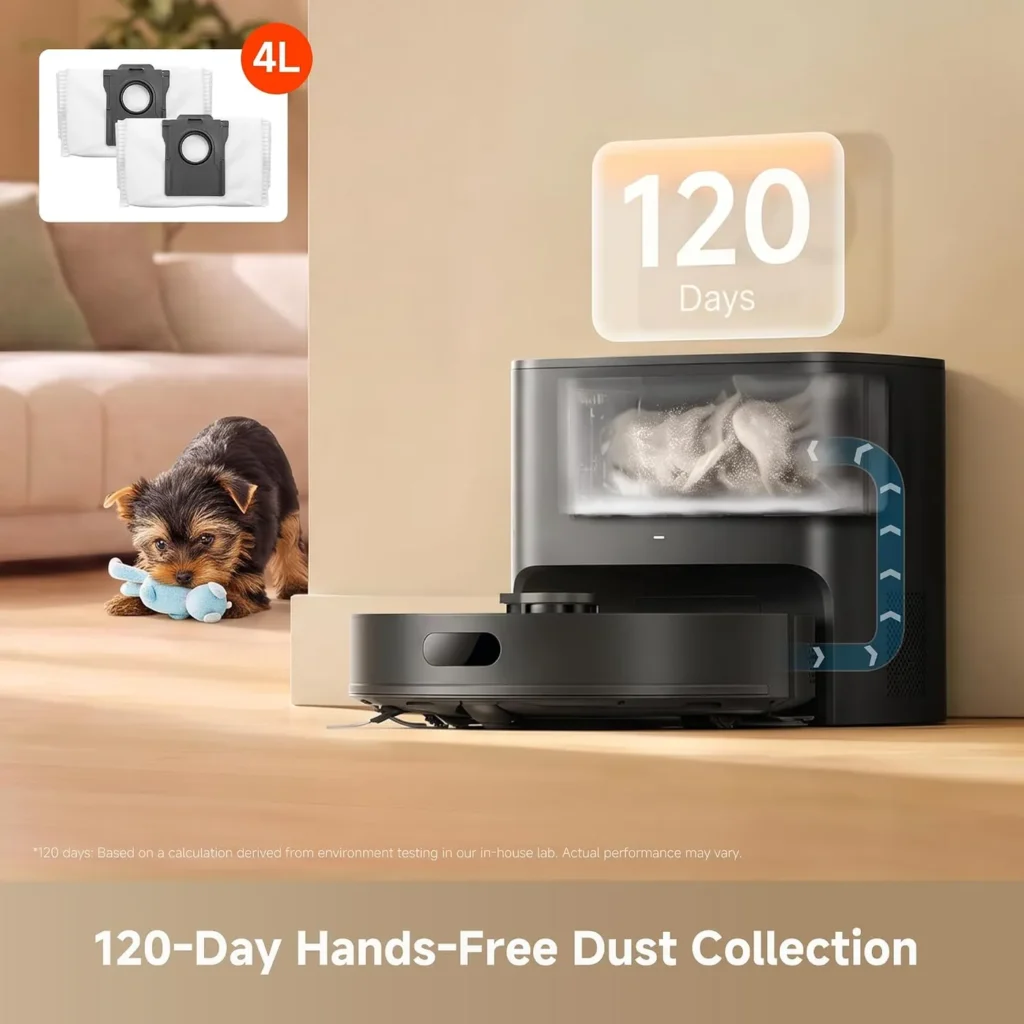
To change the bag, lift the base's dust tank cover, then seal the bag by pulling its handle outward and discard it. Wipe dust from the filter inside the base station using a dry cloth, then install a new bag and put the cover back. Dreame's spec table lists a 4L bag, and the maintenance table calls for a new one every 2 to 5 months.
Near the router, joining your Wi-Fi on 2.4 GHz
Pairing begins on the robot. Power it up by holding down its power button for 3 seconds, then get the Dreamehome app by scanning the robot's QR code. Open the app, choose "Scan QR code to connect", scan the robot's code a second time and follow the prompts. Its Wi-Fi indicator blinks during setup and stays lit once connected.
If pairing fails, stick to 2.4 GHz, because the D20 Air Plus cannot join a 5 GHz network. Re-type the password, and make sure the signal is strong where the robot sits. If everything checks out, exit and reopen the app before trying again, since the robot might not have been ready for setup.
Network faults are the one area of D20 Air Plus troubleshooting where Dreame's general help articles add steps. Allow the Dreamehome app location and local network access in your phone's settings, and keep it updated. On a dual-band router with two network names, pick the 2.4 GHz name on your phone, and use only letters and numbers in the name and password. Keep the name visible, and skip VPNs and proxies.
For a Wi-Fi reset later, the overview has you hold the power and Dock buttons at once for 3 seconds. The Reset button is the riskier route. Its setup notes say a 3-second hold disconnects Wi-Fi, while the overview says it restores factory settings.
In your hands between runs, following the care table
The manual's care table sets the pace. Wash the mop pad after every use, and clean both brushes and the dust box filter every two weeks. Each month, wipe the LDS, the bumper, the return-to-base sensor and the underside of the robot, and clear hair from the omnidirectional wheel. The base's signaling area, the auto-empty vents and the charging contacts get a monthly wipe as well.
As needed, clean the cliff sensors, the dust box, the main wheels and the water tank. Sensors get a soft, dry cloth only; the manual says damp cloths can damage sensitive elements inside. Never rinse the robot or the base, or wipe either one with a wet cloth.
Per the table, swap in a new dust box filter, side brush and mop pad every 3 to 6 months. The main brush's replacement window runs 6 to 12 months, while the dust bag's is 2 to 5 months. Real timing depends on how much the robot runs, the manual adds.
Before a long break, top the battery up to full, power the robot down and keep it somewhere cool and free of damp. Charge it at least every 3 months, which the manual says prevents damage from over-discharging. The D20 Air Plus page on Dreame's help center holds the full manual and its figures.
Conclusion
Run D20 Air Plus troubleshooting from wherever the robot stopped, and keep up the care table between runs. Some cases still go straight to Dreame. Stop using a damaged power cord, and leave battery replacement to skilled persons, as the manual asks. A robot that a 10-second hold won't shut down belongs with Dreame too, as does a fault that keeps returning after its fix. Dreame's US support team answers on +1 (866) 977-5177, Monday to Saturday 9:00 to 21:00 and Sunday 9:00 to 12:00 EDT, and at support.na@dreame.tech. If the robot ever outlives its repairs, our shortlist of mid-range robot vacuums is the next place to look.
Frequently Asked Questions
Why does the D20 Air Plus stop before reaching its base station?
Look at the path and the base. A closed door can block the way, and the base needs steady power and a fixed position while the robot is out. Clear 1.5 m (60 inches) in front of it and 0.5 m (20 inches) at each side, dust off its signaling area and dry any wet floor ahead of it. A robot set down far away may need carrying back.
What stops the D20 Air Plus from resuming a run after charging?
The manual names three causes. The Dreamehome app needs Auto Resume Cleaning turned on. Do Not Disturb, once active, stops it resuming between 22:00 and 8:00 unless you change those hours. The robot also won't resume after you carry it to the base, or use the Dock button or the app to send it there.
Why does the D20 Air Plus mop pad stay dry?
Dreame's manual covers it in three steps: confirm there is water in the tank, clean the pad if it is dirty, and refit the pad and its holder as the figures show. Pad moisture is also an app setting. Fill with plain water only, since the manual rules out detergent and disinfectant, and skip hot water, which may warp the tank.
Which buttons reset Wi-Fi on the D20 Air Plus?
Hold the power button and the Dock button together for 3 seconds, according to the manual's overview. Its setup notes also allow repeating the app's "Scan QR code to connect" step. The Reset button is riskier: the manual says its 3-second hold disconnects Wi-Fi in one place and restores factory settings in another.
Why is the dust box still full after the D20 Air Plus docks?
Check the dust bag first, then clear any blockage at the auto-empty vents of the robot, the base or the dust box. If something blocks the base's air duct, unscrew its cover and clear the duct. Do Not Disturb also prevents auto-empty tasks during its hours, so a run ending in that window leaves the dust behind.
How long does the D20 Air Plus take to charge?
About 4.5 hours from a low battery, by the manual's figure. Charging slows automatically outside 32°F (0°C) to 104°F (40°C), and dirty contacts slow it too, so wipe both sets with a dry cloth. After a full charge, both status lights glow for another 10 minutes before dimming.