Roborock Saros 10R troubleshooting usually starts the same way. The robot did something odd, and the app did not explain it. It parked in a hallway, streaked the kitchen floor, or sat on the dock without charging.
This guide is for owners, not shoppers. It covers navigation that loses its place, mopping that smears, and docking that stalls. Hair around the side brush and an app that drops off Wi-Fi are here too. For each fault, it says what to check and in what order.
Where Roborock publishes a figure or an instruction, that figure is used here. Where the company publishes nothing, this guide says so rather than guessing. It ends with consumables, because many of these faults are really a part that needed washing or replacing.
Key Takeaways
- Most faults clear with a power cycle, clean dock contacts, an empty bin and a fresh bag.
- StarSight reads from the body, not a turret, so skirts and valances can register as walls.
- Streaky mopping means low water, a long wash interval, or a floor that needed vacuuming.
- This robot joins 2.4 GHz Wi-Fi only, so a merged dual-band SSID breaks pairing.
- A clicking or non-retracting FlexiArm side brush is a warranty call, not a fix.
Roborock Saros 10R troubleshooting: the five-minute checks
Start with the cheap checks. Most faults on this machine trace to something full, something dirty, or something loose rather than to a broken robot. Work the list in order, because each step rules out the next.
Power-cycle first. Lift the robot off the dock, hold the power button, then set it back by hand. While it is off, wipe the dock contacts and the strips on the robot. A thin film of dust can stop a charge.
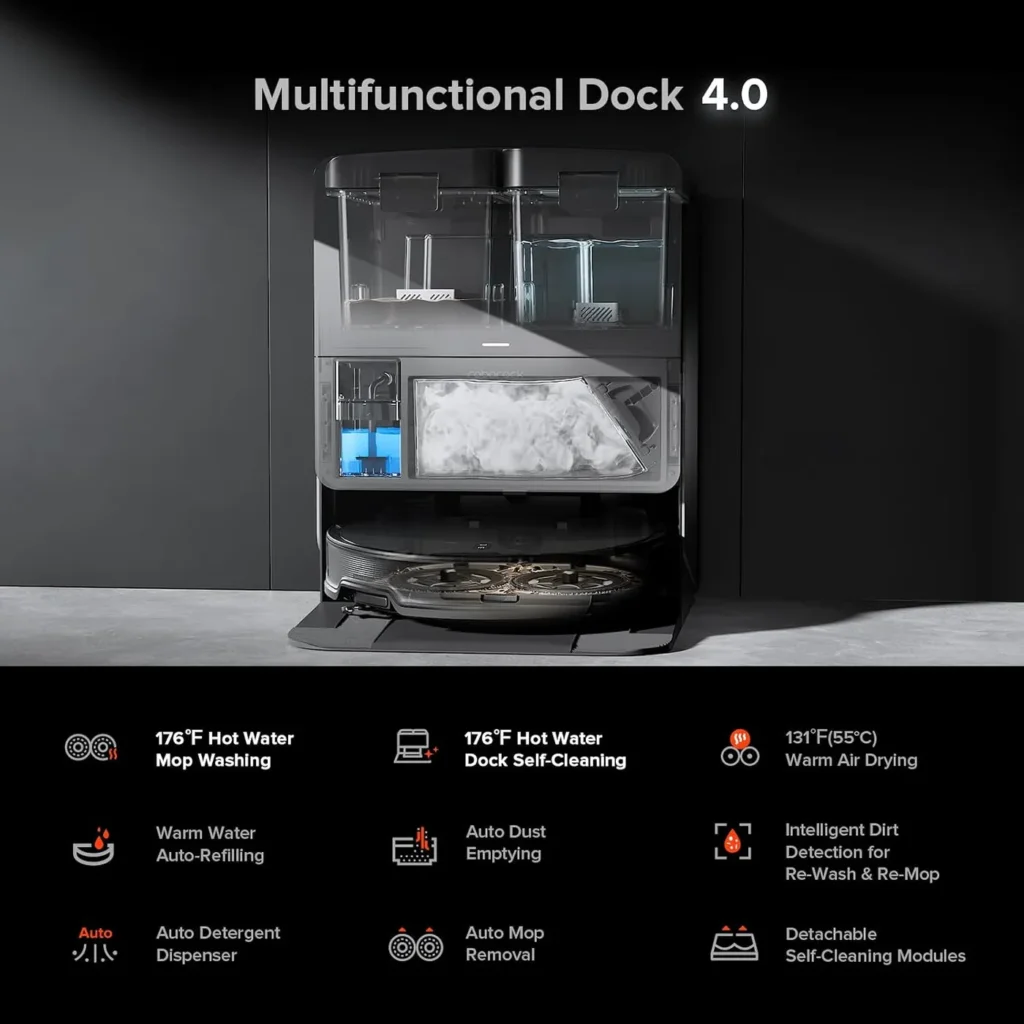
Next, empty things. Check the onboard bin, then the dust bag inside the dock. Roborock rates that dock at up to 70 days of automatic emptying. A full bag stops the purge outright, and the robot keeps running half-blind.
Then look for a clog. Pull the bin and check the intake for a compacted plug of hair. Lift the wash tray out, rinse it, and reseat both mop pads. Finally, install any pending firmware update and confirm the robot sits on your 2.4 GHz network.
Navigation: when StarSight loses its place
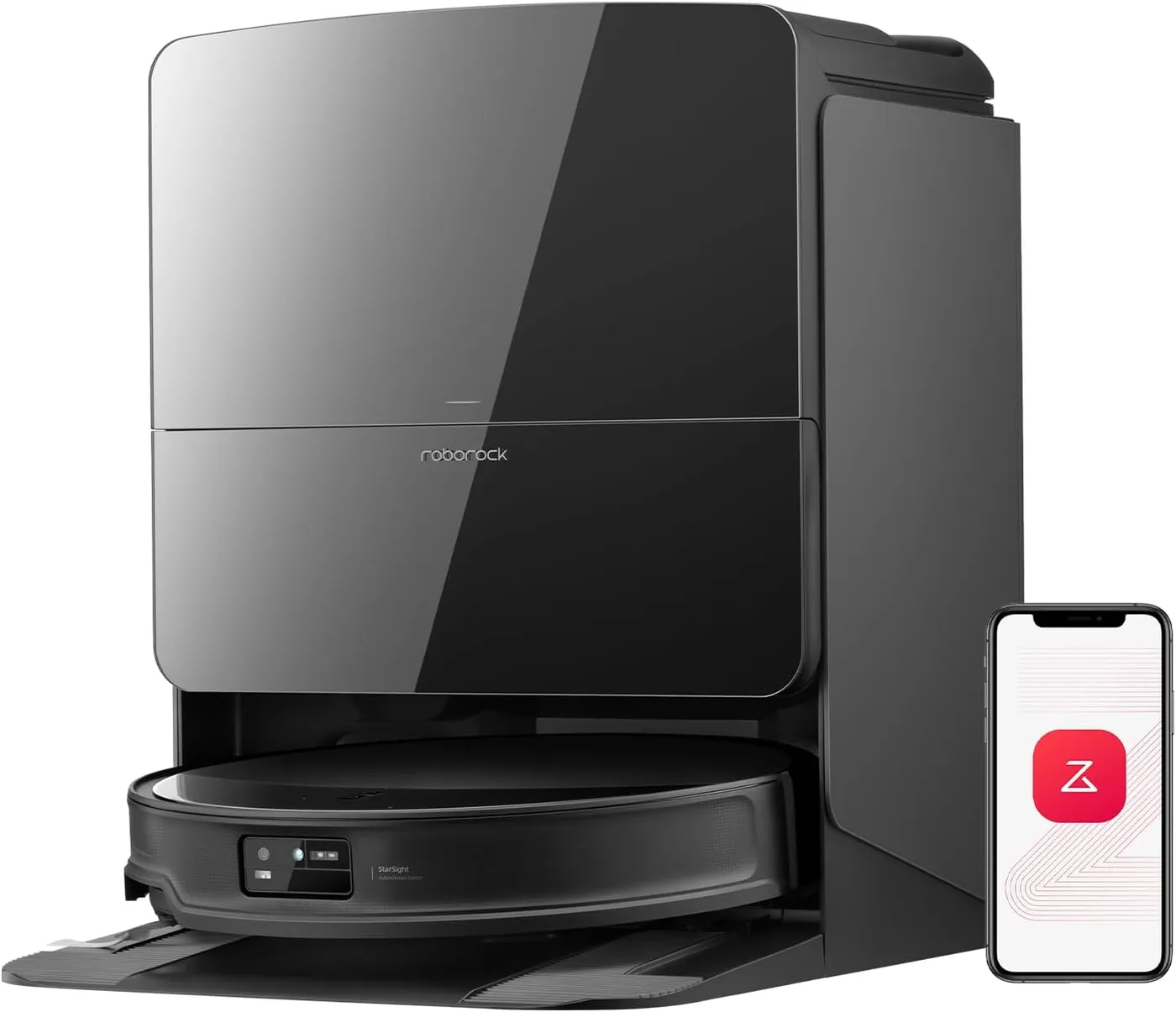
This model carries no spinning LiDAR turret. Roborock's StarSight Autonomous System 2.0 uses dual-transmitter solid-state LiDAR built into the body. That is what lets the chassis sit at 3.14 inches and slide under a bed frame.
The layout has a consequence. A turret scans above the furniture line. A body-mounted sensor reads what sits beside and in front of it. Skirted sofas and deep toe kicks can therefore register as walls.
Most Roborock Saros 10R troubleshooting that begins with "it gets lost" ends at the map. If the robot wanders or cannot find a room it cleaned yesterday, run a fresh mapping pass. Keep the furniture in its normal position, and the doors you want open, open.
Afterwards, split oversized rooms and delete phantom areas. Room order is the usual follow-up question. Roborock publishes no drag-to-reorder control, so grouping rooms into routines is the dependable way to steer the sequence.
Mopping: streaks, dirty pads and the wash cycle
Streaks nearly always mean one of three things. Too little water, a pad that was already dirty, or a floor that needed vacuuming first.
Take them in that order. Raise the water level for the room in question. Then move the mop-wash trigger from a per-room schedule to a timed one. The pads come back for a rinse far more often that way.
Roborock's dock washes mops at 176 degrees Fahrenheit and dries them at 131 degrees. It also runs a dirt-detection pass that re-washes and re-mops heavily soiled areas. None of that helps, however, if the pads dry out mid-room.
Second, stop combining jobs on a dirty floor. Vacuum-then-mop as two passes beats one simultaneous pass. Third, empty the dirty-water tank on the day you mop. Left overnight it turns sour, and the next wash carries that back to the floor.
Rugs, carpet and deeply textured tile are worth excluding in the app. Uneven grout and surface texture defeat a spinning pad. Thin rugs that the sensors do not register as carpet are worth marking as no-mop zones.
Docking and the base station
A robot that reaches the dock and then sits there is not always lost. Neither is one that docks and drives straight off again. Both usually point at a contact or a tank, not at navigation.
Work outward from the metal. Wipe the dock contacts and the robot's charging strips. Then check that the base sits flat against a wall. A dock on the edge of a rug tilts enough to break alignment.
Inside the base, three things stall a cycle. A full dust bag, an empty clean-water tank, and a dirty-water tank nobody emptied. Rinse both tanks instead of topping them up, and wipe the sensor faces while they are out.
The wash tray is the part that gets skipped. It lifts out for rinsing, and Roborock builds the dock's self-cleaning modules to detach fully. Scrub the tray weekly if you mop daily. Plenty of Roborock Saros 10R troubleshooting ends at that tray.
Hair, the main brush and the FlexiArm side brush
Roborock claims a zero percent hair-tangling rate for the DuoDivide main brush. On that narrow point the design holds up, since long hair gets split and fed inward. What the claim does not cover is whether every hair reaches the bin.
Two things break that chain. A full bin or a blocked intake makes the robot shed compacted clumps behind it. That looks like a suction fault and is not one. Meanwhile the front caster wheel collects a felted ring of hair, so pop it out and clear it.
The FlexiArm Riser side brush is the part that wears. It extends and retracts on every edge pass. Check the base for wound thread and the arm for stiffness.
A side brush that clicks once per rotation is not a maintenance job. Neither is one that refuses to retract or grinds. Stop there and read the warranty section below before you take anything else apart.
App, Wi-Fi and firmware
The Roborock Saros 10R joins 2.4 GHz Wi-Fi only. Routers that publish one merged SSID across both bands are the usual cause of a pairing loop. Split the bands during setup, or give the robot its own device network.
Dropouts after months of good behaviour are a different animal. Reboot the router first, then the robot. Only then delete the device from the app and pair it again. Re-pairing can cost you the saved map, so treat it as a deliberate step.
Firmware matters more than it sounds. Navigation behaviour can shift between releases, in both directions. Note the date when something changes, and check whether an update landed around the same time.
One app setting is worth changing before any other. Run vacuum-then-mop as a sequence rather than mopping and vacuuming in one pass. Wi-Fi is the least interesting part of Roborock Saros 10R troubleshooting. Maps live on the robot, so a scheduled clean still runs offline.
When it's a warranty case, not a fix
Some symptoms on the Roborock Saros 10R are mechanical, and no settings work will move them. Treat a repeating chirp or click that tracks brush rotation as a stop sign. So is a FlexiArm that will not retract.
The same goes for a battery that stops accepting a charge. A robot that will not drive after a reset belongs there too. So does a dock that never finishes a wash cycle.
Before you call, write the fault down properly. Note the date it started and what the app said. Record whether it happens on one map or on all of them. Then film thirty seconds of the noise, because a video says more than a paragraph.
Roborock states that all its products carry a one-year warranty. US support runs a 24/7 line on 1-855-960-4321 and an email channel at support-us@roborock.com. The full model page sits at Roborock's official Saros 10R page.
Keep your order record somewhere you can find it. Proof of purchase is the one thing you cannot reconstruct later.
Consumables and the maintenance calendar
Roborock publishes only some of the intervals that matter. This section separates what the company states from what it leaves to you.
Stated by Roborock: the dock holds up to 70 days of debris before the bag needs changing. It washes mops at 176 degrees Fahrenheit and dries them at 131 degrees. It self-cleans at 176 degrees too. The self-cleaning modules and the dock base detach fully for washing.
Three parts name the Saros 10R on their own listings: the Roborock rotating mop pads, the washable filter and the main brush cover. Roborock's store also lists a main brush for the Qrevo Curv, Qrevo Edge and Saros families. Keep a set of pads and a spare filter in the drawer, because a hardened pad or a clogged filter is behind more faults than any setting.
The Roborock floor cleaning solution is listed for every Roborock mopping robot. Roborock gives a 1:200 dilution for the tank and no dilution for the cartridge. Which bottle to buy, how the two official sizes differ, and what should never go into the tank are questions of their own, and they have a guide of their own.
Dust bags and a spare FlexiArm side brush are the remaining consumables. Check the part number against Roborock's compatibility list first. Most Roborock Saros 10R troubleshooting ends right here, at something that needed replacing.
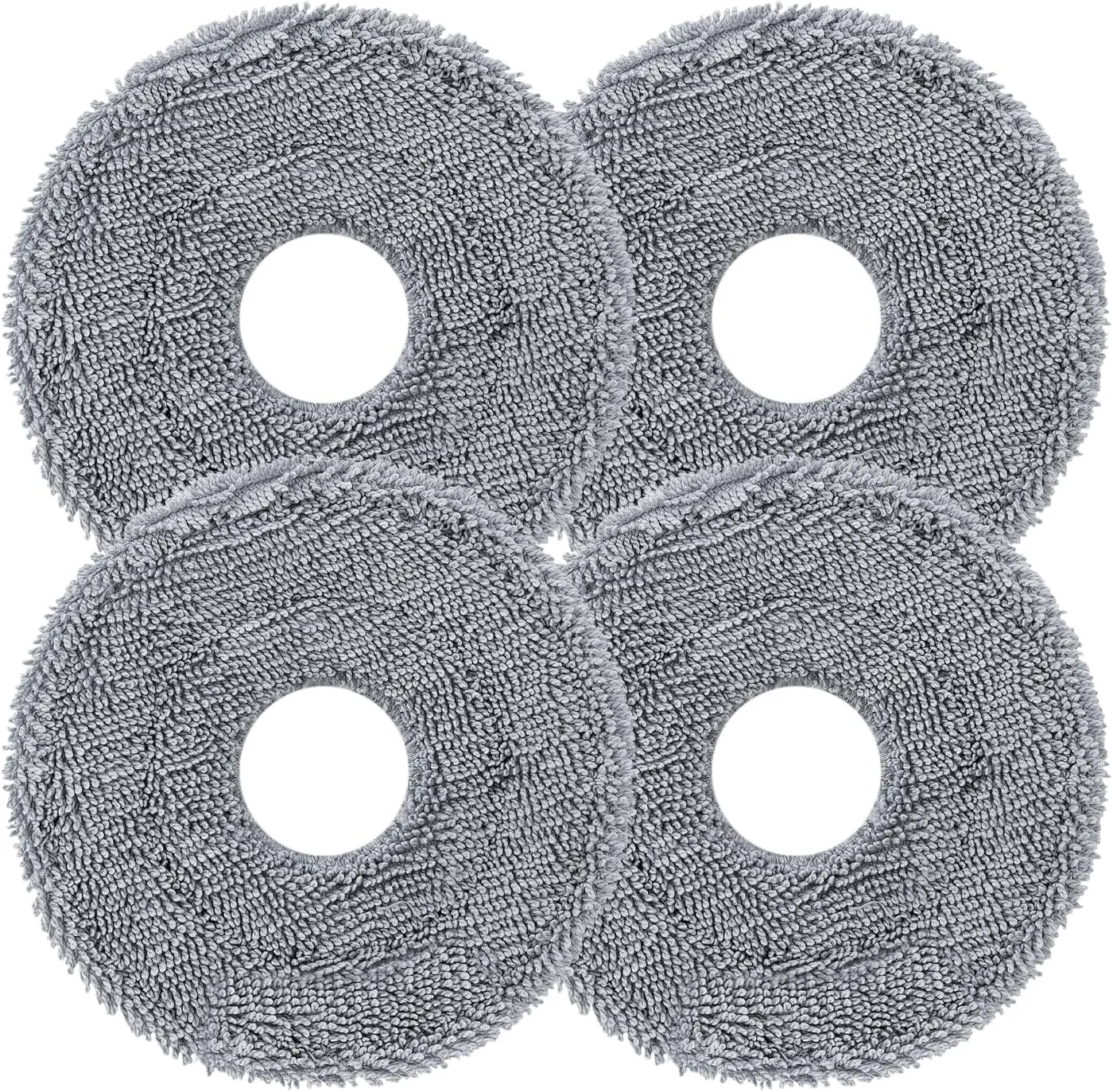
Roborock Rotating Mop Pads (4-Pack)
View on Amazon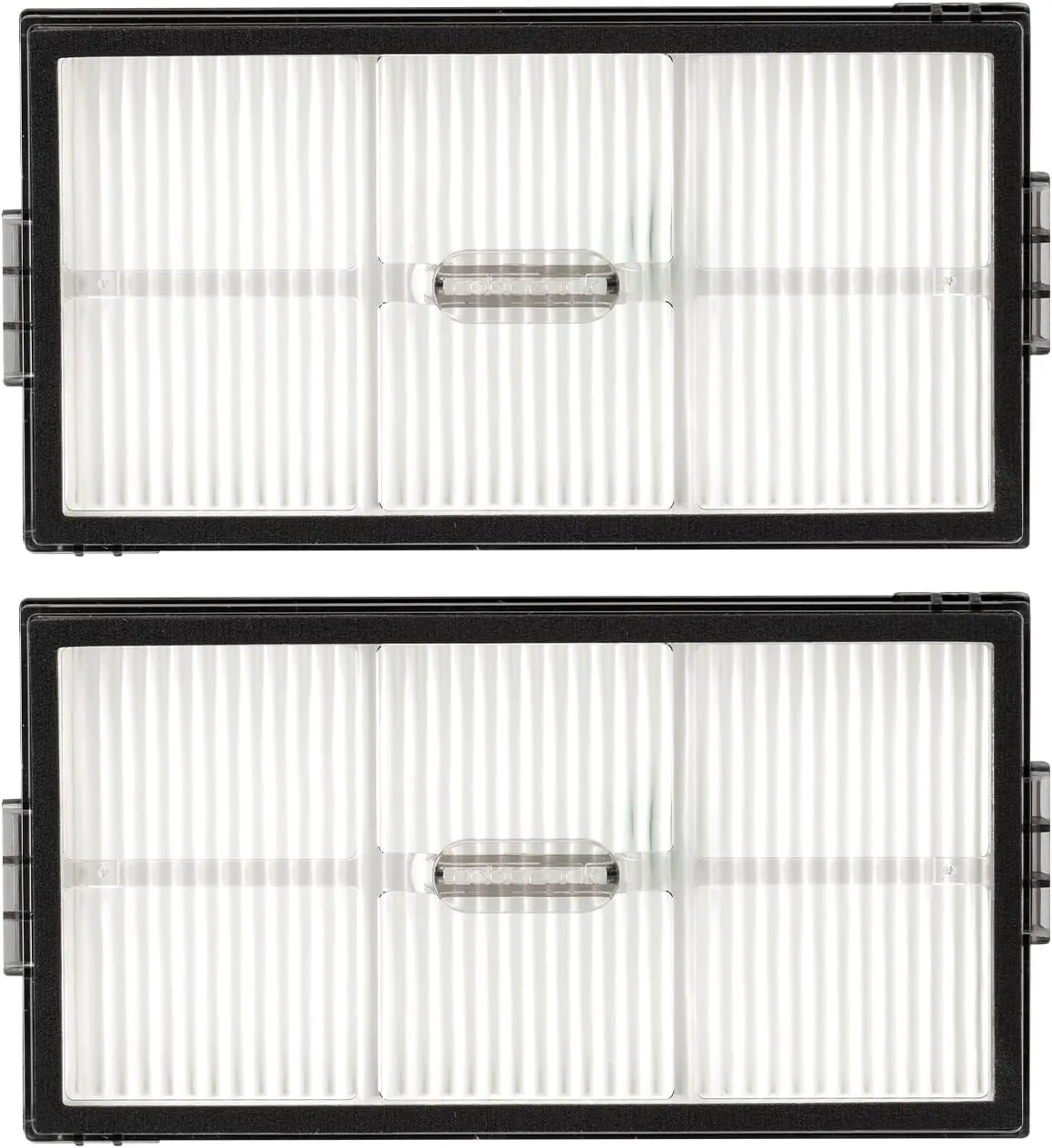
Roborock Washable Filter (2-Pack)
View on Amazon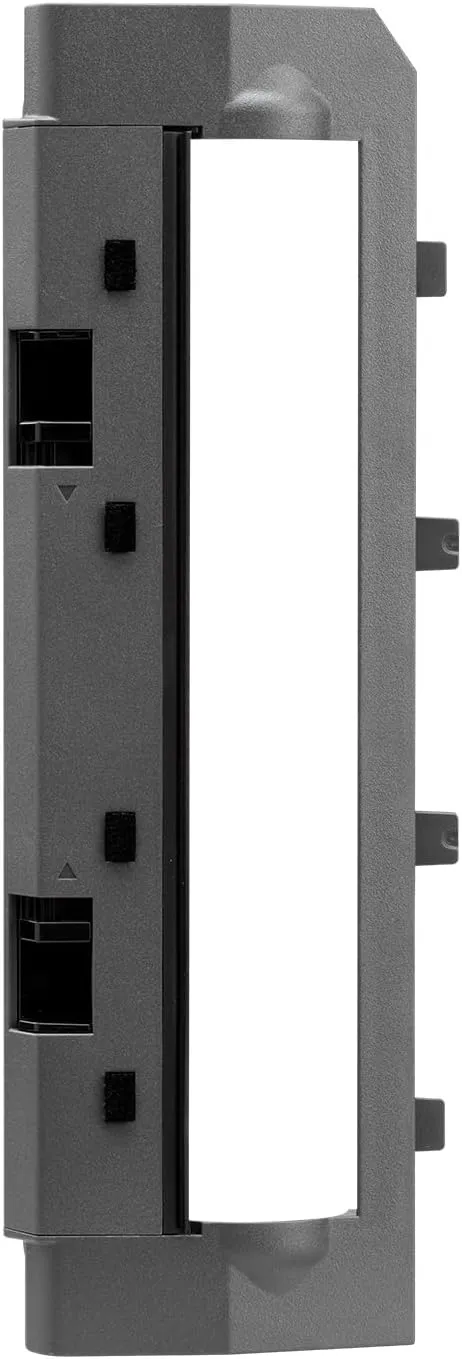
Roborock Main Brush Cover
View on Amazon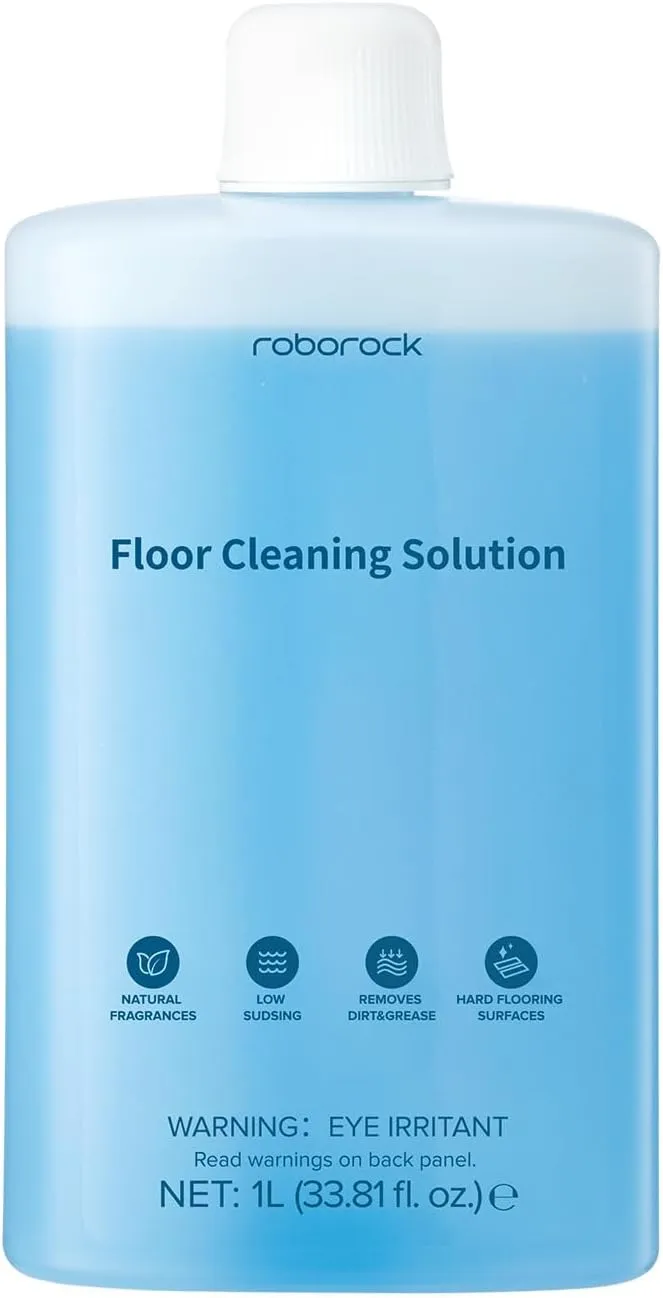
Roborock Floor Cleaning Solution (1 L)
View on AmazonConclusion
Most Roborock Saros 10R troubleshooting resolves inside the first two sections of this guide. Something was full, something was dirty, or the map no longer matched the house. None of those needs a support ticket.
The pattern worth learning is sequence. Check the consumable before the setting, and the setting before the map. Only then reach for a factory reset, because that reset costs you everything you configured.
Where Roborock publishes a figure, lean on it: 70 days of dock capacity, 176 degree washing, one year of warranty. Where it publishes nothing, build your own rhythm. Empty the dirty water on the day you mop, rinse the wash tray weekly, and clear the caster wheel monthly. A machine kept to that schedule misbehaves far less. And if a machine has genuinely reached the end of its road, the site's ranked list of the best robot vacuums is the place to start over.
Frequently Asked Questions
How do I set the room cleaning order on the Saros 10R?
Roborock publishes no drag-to-reorder control for cleaning sequence, so routines are the dependable route. Group the rooms you want done together into a routine, and give each its own suction and water settings. If the order genuinely matters, run those rooms as separate jobs rather than as one combined clean.
Can I use a third-party cleaning solution in the detergent tank?
Roborock lists its Official Floor Cleaning Solution as compatible with all its mopping robots. The company says the product is meant for Roborock machines only. It publishes no approved list of third-party cleaners, so anything else is your own risk. The practical tell is foam: heavy suds in the wash tray mean the wrong product went in.
Does the Saros 10R clean properly in a dark room?
Yes. It navigates by active sensing rather than ambient light, so an unlit room is not a problem. Very dark flooring is the harder case, because low-contrast surfaces and dark objects on them are easier to miss. Mark a problem rug or threshold in the app instead of rerunning the same job.
The mop pads look clean but the floor still isn't. What now?
Work the wet side in order. Raise the water level for that room. Then shorten the mop-wash interval so the pads rinse more often. Run vacuum-then-mop as two passes instead of one. After that, check the wash tray and the dirty-water tank. A sour tank puts its contents back on the floor. Replace the pads once the pile has gone hard.
Why does the robot stop charging even though it is sitting on the dock?
Start with the contacts. Wipe the metal strips on the dock and the matching pads on the robot. Reseat the robot by hand rather than sending it home through the app. Check that the base sits flat and square. A dock on a rug edge tilts enough to break alignment. A clean, level dock that still will not charge is a warranty matter.
How often does the dust bag need changing?
Roborock rates the dock at up to 70 days of automatic emptying. Treat that as a ceiling rather than a schedule, especially with pets or long hair in the house. Check the bag whenever the robot starts leaving clumps of hair behind it. A full bag stops the purge cycle, and nothing in the app announces it.