Meeting Owl 3 Review: Finds the Talker, Hears the Room
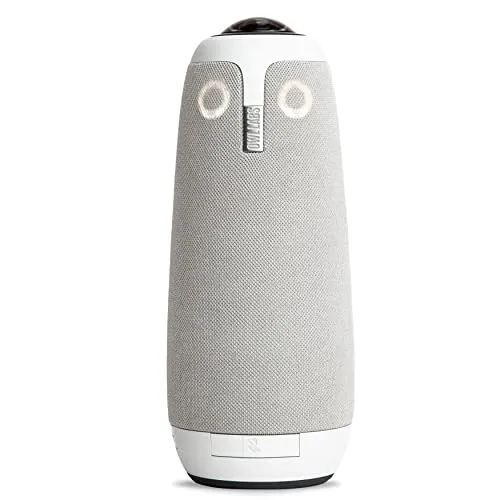
The Meeting Owl 3 finds whoever is talking and carries voices across a large room so well that a soft 1080p picture and slow support become the lesser concerns of a premium purchase.
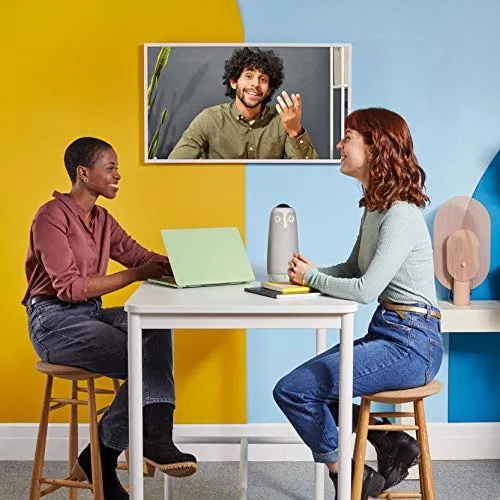
The Meeting Owl 3 hears a room better than it sees one. Its camera, microphones and speaker share one gray housing that sits mid-table. Once someone starts talking, it moves them into a close-up within a beat. The whole table stays on screen in a panorama along with that close-up. Voices from across a large room also reach the call clearly. It's meant for hybrid meetings, with part of a group at the table and the rest on a call.
Its video is the weaker half. Its camera covers the full circle of the room in 1080p. However, faces on screen can look soft and grainy. Still, for a hybrid meeting, finding and hearing the talker count for more than a sharp face.
Lost in a wide shot
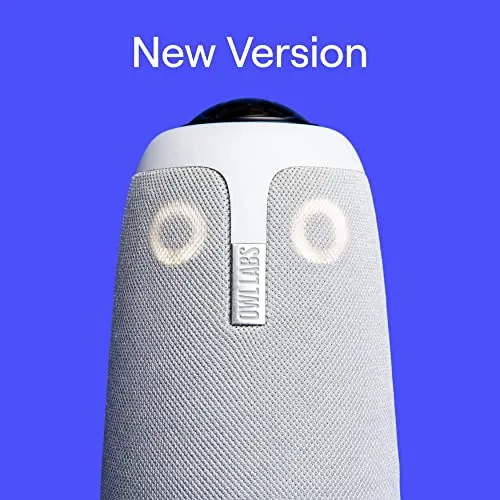
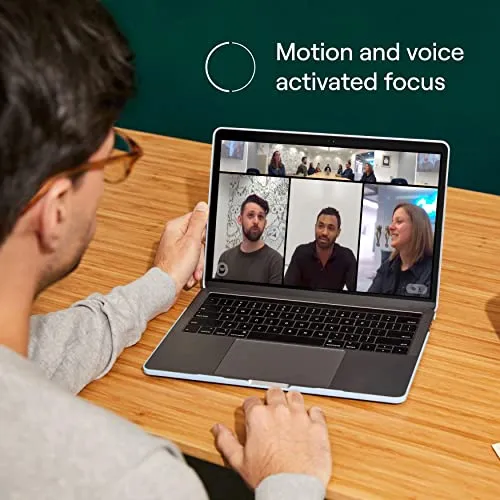
Whoever speaks gets pulled out of the panorama. From the middle of the table, its 360-degree view takes in every seat at once. The group can sit face to face around the table, with no need to line up along one side. The far end sees a panorama of the whole room along with a close-up of the person talking. When the conversation passes to another seat, the close-up follows quickly. It lands on the right face most of the time, even in a large room. Each person who speaks gets the same prominence on screen, wherever they sit at the table. Owl Labs says its Owl Intelligence System reads visual and audio cues to capture the best view of whoever is speaking in the room. The Meeting Owl 3 makes those choices by itself.
Crosstalk is where the design pays off most. When two or three talk at once, each gets a panel of their own, side by side. For a talk, there is also a presenter mode that keeps the close-up on one person.
For the far end, the effect comes close to a seat at the table. The panorama earns its place as well, since it shows who else is at the table. Owl Labs pitches the tracking as a way for remote participants to take a full part in hybrid discussions, and on that count the pitch holds. On the call, a back-and-forth is easy to follow, with little need to ask who is talking. As a result, a hybrid meeting turns more interactive and inclusive.
Softened on screen
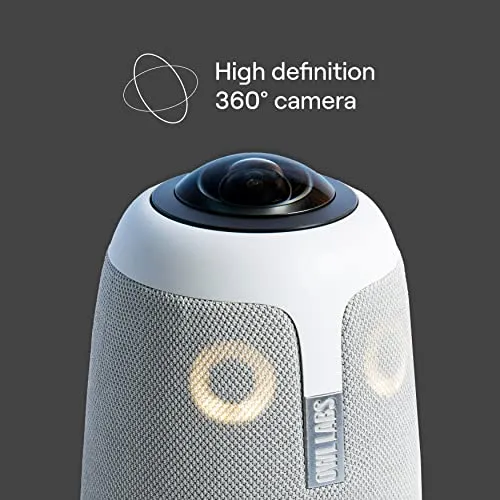
Faces can lose their edges and pick up grain. For a camera that sells itself on showing the far end the room, that's an awkward flaw. Owl Labs lists the video as 360 degrees in 1080p HD. My read is that 1080p has a whole room to cover here, and the close-up shows the strain. Still, the tracking keeps doing its job when the picture disappoints.
For many calls, however, the picture is good enough. Judged purely as video, though, it's ordinary. The price makes that harder to forgive. My guess is that a large room shows the softness most.
Muffled across the table
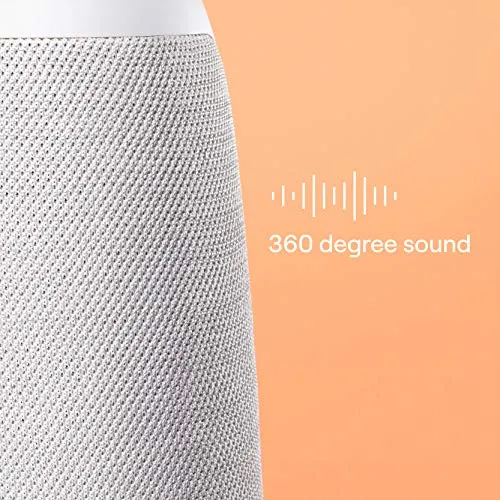
Voices carry well. Owl Labs rates the 360-degree pickup at up to 18 feet, or 5.5 meters. Even speech from well across a large room comes through clearly. The far end therefore hears the whole discussion, including the talkers farthest from the unit. Along with the tracking, pickup is where the Meeting Owl 3 is strongest. Yet the same unit whose picture disappoints carries voices cleanly.
It suits meetings with several talkers around one table, board meetings especially. Weekly team meetings and client calls also fit it well. Some voices still come through faint at the other end, however.
Similarly, the built-in speaker sounds good. Its volume can be awkward to set for the room, though.
Distracted by a noise
The close-up follows sound. Because of that, a noise that isn't someone talking can pull it away from the person who is. The shot jumps to a part of the room where no one is speaking. Other sounds in the room can compete with the talkers for its attention.
It doesn't happen often enough to undo what the tracking gets right. Still, the Meeting Owl 3 does its best work in a room where voices are the only sound.

Held up at the start
It plugs into the computer running the call over USB. It then works with Zoom and Teams. There's little to configure, and a meeting can start within minutes of plugging it in. After that, starting a call on it needs no technical skill at all. For a device that lives in a shared room, that quick start counts for a great deal. It also gets along with a range of computers.
Owl Labs lists it as certified for Microsoft Teams and compatible with most other web-based platforms. An office can also put one in each of several rooms. For that, Owl Labs says its management tool, The Nest, handles bulk registration and default settings.
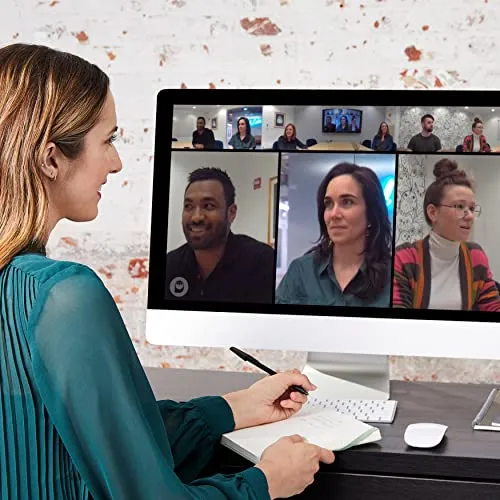
Moved to a bare room
At 2.61 pounds, the Meeting Owl 3 carries easily. It moves between meeting rooms and out to other sites. There, a room with no video gear of its own becomes a meeting room once it's set up. Setup on the road is just as easy.
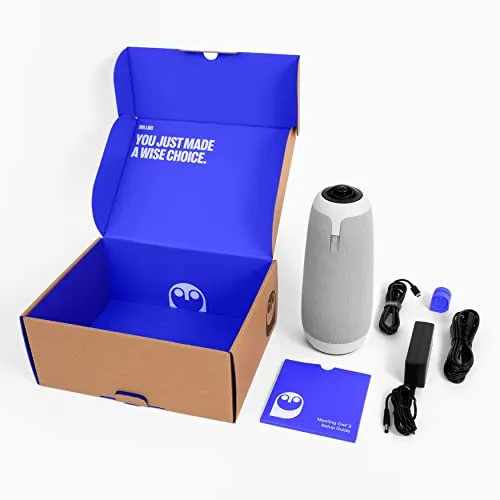
Still, the cables come along too, and they're the fiddly part. It runs on two cords: one for power, and the supplied USB cable to the computer. Both plug into a cramped space underneath the unit, where seating a plug takes patience.
Spread too far for one Meeting Owl 3
One unit suits a small or medium conference room. A long table can outgrow a single unit. Owl Labs says a second Meeting Owl or an Owl Bar can pair with the first. It lists an Expansion Mic for a larger space as well. Paired, the two cover more of the room between them. Within range, a pair can do that job well.
However, a second unit must sit within roughly eight to twelve feet of the first. Past that, the two struggle to link. For a long, narrow room, that limit can therefore rule out a pair altogether.
Two Meeting Owls also mean two premium-priced units. Overall, a long room is a problem the Meeting Owl 3 eases more than it solves.
Cut off by a faulty unit
Not every Meeting Owl 3 behaves. Some have trouble staying connected, and some need restarts. A few arrive faulty or give out early. Other units, on the other hand, keep working with next to no support.
When a unit does fail, replies from Owl Labs can be slow, and some requests go unanswered. Given what the device costs, slow support is the purchase's second real weakness, after the picture. Owl Labs' advice doesn't always fix the fault, either.
Pros: What we liked
- Pro: Moves a close-up to whoever is talking within a beat, and usually picks the right face
- Pro: Shows two or three simultaneous talkers side by side, each in a panel of their own
- Pro: Microphones carry speech from across a large room; Owl Labs rates pickup at up to 18 feet
- Pro: Plugs in over USB and works with Zoom and Teams within minutes, with little to configure
- Pro: Light enough at 2.61 pounds to carry between rooms or out to other sites
Cons: What could be better
- Con: The 1080p picture can look soft and grainy
- Con: Noise that isn't a talker can pull the close-up away from the person speaking
- Con: Runs on a power cord and a USB cable, both seated in a cramped space underneath
- Con: A paired second unit has to sit within roughly eight to twelve feet, or the link struggles
- Con: Some units prove unreliable or fail early, and support can be slow to answer
Best For
- Offices running hybrid meetings around one table, with part of the group on a call
- Boards whose remote members need to see and hear whoever is speaking
- Teams that hold meetings in more than one place and carry their setup with them
- Small and medium conference rooms
Not Ideal For
- Anyone who needs sharp, detailed faces on screen
- Long, narrow rooms that would need two units spaced far apart
- Tables where a power cord and a USB cable to the computer are unwelcome
| Specification | Details |
|---|---|
| Video | 360°, 1080p HD |
| Audio pickup | 360°, up to 18 ft (5.5 m) |
| Speaker focus | Automatic, via the Owl Intelligence System's visual and audio cues |
| Connection | Plug-and-play USB |
| Certification | Certified for Microsoft Teams |
| Also works with | Zoom, GoTo Meeting, Google Meet, Cisco Webex |
| Expansion | Second Meeting Owl, Owl Bar or Expansion Mic |
| Device management | The Nest (bulk registration, default settings) |
| Dimensions | 10.72 x 4.37 x 4.37 in |
| Weight | 2.61 lb |
Alternatives Worth Considering
Final Verdict
The Meeting Owl 3 clears the two failures that hurt a hybrid meeting most. One is a talker the far end can't place, and the other is a voice it can't hear. It also takes the fuss out of starting a call, in its own room or a borrowed one. A long room it only eases, because a second unit has to sit close by. A soft picture and the odd failing unit are the problems it brings.
Knowing who is talking, and hearing them, is what a hybrid meeting can least do without. Ultimately, the Meeting Owl 3 does both well enough to earn its premium, if narrowly.
Frequently Asked Questions
Which platforms does the Meeting Owl 3 work with besides Teams?
Owl Labs names Zoom, GoTo Meeting, Google Meet and Cisco Webex among the web-based video conferencing platforms it works with.
How quickly can a first meeting start?
Owl Labs says a first meeting can start within six minutes of opening the box.
Does it work with the Whiteboard Owl?
Owl Labs lists its Whiteboard Owl as compatible, to round out a hybrid room setup around the Meeting Owl 3.
Which model is this?
It's the Grey Meeting Owl 3, part number MTW300-1000, which its Amazon listing dates to June 7, 2022.
The Verdict
The Meeting Owl 3 finds whoever is talking and carries voices across a large room so well that a soft 1080p picture and slow support become the lesser concerns of a premium purchase.