A streaming microphone has one job the rest of the category does not: it gets operated while you are live, on camera, and unable to stop and fix anything. That rules out much of what we recommend in the main guide. The conference unit built to catch a whole table also catches your keyboard, the budget gooseneck belongs at a meeting desk, and the flagship XLR kit is a project with an interface and a boom arm attached.
What survives is narrower: USB, tight enough to reject the room, and built around a hardware mute and a real gain knob, because no settings panel is reachable mid-broadcast. Every pick below is judged against the same criteria, including the trade-off most of them share, which is bulk.
Our Top Picks
Compare all 9 picks
| Spec | #1 HyperX QuadCast | #2 SteelSeries Alias Pro XLR Microphone Kit | #3 SteelSeries Alias USB Microphone | #4 MAONO GamerWave USB Gaming Microphone | #5 WMT USB Condenser Gaming Microphone | #6 FIFINE AmpliGame A8 USB Gaming Microphone | #7 BBeiyy Gaming USB Microphone with Boom Arm | #8 Razer Seiren V2 X USB Condenser Microphone | #9 Razer Seiren V3 Chroma USB Microphone |
|---|---|---|---|---|---|---|---|---|---|
| Score | 9.2 | 9.6 | 9.6 | 9.4 | 9.4 | 9.2 | 9.2 | 9 | 9 |
| Form factor | USB, Condenser | XLR | USB | USB, Condenser | USB, Condenser | USB, Condenser | USB | USB, Condenser | USB, Condenser |
| Platform / ecosystem | Mac, Windows / PC, PlayStation 5 | Windows / PC | Windows / PC | Windows / PC, PlayStation 5 | Mac, Windows / PC, PlayStation 5 | Mac, Windows / PC, PlayStation 5 | Mac, Windows / PC, PlayStation 5, PS4 | Windows / PC | Windows / PC |
| Specific feature | LED lights | LED lights | Mute button | LED lights | LED lights | LED lights | LED lights, Mute button | — | LED lights, Mute button |
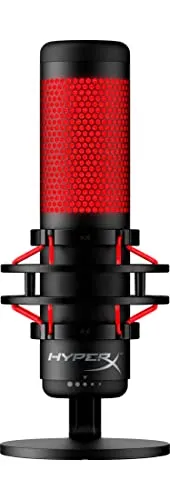
HyperX QuadCast
In summary, the HyperX QuadCast is an exceptional USB condenser gaming microphone that stands out for its sound quality, versatility, and user-friendly features.
Read our full reviewCheck Price on Amazon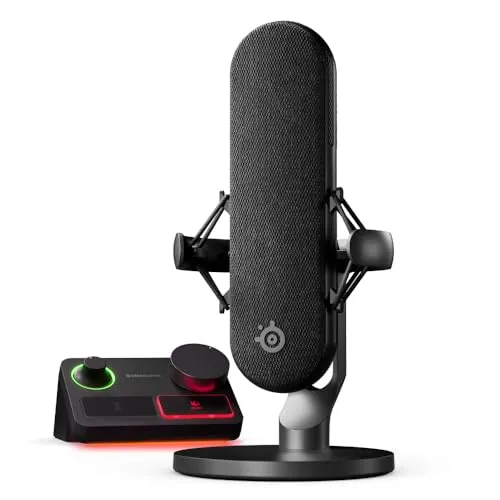
SteelSeries Alias Pro XLR Microphone Kit
The SteelSeries Alias Pro is not merely an addition to your gaming or streaming setup; it's a comprehensive upgrade that enhances every aspect of your audio production.
Read our full reviewCheck Price on Amazon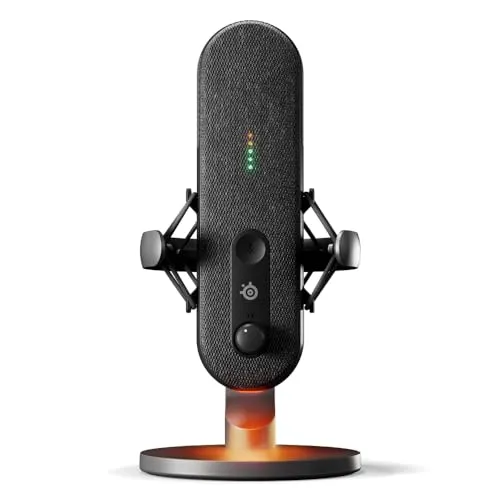
SteelSeries Alias USB Microphone
The SteelSeries Alias USB Mic is not just a tool; it's a testament to SteelSeries' commitment to quality and innovation in the realm of digital audio.
Read our full reviewCheck Price on Amazon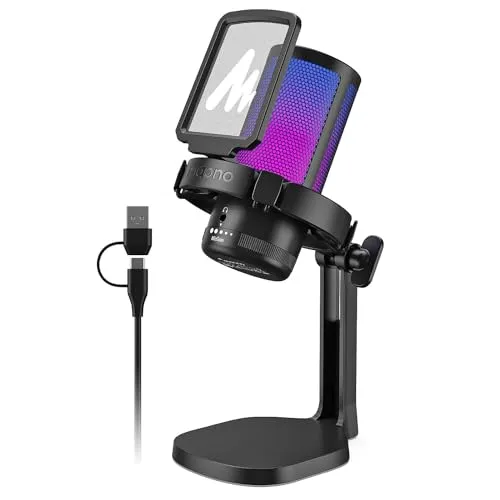
MAONO GamerWave USB Gaming Microphone
In conclusion, the MAONO USB Gaming Microphone GamerWave is a top-tier choice for gamers and streamers seeking high-quality audio with additional aesthetic and functional features.
Read our full reviewCheck Price on Amazon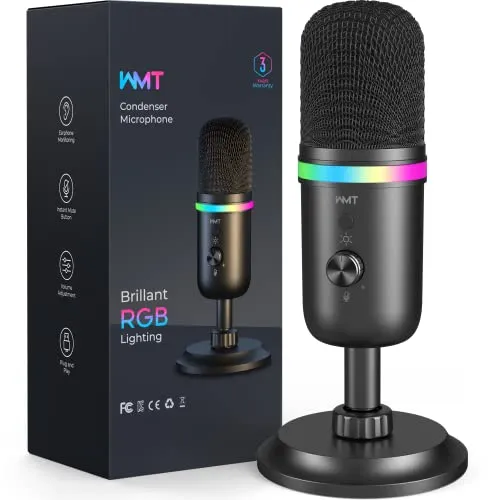
WMT USB Condenser Gaming Microphone
The WMT USB Microphone is a top-tier audio device that combines aesthetic appeal with high-quality sound performance and ease of use.
Read our full reviewCheck Price on Amazon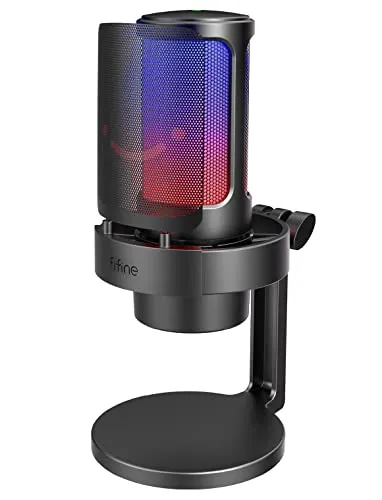
FIFINE AmpliGame A8 USB Gaming Microphone
The FIFINE AmpliGame A8 is a testament to FIFINE's commitment to delivering quality audio solutions.
Read our full reviewCheck Price on Amazon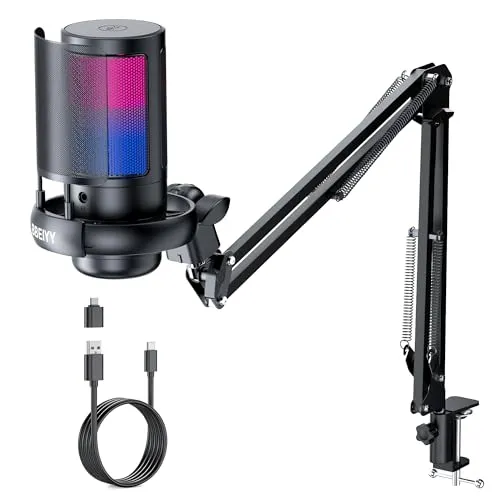
BBeiyy Gaming USB Microphone with Boom Arm
In conclusion, the BBeiyy Gaming USB Microphone for PC with ARM is more than just a microphone; it's an integral part of your gaming setup, enhancing every aspect of your broadcasting or gaming exp…
Read our full reviewCheck Price on Amazon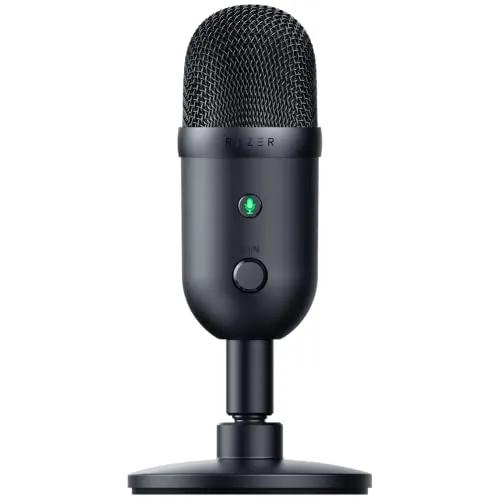
Razer Seiren V2 X USB Condenser Microphone
In conclusion, the Razer Seiren V2 X is a top-tier choice for gamers and streamers who are serious about their audio quality.
Read our full reviewCheck Price on Amazon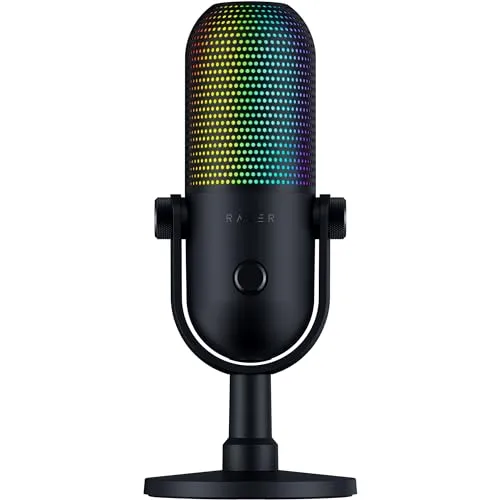
Razer Seiren V3 Chroma USB Microphone
The Razer Seiren V3 Chroma stands as a testament to Razer's innovation and dedication to the gaming and streaming community.
Read our full reviewCheck Price on AmazonBuying Guide
Decide first whether the microphone will be in frame. Nearly every pick here is bulky, because a large capsule and a body meant to be seen cost desk depth, a fair trade only if the camera sees it. Lighting follows the same logic: RGB is styling, not audio, and opinion cuts both ways.
Then weigh hardware over software. A tap-to-mute pad and a physical gain knob matter more here than anywhere else, because no settings panel is reachable mid-broadcast, while the most feature-heavy pick here gates its noise cancellation and audio tuning behind a companion app: powerful, but another install to maintain and one more thing to fail before you go live. Finally, treat mounting as part of the purchase. A streaming desk transmits keyboard thump into the capsule, and a shock mount or arm does more about that than any pickup-pattern spec.
Related Articles
Conclusion
Streaming is the use case that punishes the wrong microphone fastest. A mic that sounds fine on a call can pick up your keyboard, hide its mute in a menu, or crowd a desk you also need for a monitor and a mouse. The lineup above is built from that angle: cardioid-leaning USB models with controls you can reach without leaving the broadcast, with each pick's drawbacks printed rather than buried.
This page is maintained, not archived. As newer microphones gather enough owner feedback to judge fairly, we re-run the analysis and re-rank; anything that drifts gets replaced. Check back before you buy.
Frequently Asked Questions
Does RGB lighting on a streaming microphone affect audio quality?
No. Lighting is styling, and opinion splits on it: the LEDs read as distracting on a desk to some, as part of the on-camera setup to others, and at least one strong pick is criticized purely for having none. Judge these mics on controls and pickup, then decide the lighting separately.
Do I need a shock mount or boom arm for streaming?
More than most buyers expect. A streaming desk is a noisy desk, keyboard, mouse, elbows, and that vibration travels through a rigid stand into the capsule. Some picks include a shock mount or ship with an arm, and at least one is marked down for lacking one. Check the box contents before assuming.
Do streaming microphones need companion software?
Mostly not. Several picks here are plug-and-play, with gain, mute, and monitoring built into the body. The exception is the most feature-heavy pick, whose noise cancellation and audio tuning need an install, and whose settings are overwhelming for beginners. If you want no setup at all, buy controls you can touch.