Plugging a headset into a Mac is not the same problem as plugging one into a PC, and that rules out much of what we recommend elsewhere in this guide. The budget defaults there are USB-A only — fine behind a desktop, an argument with a MacBook that offers only USB-C. The wireless flagships lean on a branded USB adapter, which inherits that same problem and occupies a port you were already short on.
The picks here are the ones whose makers commit to macOS on the box: Mac-listed USB headsets, multiplatform gaming sets, and wired stereo workhorses macOS recognizes without a driver. That commitment shows up less in sound than in the small things — a mute button the system honors, a boom mic macOS selects on its own, controls that don't lean on a companion app written for Windows first.
Our Top Picks
Compare all 10 picks
| Spec | #1 Turtle Beach Stealth 600 Gen 2 MAX for PlayStation | #2 Plantronics Blackwire 3220 | #3 Logitech H540 USB Computer Headset | #4 Turtle Beach Stealth 600 Gen 2 USB Wireless Gaming Headset | #5 Corsair HS65 Wireless Gaming Headset | #6 NUBWO HW02 USB Computer Headset | #7 Logitech H340 USB Computer Headset | #8 Logitech H570e Wired Headset | #9 Logitech H111 Wired Headset | #10 Plantronics Blackwire 3210 Wired Headset |
|---|---|---|---|---|---|---|---|---|---|---|
| Score | 9.4 | 9 | 9.4 | 9.4 | 9.4 | 9.2 | 9 | 9 | 9 | 8.6 |
| Form factor | Wireless | Wired, USB | Wired | Wireless | Wireless, Bluetooth | On-ear, Wired | Wired | Wired, USB | Wired | Wired |
| Platform / ecosystem | Windows / PC, PlayStation 5, Nintendo Switch | Windows / PC | Windows / PC | Windows / PC, PlayStation 5, Nintendo Switch, PS4 | Windows / PC, PlayStation 5, PS4 | — | Windows / PC | Windows / PC | Windows / PC | Windows / PC |
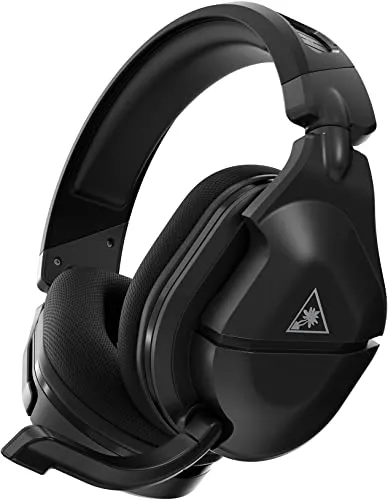
Turtle Beach Stealth 600 Gen 2 MAX for PlayStation
The Turtle Beach Stealth 600 Gen 2 MAX stands out as a top-tier gaming headset, excelling in multiplatform compatibility, battery life, wireless connectivity, sound quality, and comfort.
Read our full reviewCheck Price on Amazon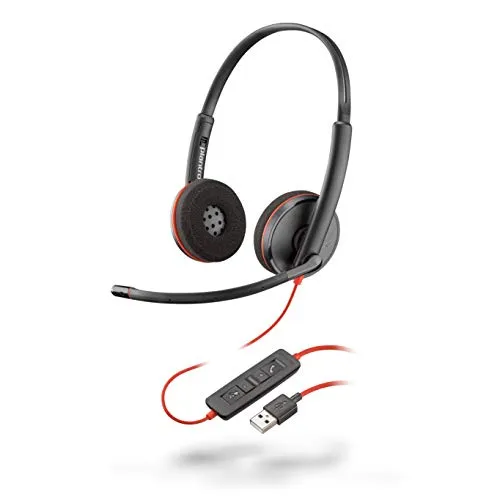
Plantronics Blackwire 3220
The Plantronics – Blackwire 3220 stands as a testament to quality and reliability in the audio device market.
Read our full reviewCheck Price on Amazon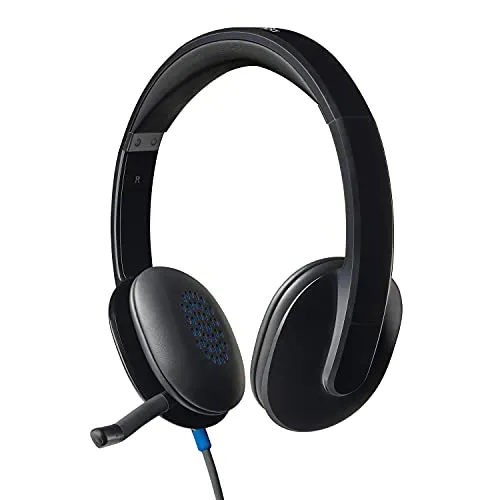
Logitech H540 USB Computer Headset
The Logitech High-Performance USB Headset H540 is an exemplary product in the realm of professional and personal headsets.
Read our full reviewCheck Price on Amazon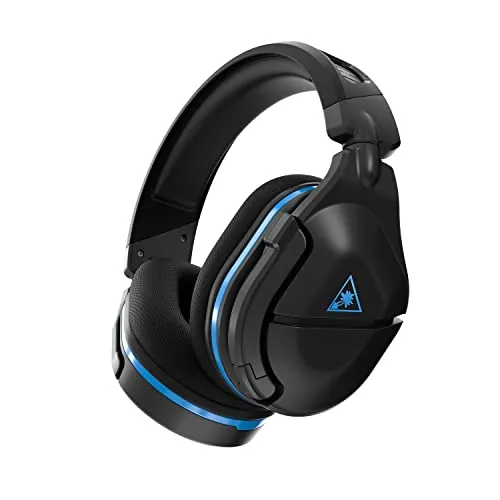
Turtle Beach Stealth 600 Gen 2 USB Wireless Gaming Headset
The Turtle Beach Stealth 600 Gen 2 USB Wireless Amplified Gaming Headset is a testament to Turtle Beach's commitment to quality gaming accessories.
Read our full reviewCheck Price on Amazon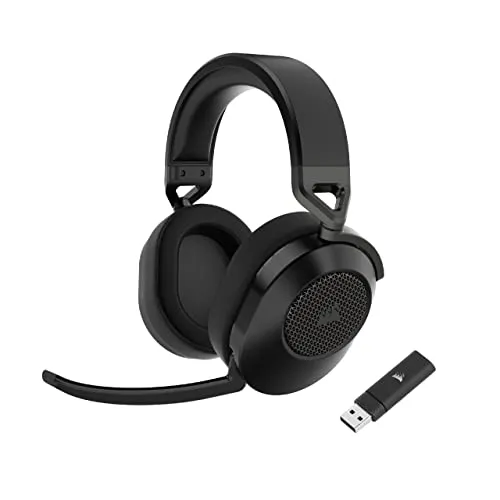
Corsair HS65 Wireless Gaming Headset
The Corsair HS65 Wireless Multiplatform Gaming Headset is a formidable contender in the crowded market of gaming audio solutions.
Read our full reviewCheck Price on Amazon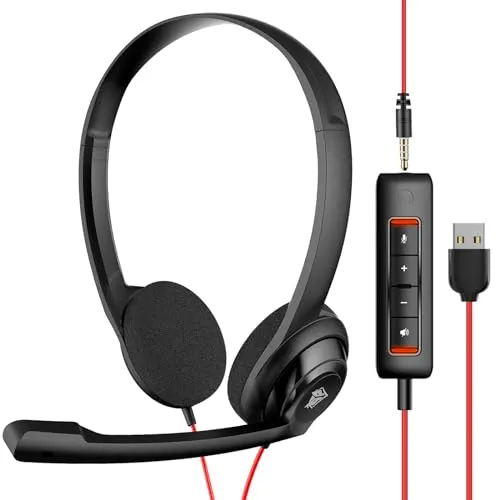
NUBWO HW02 USB Computer Headset
The NUBWO HW02 USB Computer Headset is an exemplary product that perfectly balances audio quality, comfort, and user convenience.
Read our full reviewCheck Price on Amazon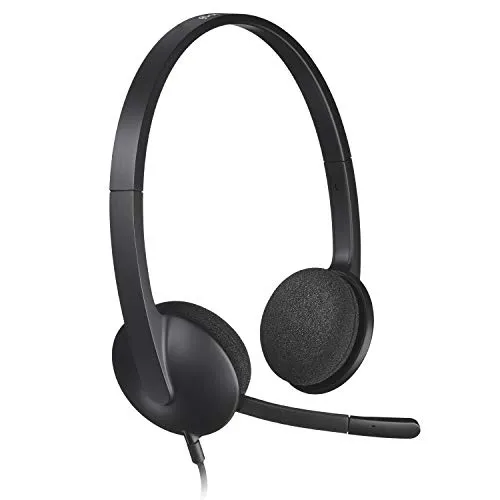
Logitech H340 USB Computer Headset
The Logitech USB Headset H340 is a robust, versatile headset that stands out for its ease of use, clear sound quality, and comfortable design.
Read our full reviewCheck Price on Amazon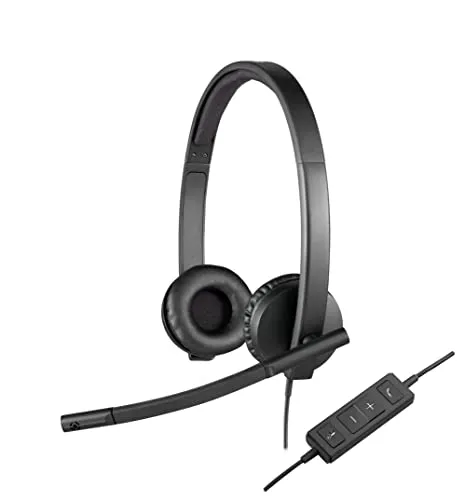
Logitech H570e Wired Headset
The Logitech H570e Wired Headset is an exemplary product for professionals who require reliability, comfort, and quality in their communication tools.
Read our full reviewCheck Price on Amazon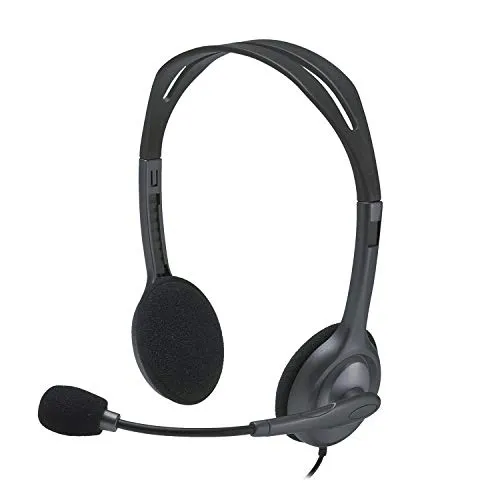
Logitech H111 Wired Headset
The Logitech H111 Wired Headset is a solid choice for anyone in search of a reliable, high-quality audio solution.
Read our full reviewCheck Price on Amazon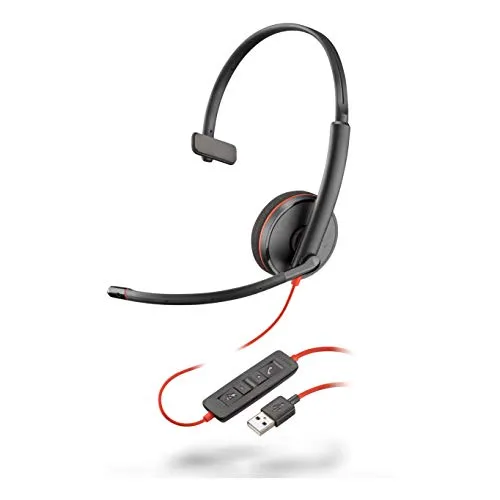
Plantronics Blackwire 3210 Wired Headset
The Plantronics Blackwire 3210 emerges as a solid choice for a wired, single-ear headset in the market.
Read our full reviewCheck Price on AmazonBuying Guide
Start with port math, not sound. A USB-A headset needs a hub or adapter on any recent Mac, and that adapter becomes a permanent part of the setup. The 3.5 mm jack survives on MacBooks and is the least fussy connection there is — you just give up the inline USB controls and the mute indicator that call-focused models rely on.
Wireless splits the same way. A USB transmitter guarantees a stable, low-latency link but costs you a port; Bluetooth costs nothing but drops into a call profile the moment the microphone goes live, and the audio thins noticeably. Then check the software. EQ, sidetone, and firmware tools are frequently Windows-first, so on a Mac plan to live with the default tuning. Surround modes advertised on multiplatform gaming headsets are usually tied to a console or a Windows driver — expect plain stereo from macOS.
Conclusion
Buying for a Mac is mostly a connectivity decision wearing an audio decision's clothes. Sort out how the headset reaches the machine — a spare USB-C port, a hub you will tolerate forever, the headphone jack, a transmitter, or Bluetooth — and the shortlist narrows on its own. After that, weigh the microphone, because it is the part macOS cannot improve for you, and comfort, because a headset you resent wearing is a headset you stop using.
This page is maintained rather than published and forgotten. As verified-owner feedback accumulates and macOS keeps changing what plugs into what, we re-run the same synthesis and update the lineup.
Frequently Asked Questions
Do I need an adapter to use a USB headset with a MacBook?
If the headset ends in USB-A, yes — current MacBooks offer only USB-C, so you will need a hub or a USB-C adapter permanently in the chain. Headsets that terminate in USB-C or use the 3.5 mm jack skip that step entirely. Count that adapter as part of the purchase, not an afterthought.
Will a headset marketed for PC and gaming consoles work properly on a Mac?
Audio and microphone usually work, because macOS treats standard USB and Bluetooth headsets as class-compliant devices with no driver needed. What often does not carry over are the extras — surround modes, EQ presets, sidetone, and firmware updates delivered through a Windows-only companion app. Check the maker's support page for a macOS version before assuming.
Why does sound quality drop on my Mac when I switch the headset mic on?
That is Bluetooth, not the headset. When macOS starts using a Bluetooth headset's microphone, it switches the link to a hands-free call profile that sacrifices playback fidelity for two-way audio. A USB connection or a dedicated wireless transmitter avoids the compromise entirely. It is the most common surprise when moving from wired to wireless.